Calendar
Calendar
This configuration page features Start Of Day (start of working day in hours, default: 8), End Of Day (end of working day in hours, default: 18), Start Of Calendar Day (upper Calendar View cut off, default: 4), End Of Calendar Day (lower Calendar View cut off, default: 22), Days of Week (working days of week 0-Sunday 1-Monday 2-Tuesday; default: [1,2,3,4,5]), Hidden Days (default: [0]), Views (view options such as month, agendaWeek, basicWeek, listWeek, agendaDay, basicDay, listDaydefault), Default View (view that will be loaded at start; default: agendaWeek) and PO Receiving Minutes (approximate number of minutes to receive a PO; default: 30). After modifying any entry, select the “Save” button to the lower right.
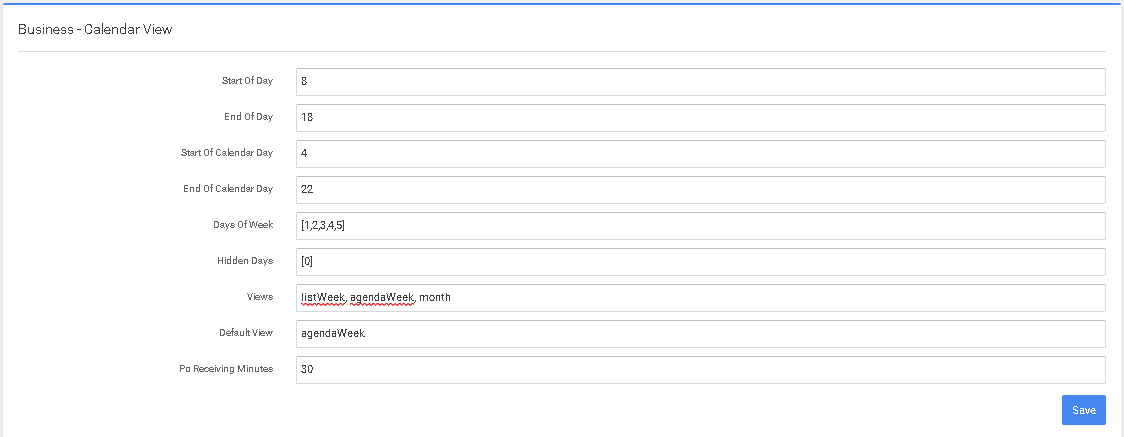
For the United States and Canada these setting are typical left on the defaults.
Was this page helpful?