Digital badges and embed codes
Digital badges and embed codes
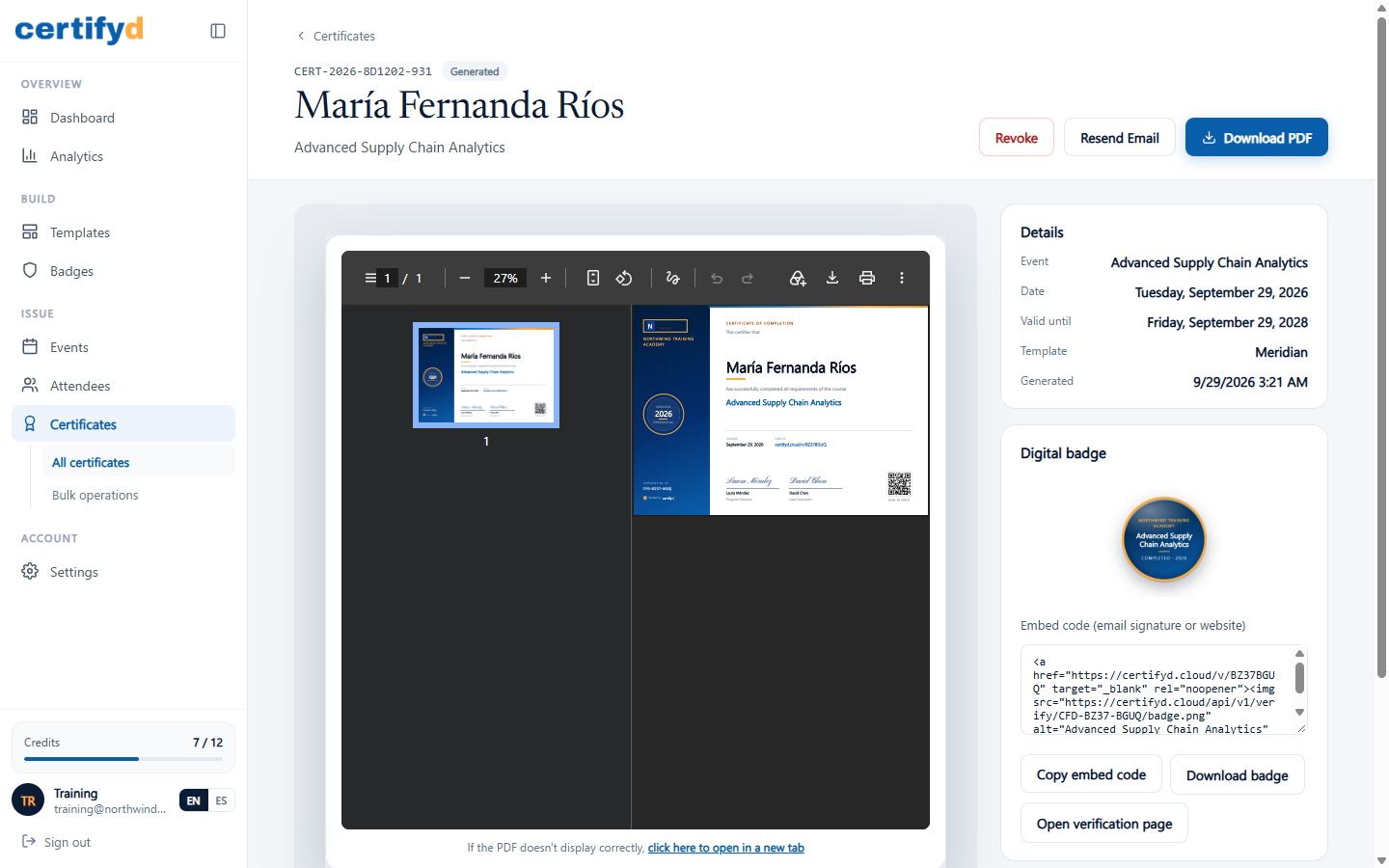
Every certificate comes with a matching digital badge that recipients can share on LinkedIn, in email signatures or on websites. The badge is an Open Badges 3.0 credential and links back to its verification page.
On a certificate's page, the Digital badge card lets you:
- Copy embed code: HTML that shows the badge and links to its verification page. Paste it into an email signature or website.
- Download badge: the badge image.
- Open verification page: the public page that proves the credential is genuine.
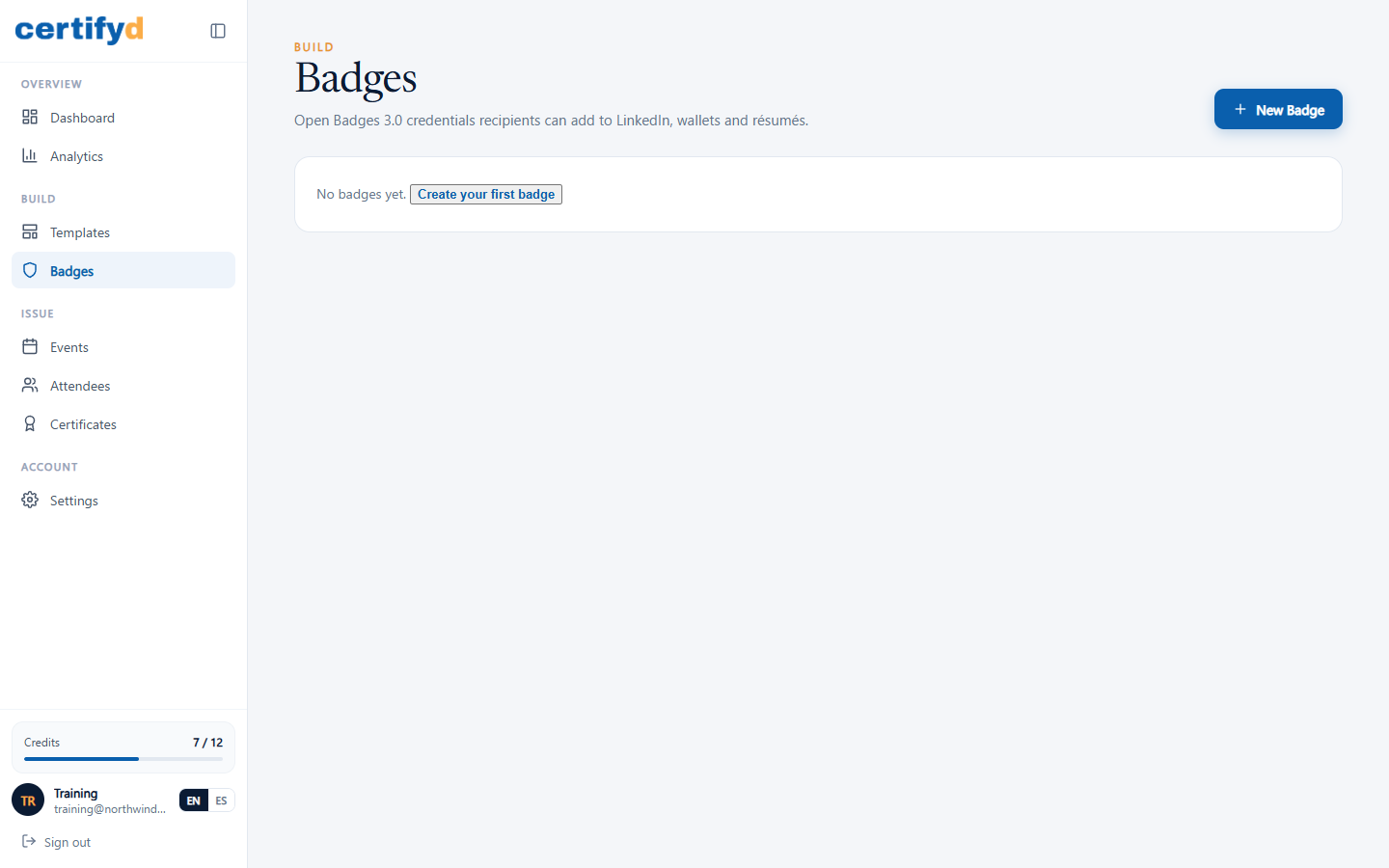
The Badges page in the menu is for standalone Open Badges 3.0 achievements that recipients can add to LinkedIn, wallets and résumés.
Was this page helpful?