Webhooks
Webhooks
Webhooks notify your systems when something happens to a certificate, so they can react right away (for example, update a learner's record when their certificate is issued).
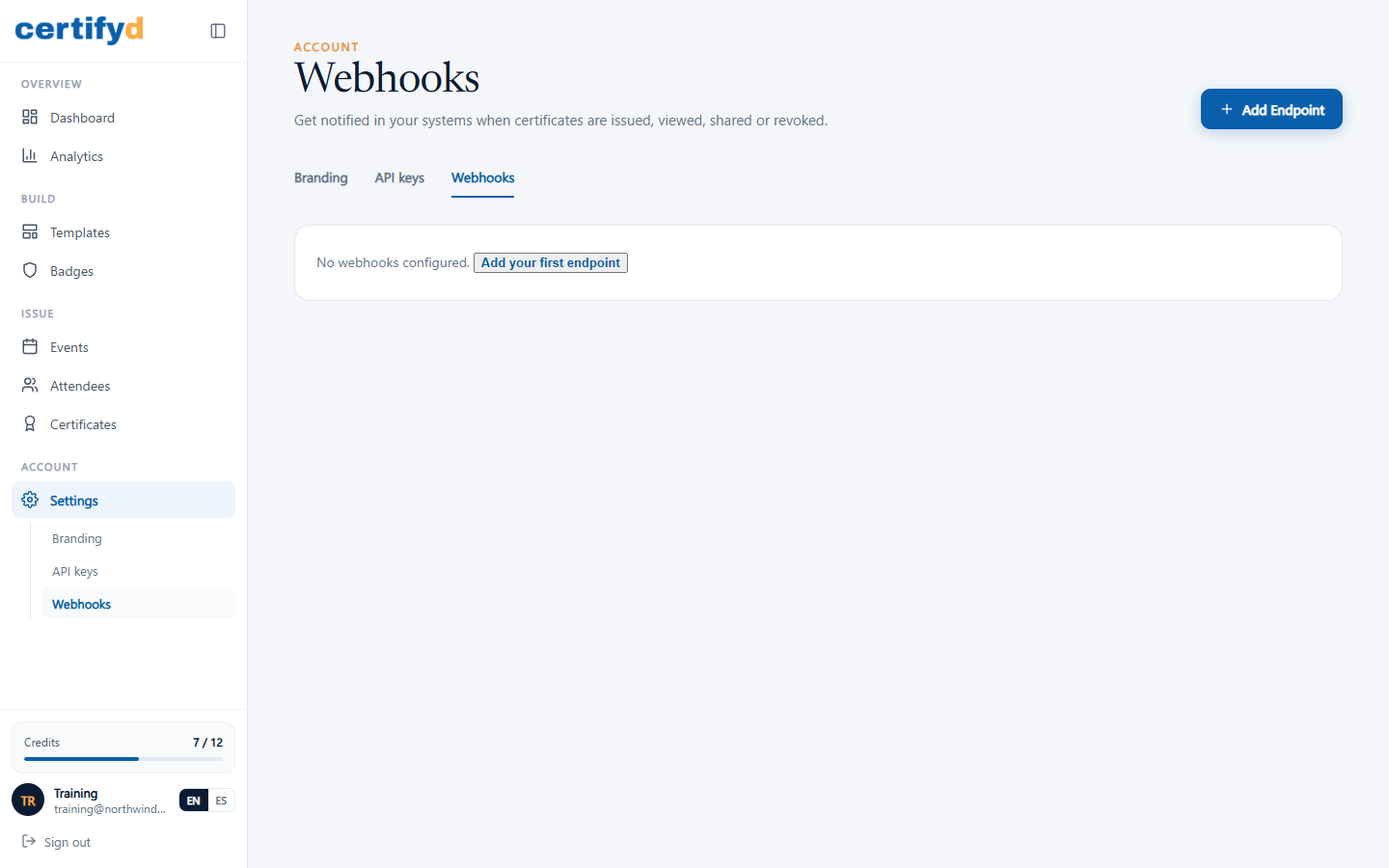
- Open Settings › Webhooks and choose Add Endpoint.
- Enter your endpoint's URL and choose the events to receive.
- Save. Certifyd sends a signed HTTPS request to your endpoint for each event.
Events you can subscribe to include certificate issued, sent, viewed, downloaded and revoked.
Was this page helpful?