The verification page
The verification page
Every certificate has a public verification page. Anyone, such as an employer, a client or a regulator, can use it to confirm the certificate is genuine, without an account.
How people reach it
- Scanning the QR code printed on the certificate.
- Typing the short link printed on the certificate, for example
certifyd.cloud/v/BZ37BGUQ. - Clicking the recipient's digital badge.
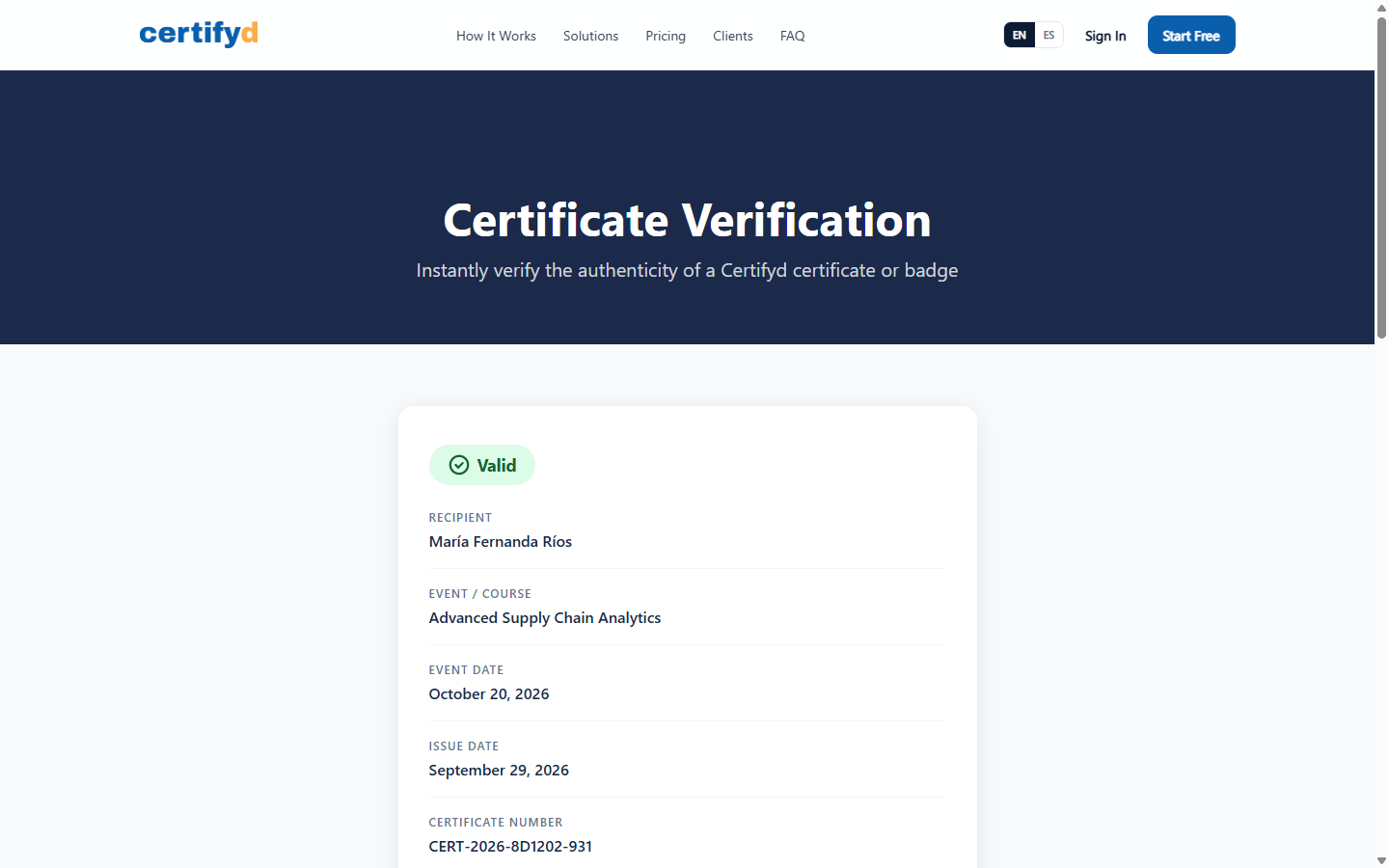
What it shows
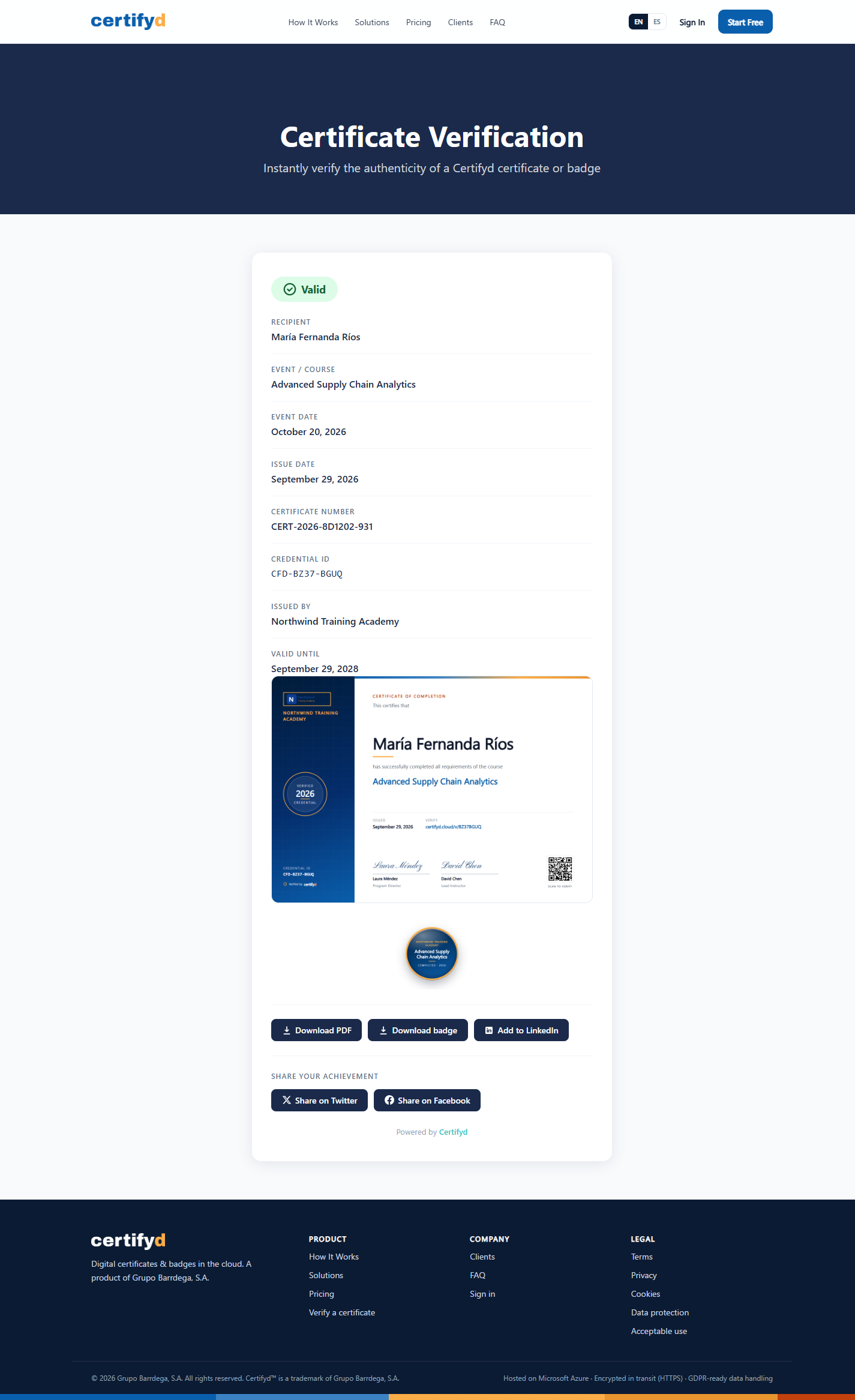
- The status: Valid, Expired or Revoked (with the revocation reason).
- Recipient, event or course, event date and issue date.
- Certificate number and credential ID (for example
CFD-BZ37-BGUQ). - Who issued it and, where set, Valid until.
- Buttons to download the PDF and badge, add it to LinkedIn and share it.
Was this page helpful?