Revoke a certificate
Revoke a certificate
Revoke a certificate when it should no longer be trusted, for example if it was issued by mistake. A revoked certificate stays in your records, but its verification page shows it as revoked.
- Open the certificate and choose Revoke.
- Enter a Reason. It's shown on the verification page.
- Choose Revoke, or Keep Certificate to cancel.
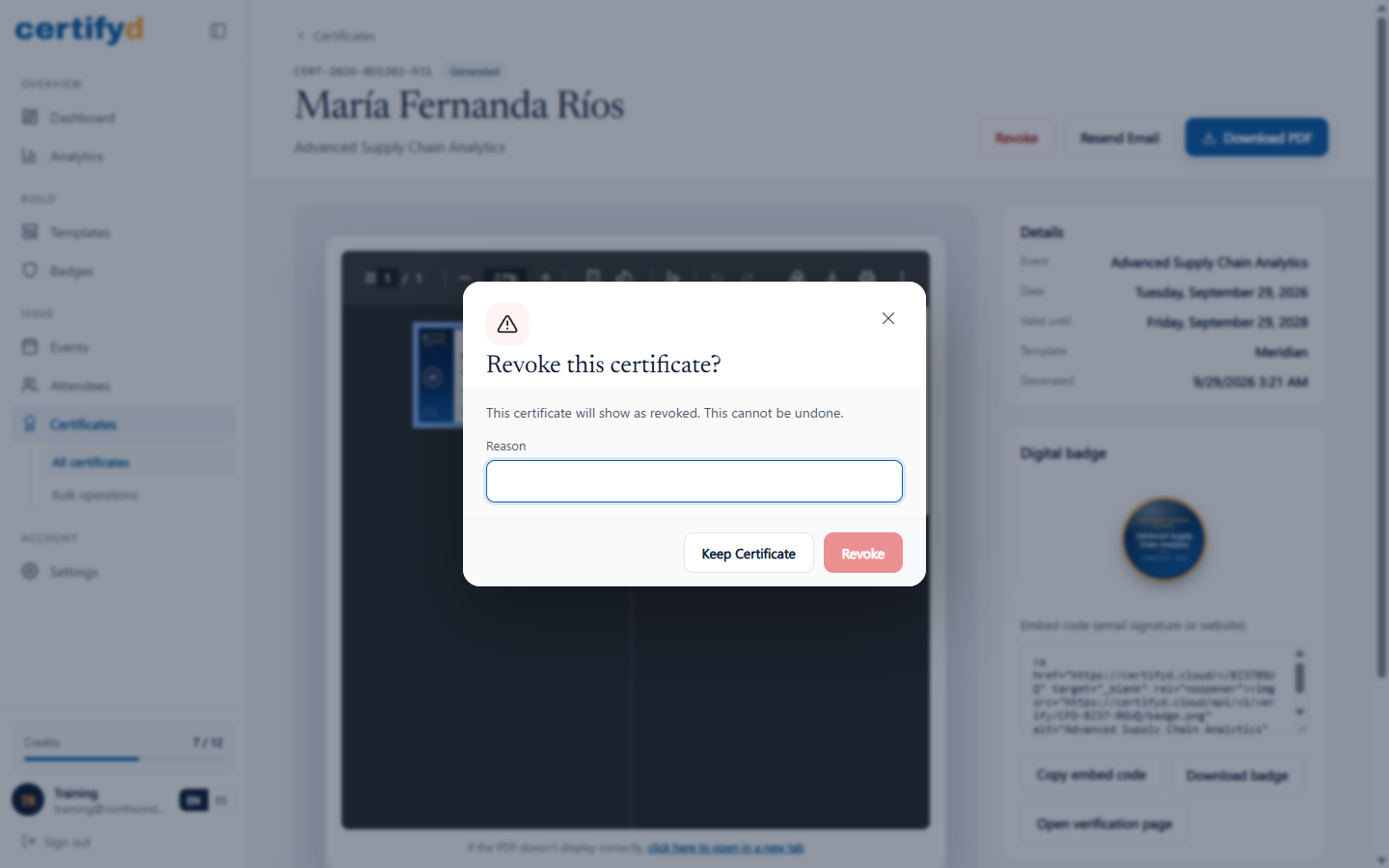
Revoking can't be undone. To issue a corrected certificate, generate a new one for the attendee.
Was this page helpful?