Public sign-up form
Public sign-up form
Each event can have a public sign-up form that people fill in themselves. Everyone who signs up is added to the event's attendees automatically, so you don't have to type them in. Signing up doesn't use any credits; credits are only used when you generate certificates.
Turn on the form
- Open the event and go to the Registration tab.
- Switch on Public registration form.
- Optionally set a Registration limit (the form closes when the event has that many attendees) and a Close date (the form closes at the end of that day). Choose Save.

Once it's on, the tab shows:
- Public link: a short link such as
certifyd.cloud/e/AC2KLBT9. Choose Copy to share it by email or on social media, or Open to see the form. - Embed code: paste it into your own website to show the form on your page.
- Status: whether the form is open, and how many people have registered.
Without a close date, the form stays open until the end of the event day. Switching the form off and on again keeps the same link.
What people see
The form shows your logo, the event name, date and location, and asks for first name, last name, email and (optionally) organization. It's available in English and Spanish.
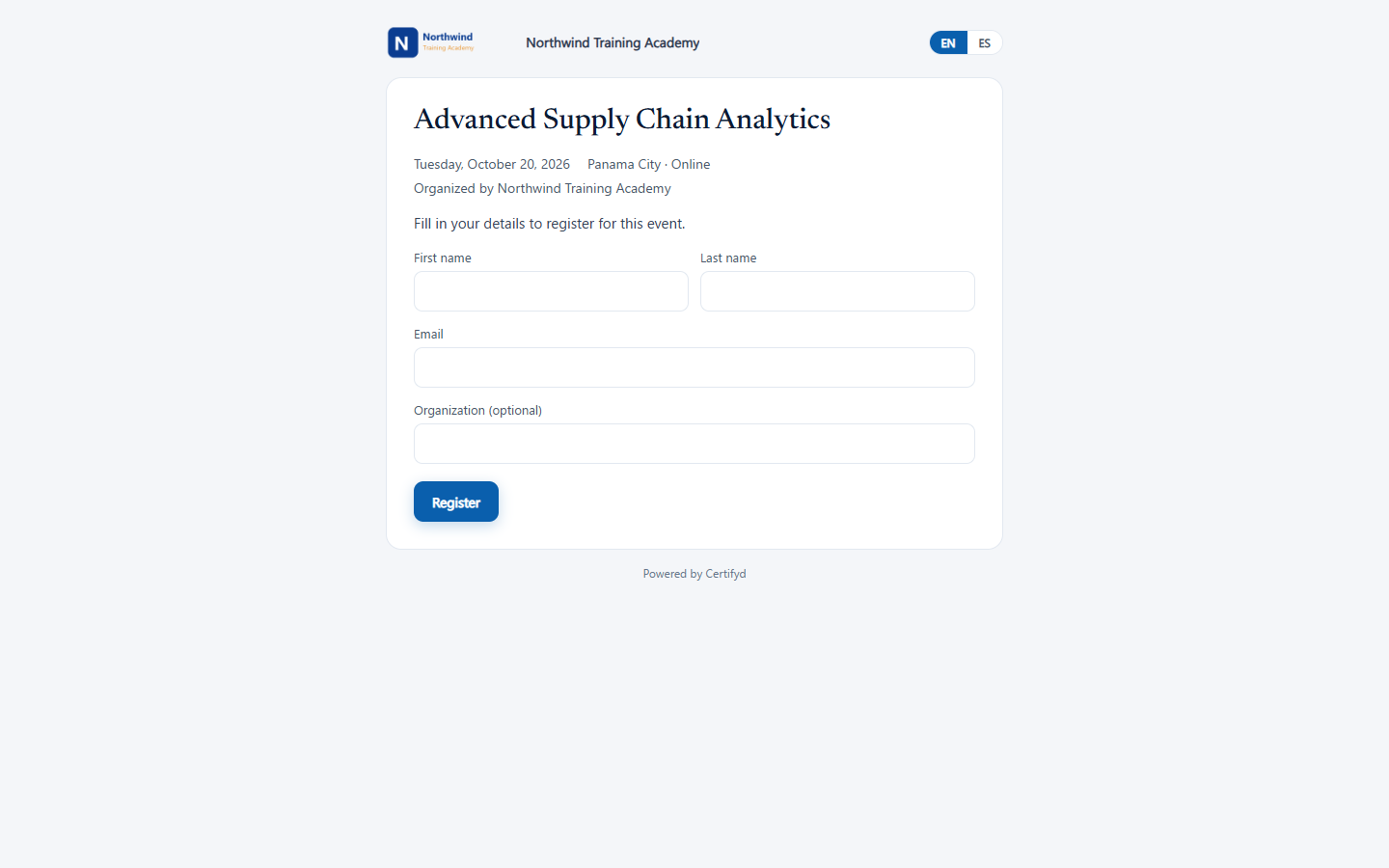
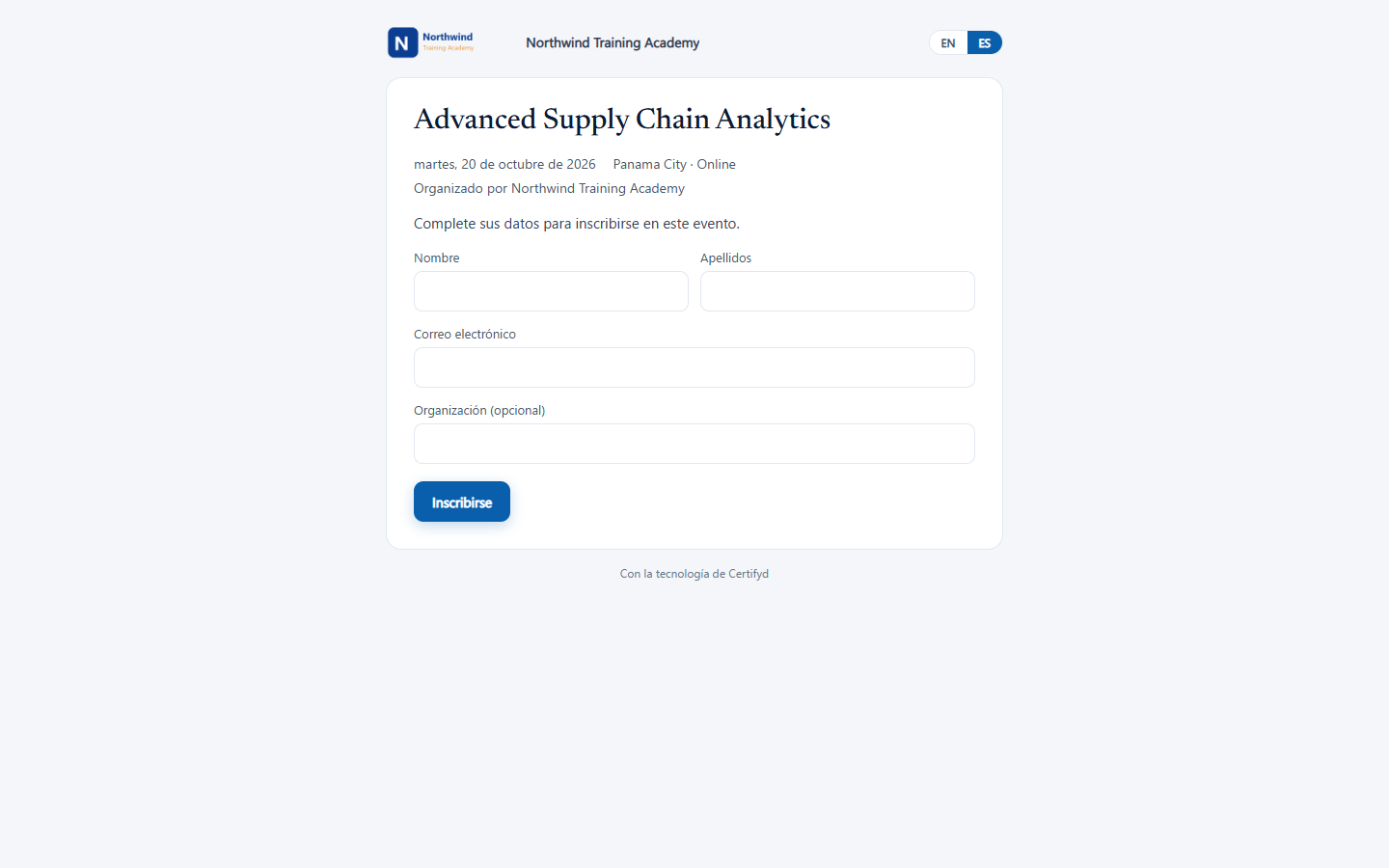
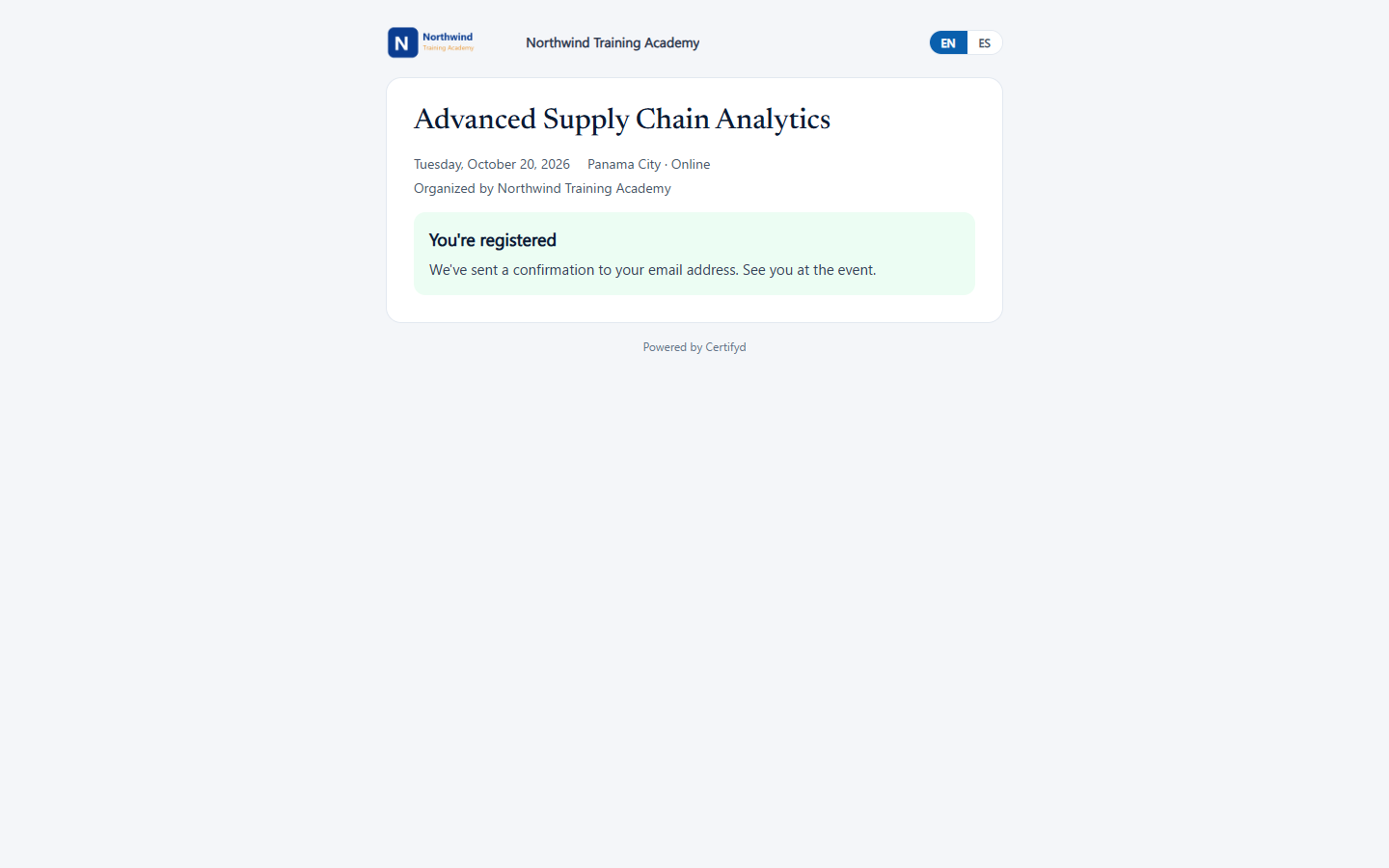
After signing up, people see a confirmation and receive a confirmation email.
Was this page helpful?