API keys
API keys
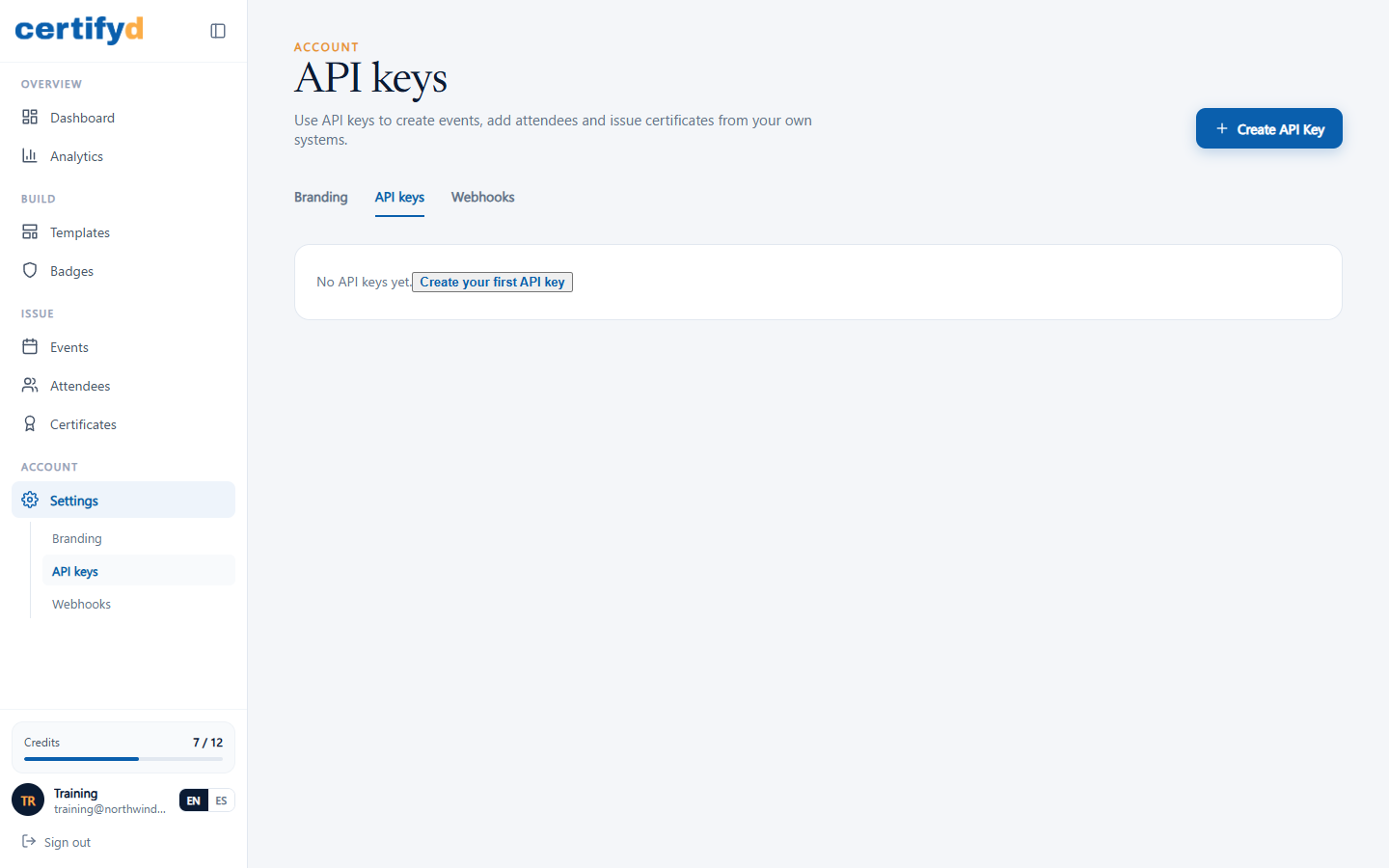
API keys let your own systems (a learning platform, CRM or registration tool) create events, add attendees and issue certificates in Certifyd automatically.
- Open Settings › API keys and choose Create API Key.
- Give the key a name and choose what it may do (its scopes).
- Copy the key when it's shown. For security it's only shown once; store it in your system's secret settings.
Delete a key as soon as it's no longer needed. Keys only reach your own account's data.
Was this page helpful?