Generate certificates for an event
Generate certificates for an event
When your attendees are in, generate everyone's certificate in one step. Each certificate uses one credit.
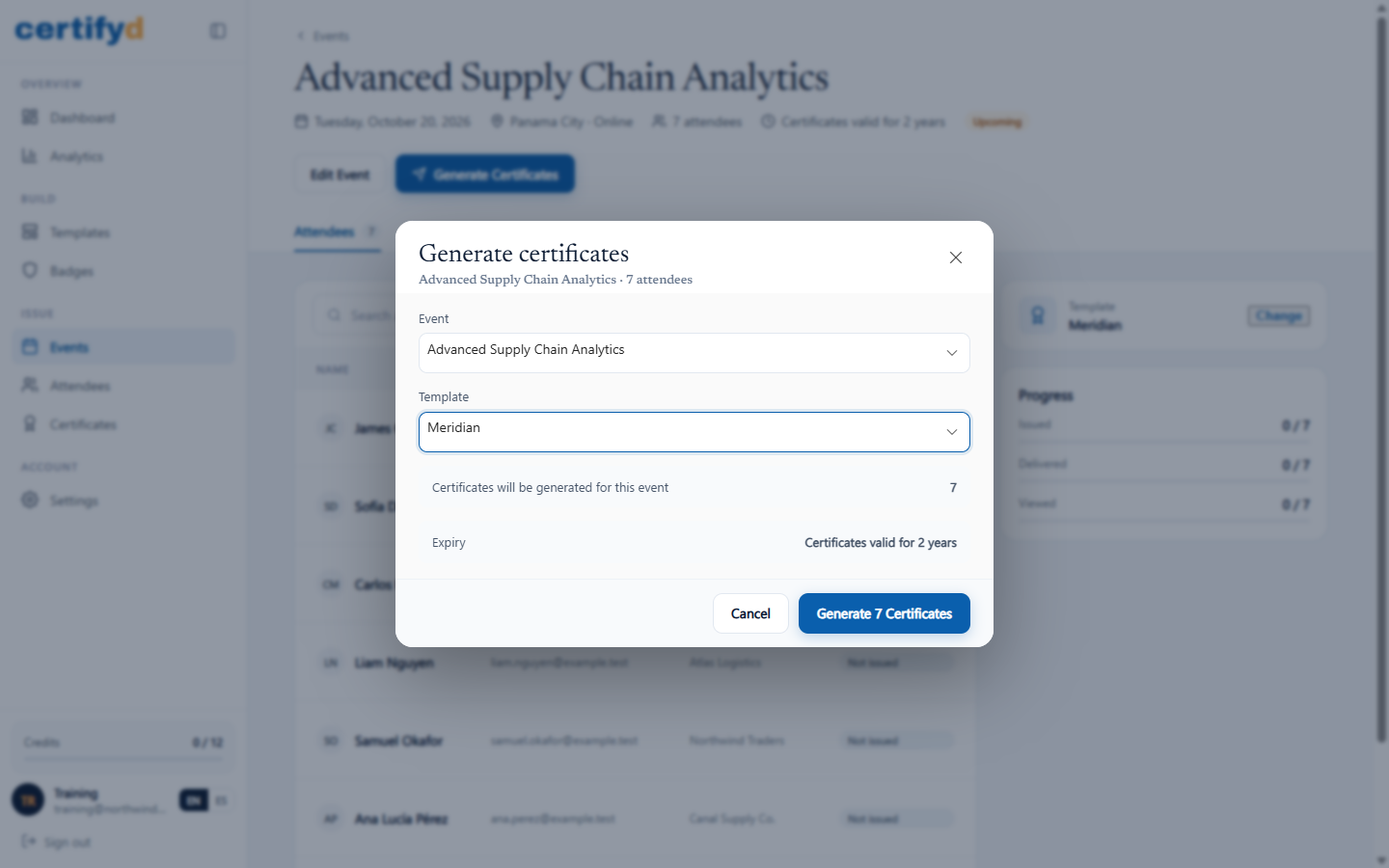
- Open the event and choose Generate Certificates.
- Check the Event and Template. The dialog shows how many certificates will be generated and the expiry they'll get.
- Choose Generate (for example, Generate 7 Certificates).
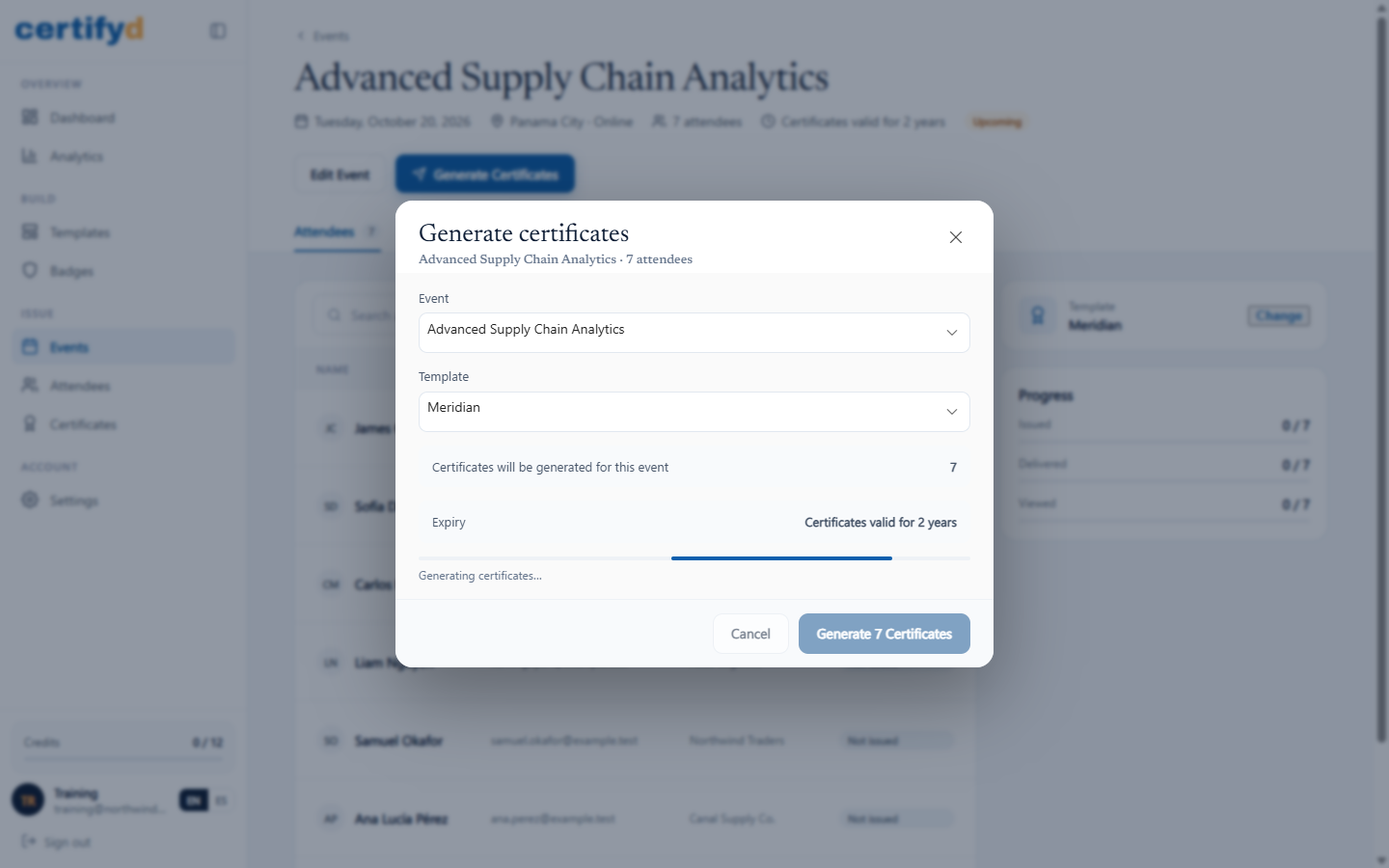
A progress bar shows the certificates being created. Keep the page open until it finishes.
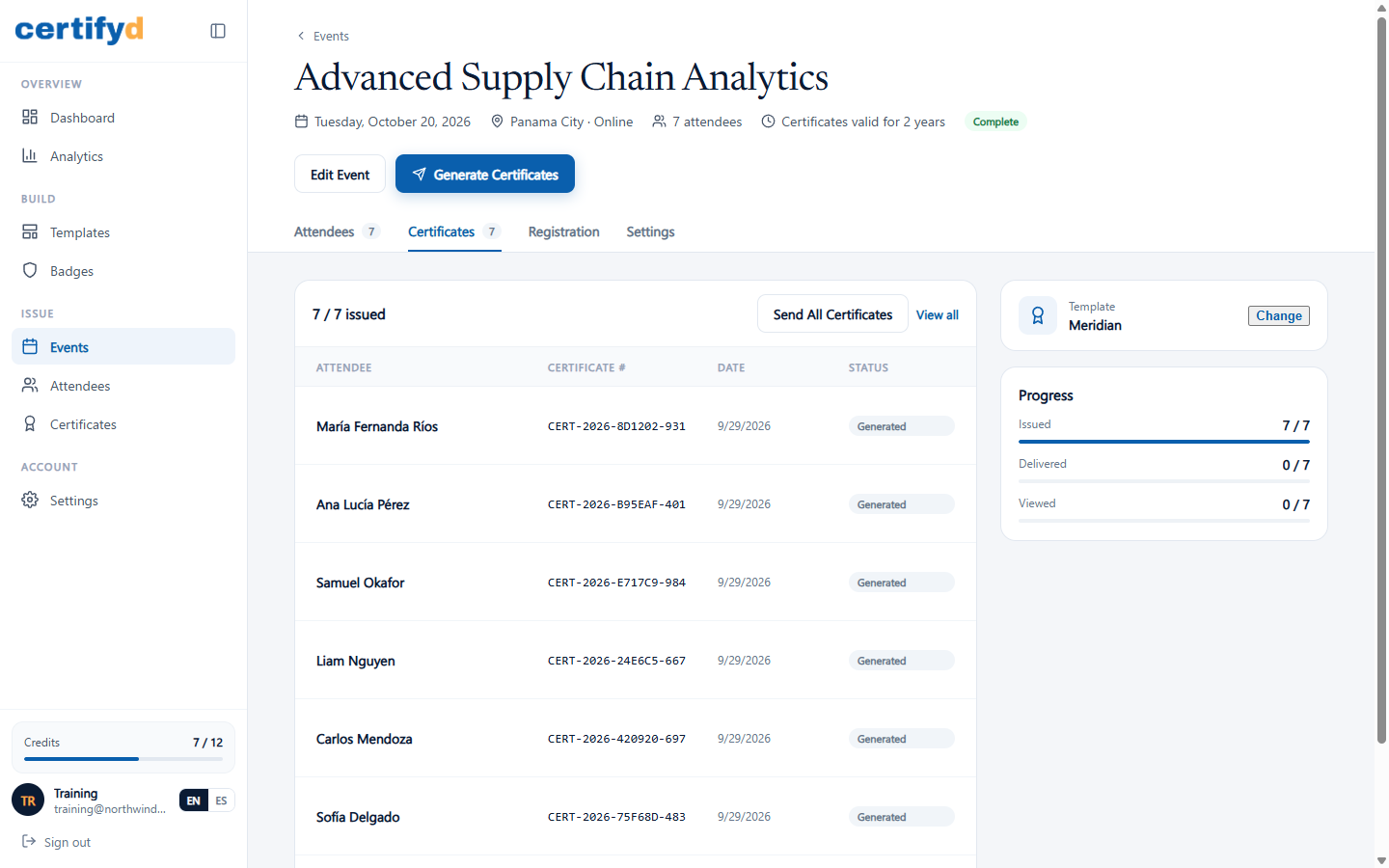
When it's done, the event's Certificates tab lists every certificate with its number and status, and the progress panel shows how many were issued.
Send certificates by email
Choose Send All Certificates on the event's Certificates tab to email every recipient their certificate. Each email links to the recipient's certificate, badge and verification page. You can also send or resend a single certificate from its page.
Large batches
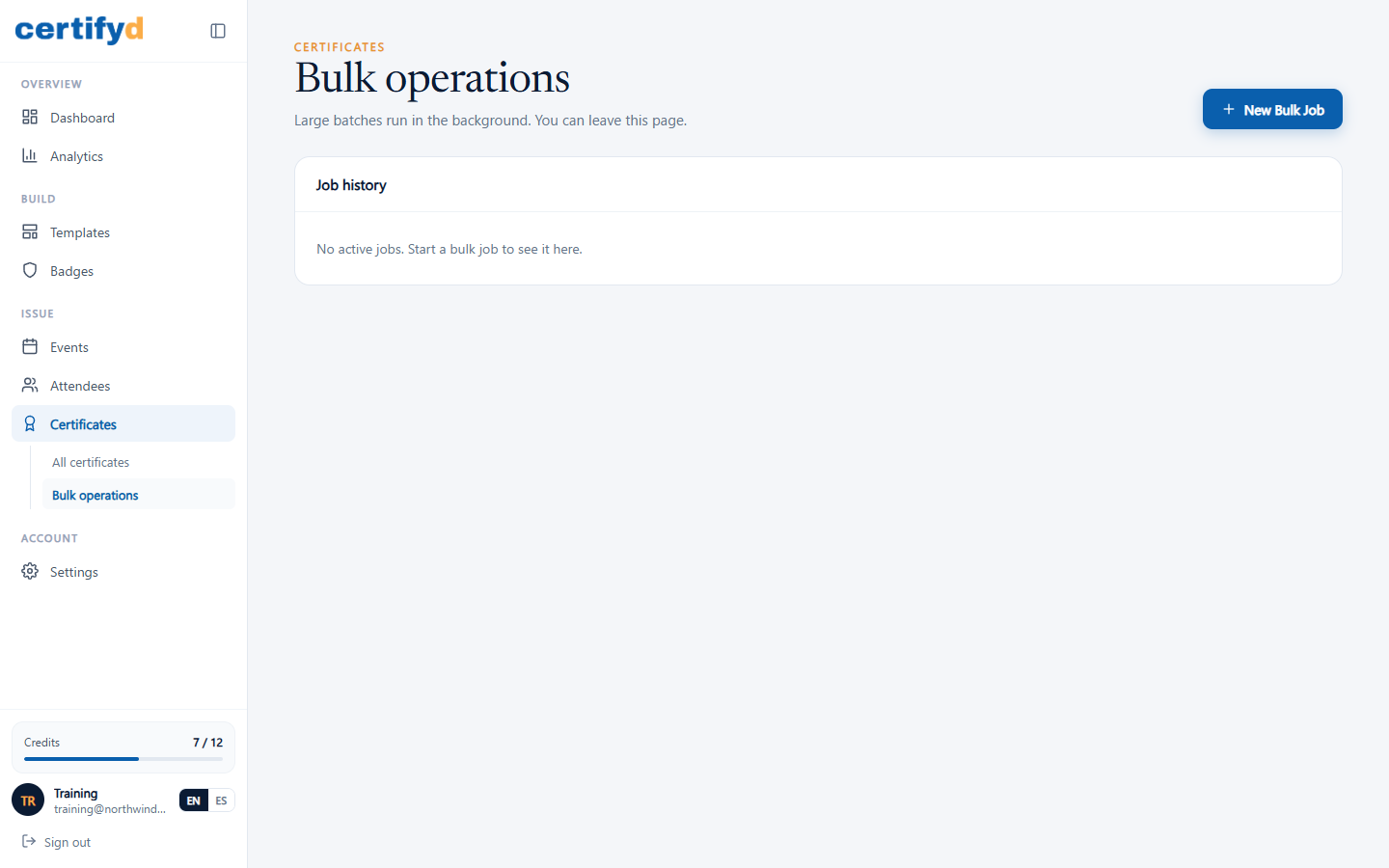
For big events, use Certificates › Bulk operations. Bulk jobs run in the background, so you can leave the page.
Next step
Was this page helpful?