Generate a single certificate
Generate a single certificate
Use this when you need one certificate, for example for someone added late or a special award.
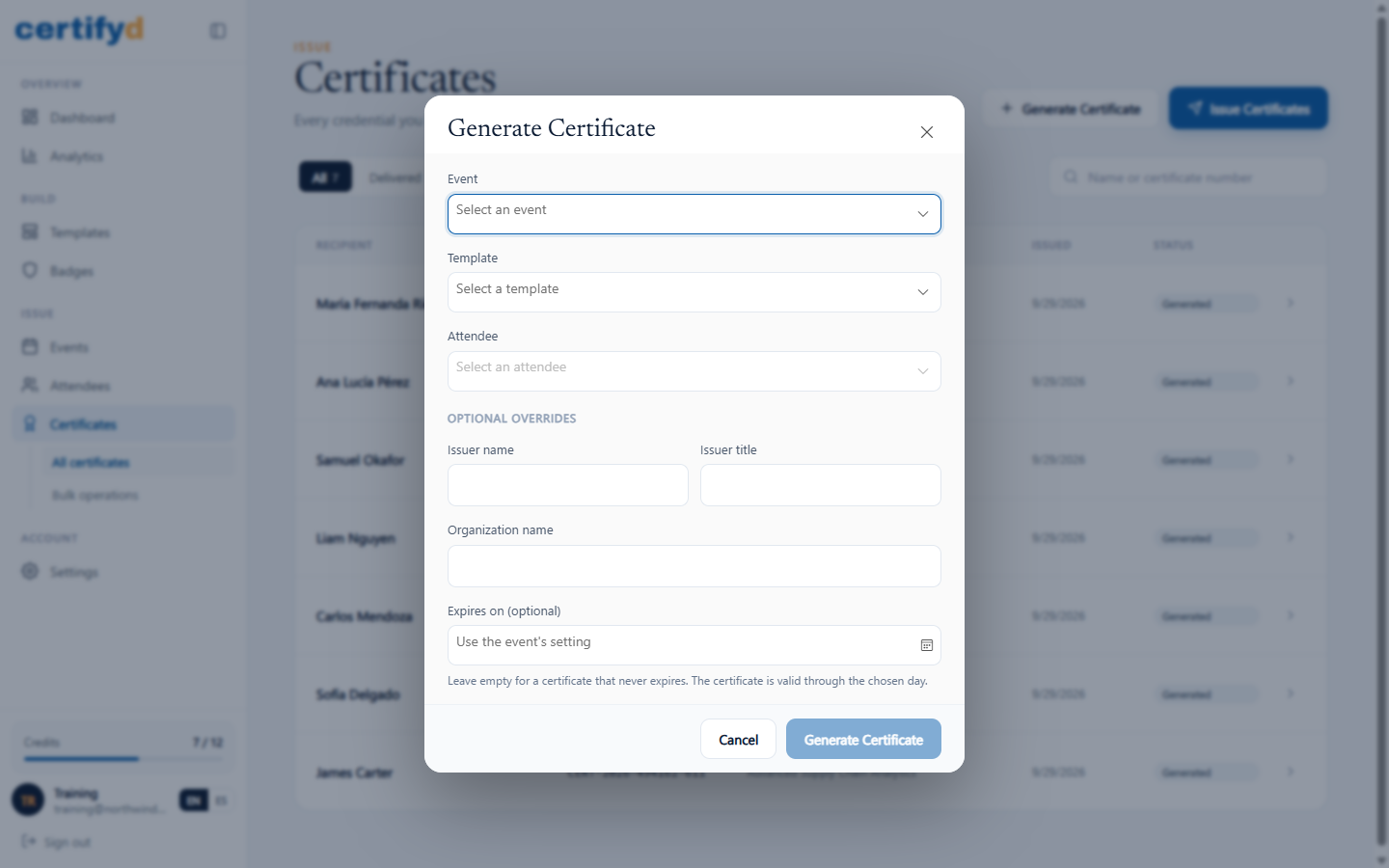
- Open Certificates and choose Generate Certificate.
- Choose the Event, Template and Attendee.
- Optionally fill in the overrides for this certificate only:
- Issuer name, Issuer title and Organization name.
- Expires on: a date for this certificate. Leave it empty to use the event's setting. The certificate is valid through the chosen day.
- Choose Generate Certificate.
Was this page helpful?