Use a design
Use a design
Before you can issue certificates, add a design to your templates. This page shows how.
- In the template library, choose Preview on the design you want.
- Optionally change the Template name (for example, "Supply Chain course certificate").
- Choose Use this template.
The design is added to Templates and is ready to use in events.
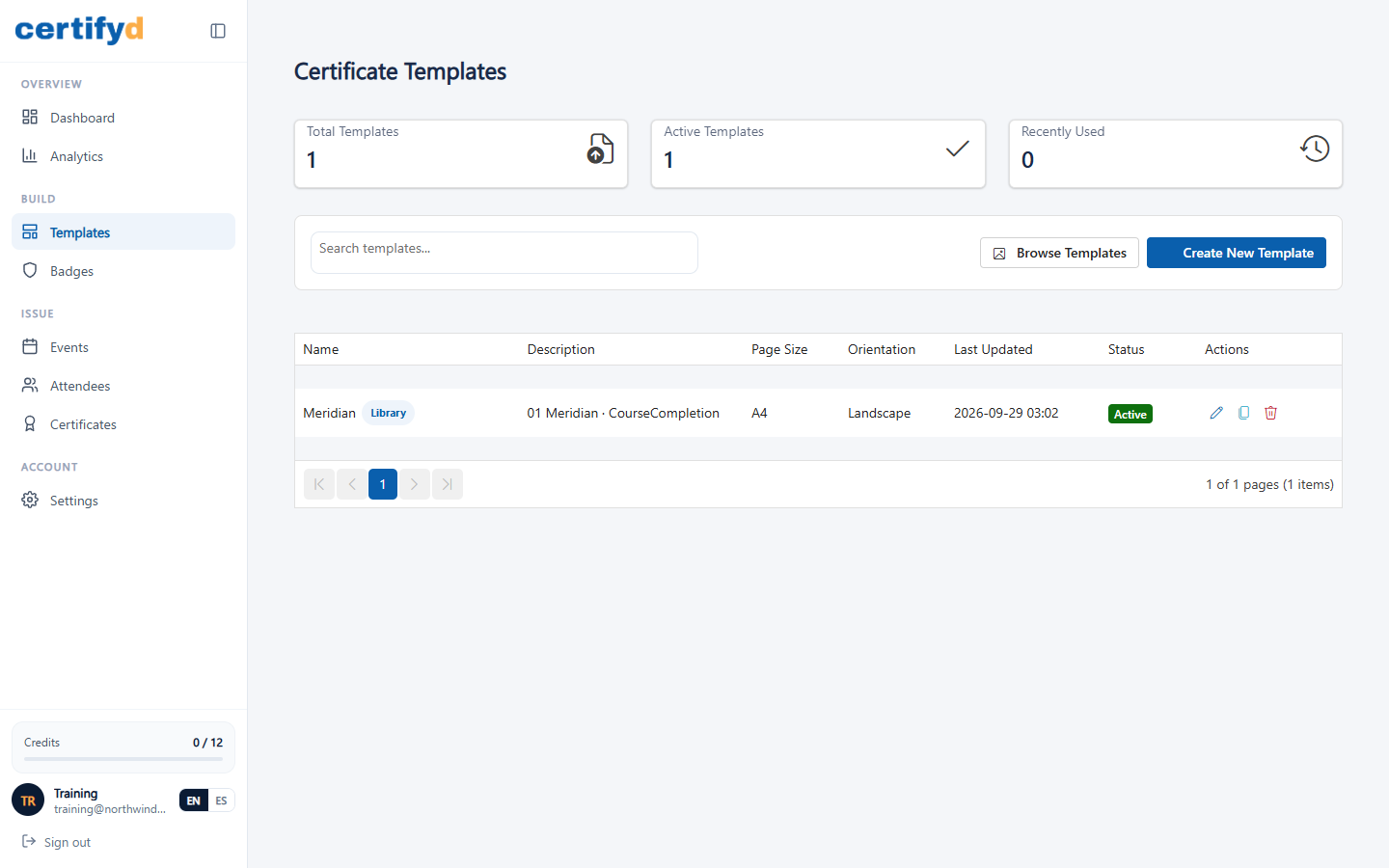
The list shows each template's page size, orientation, last update and status. Library designs are labelled Library.
A drag-and-drop designer for editing designs is coming soon.
Next step
Was this page helpful?