
P4 Software P4 Software / P4 Warehouse

Add these docs to Claude

Ask Claude questions about these docs. Claude reads the published pages and links you back to them. Copy this address:

https://docs.p4software.cloud/mcp

In claude.ai or Claude Desktop: open Settings, then Connectors, choose Add custom connector and paste the address.

In Claude Code, run:

claude mcp add --transport http docs https://docs.p4software.cloud/mcp

Adjust out

Adjust out

In this process you can adjust out Inventory, this is often used to remove damaged or expired Products from the Inventory.
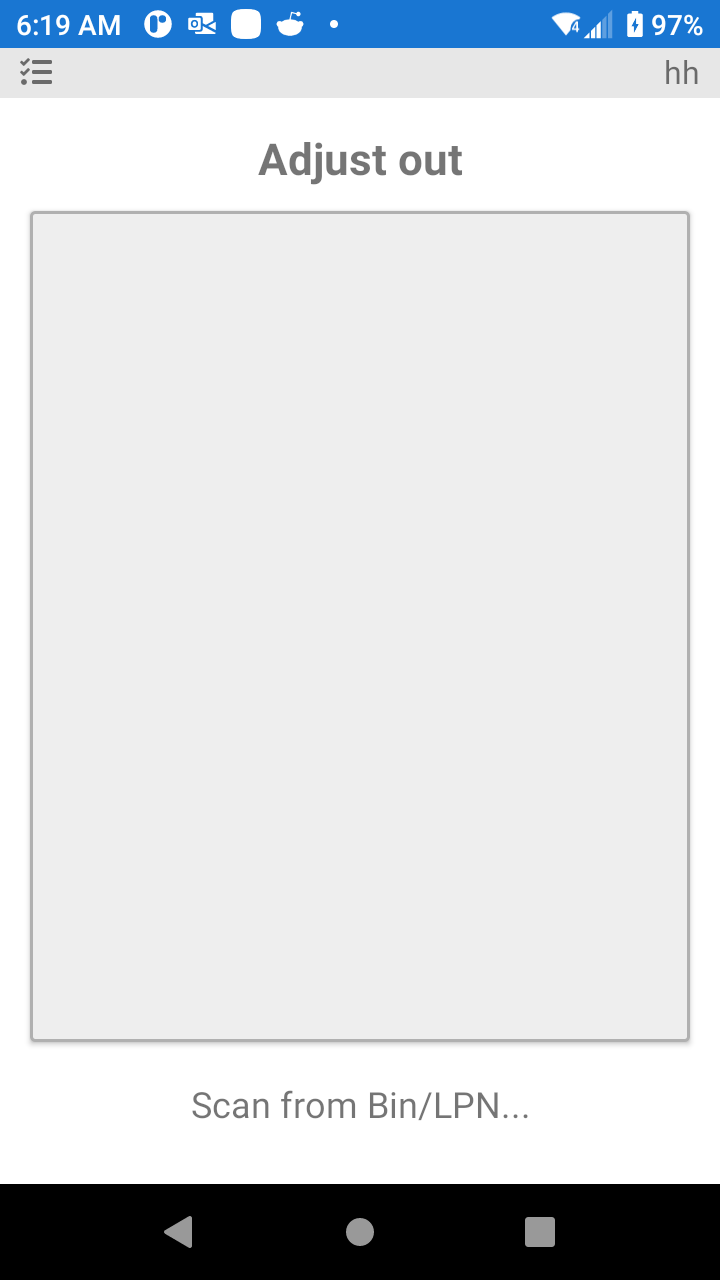
P4 Warehouse Negative Adjustment

Start the process by scanning the bin.
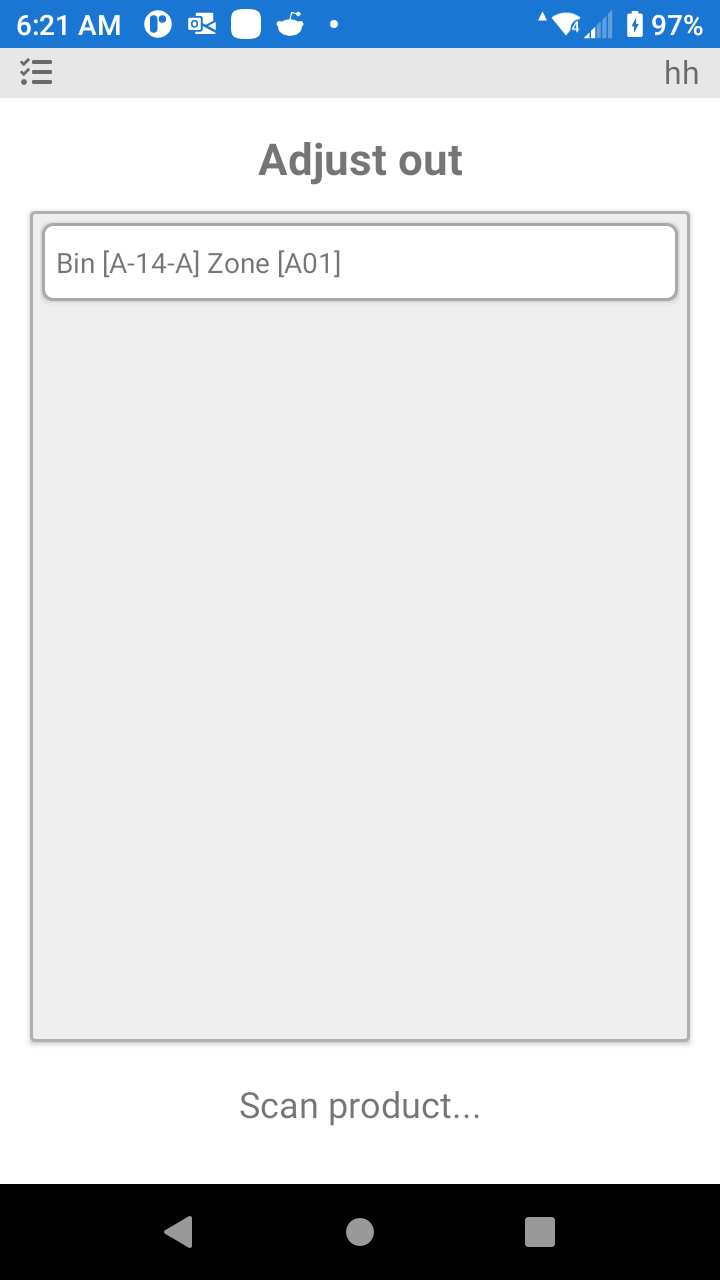
Second step is to scan the Product Barcode.
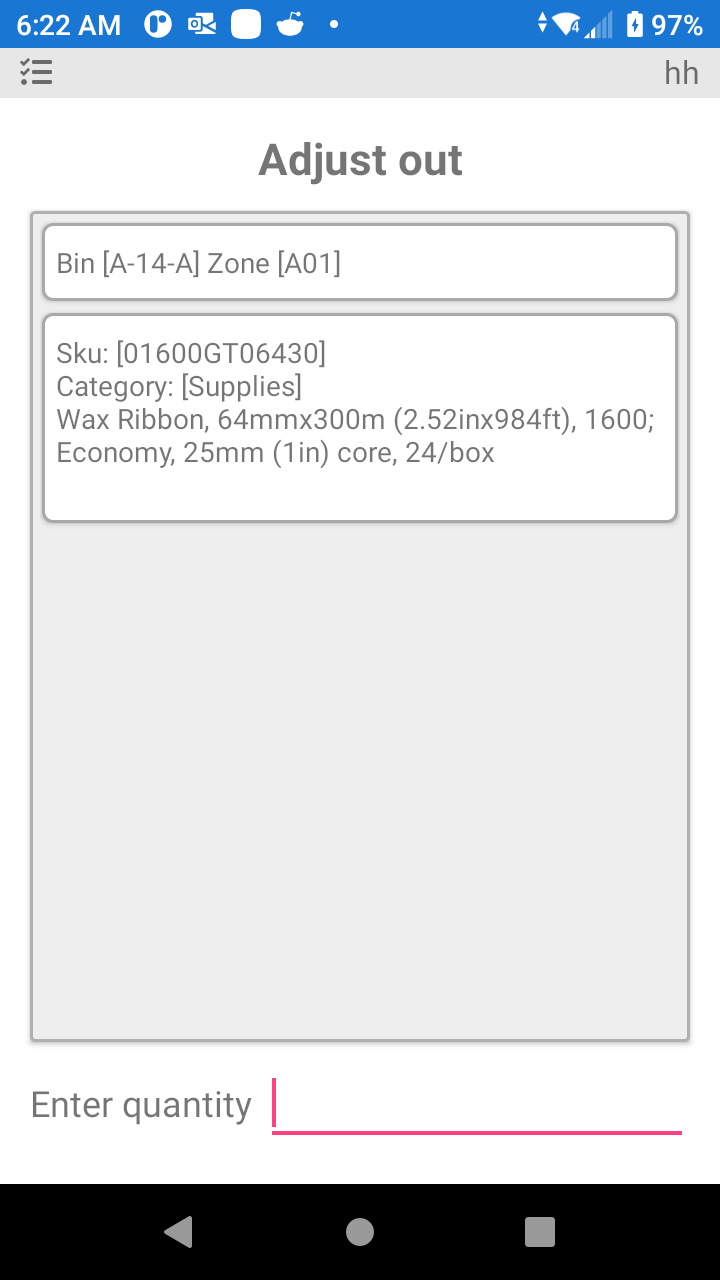
P4 Warehouse Adjustment Quantity

Third step is to enter the quantity of the adjustment.

Was this page helpful?