 P4 Software
/
P4 Warehouse
P4 Software
/
P4 Warehouse
P4 Software
/
P4 Warehouse
P4 Software
/
P4 Warehouse
P4 Warehouse is designed to make the management of expiry Products a simple Task. In the creation of a new product simply select the Expiry Controlled attribute from the product setup screen.
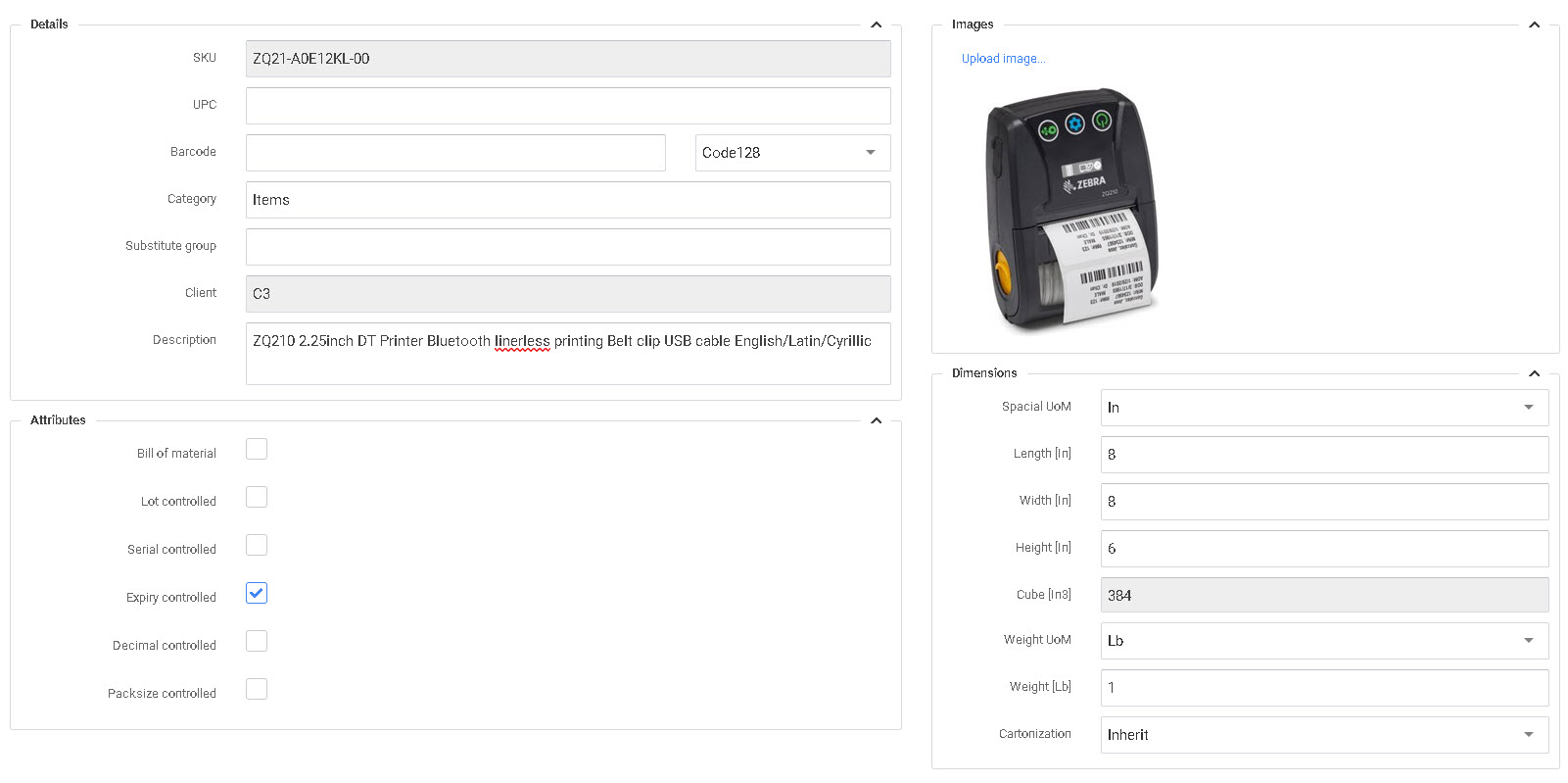
Attribute settings need to be selected priory to transacting any transactions for this product in the system.
Was this page helpful?