 P4 Software
/
P4 Warehouse
P4 Software
/
P4 Warehouse
P4 Software
/
P4 Warehouse
P4 Software
/
P4 Warehouse
Reason Codes are for different types of adjustments. When configuring Reason Codes, it is important to include the different situations that will arise in your Warehouse.
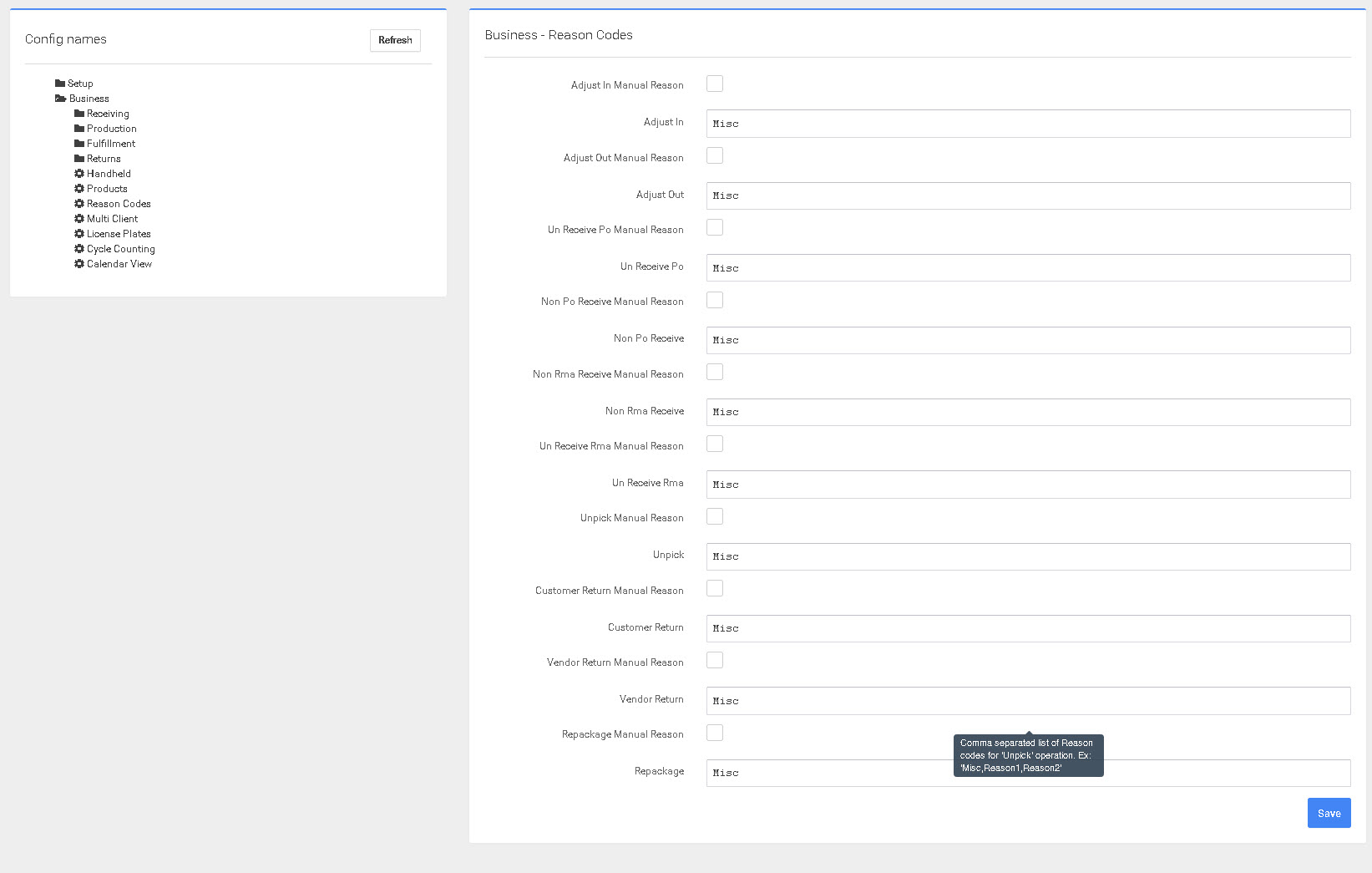
Reason Codes will allow you to track the different reasons Inventory is adjusted which will allow you to develop a plan to resolve the reasons.
It is especially important that the Reason Codes are configured to allow tracking of the reasons you have adjustments. Every adjustment effects the bottom line for a company.
Was this page helpful?