 P4 Software
/
P4 Warehouse
P4 Software
/
P4 Warehouse
P4 Software
/
P4 Warehouse
P4 Software
/
P4 Warehouse
Like LPN Letdown by Bin, the LPN Letdown by Sku process moves LPN's to pickable Bins. However, in LPN Letdown by Sku the system will direct you to all the needed Bins to letdown a specific SKU.
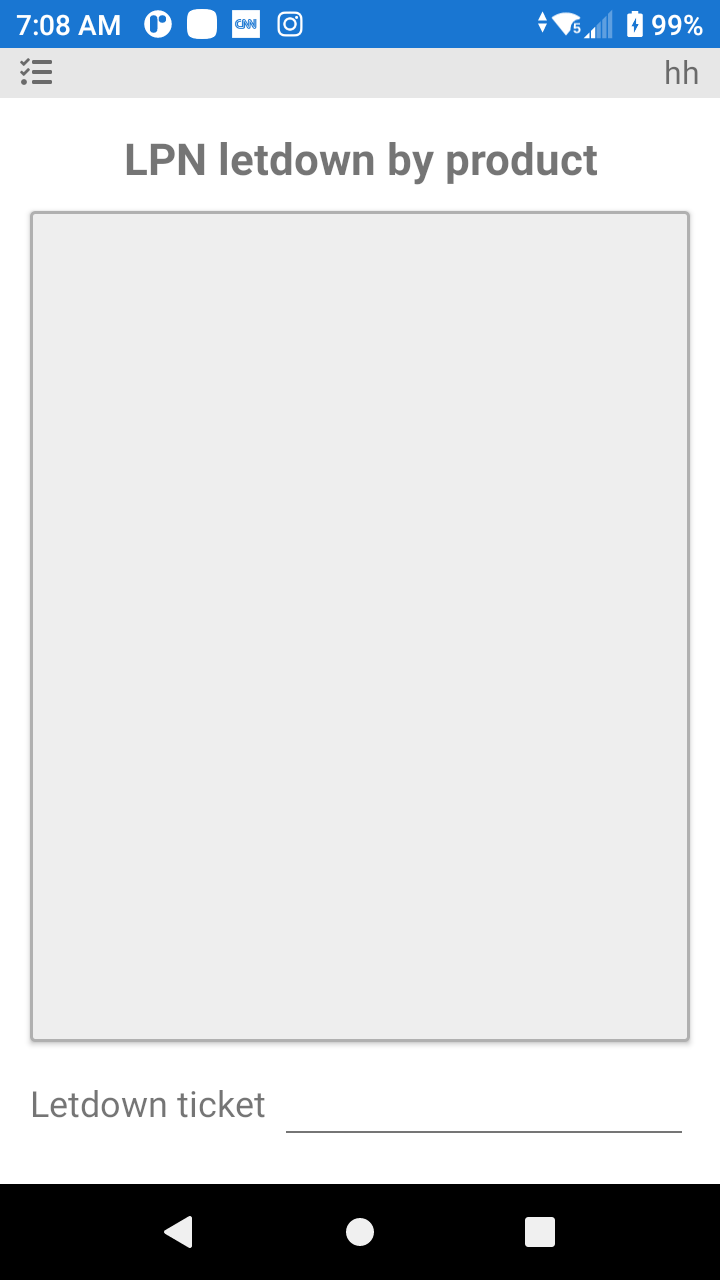
To start the process, scan the Letdown Label, then follow the instructions on the bottom of the device to process the letdown request.
Was this page helpful?