 P4 Software
/
P4 Warehouse
P4 Software
/
P4 Warehouse
P4 Software
/
P4 Warehouse
P4 Software
/
P4 Warehouse
Print Content Label is for printing either the content of a carton (box) or the content of a pallet, depending on how the order was waved. At Waving the web dispatcher can select to print carton Labels or pallet Labels depending on the Operations processes and the order type. Small Parcel shipments are normally waved as carton orders while Truck Load and LTL orders normally go out as pallets.
If you capture the dimensions and weight of the carton / pallet prior to printing the content label, then you will see dimension and weight data on the content label.
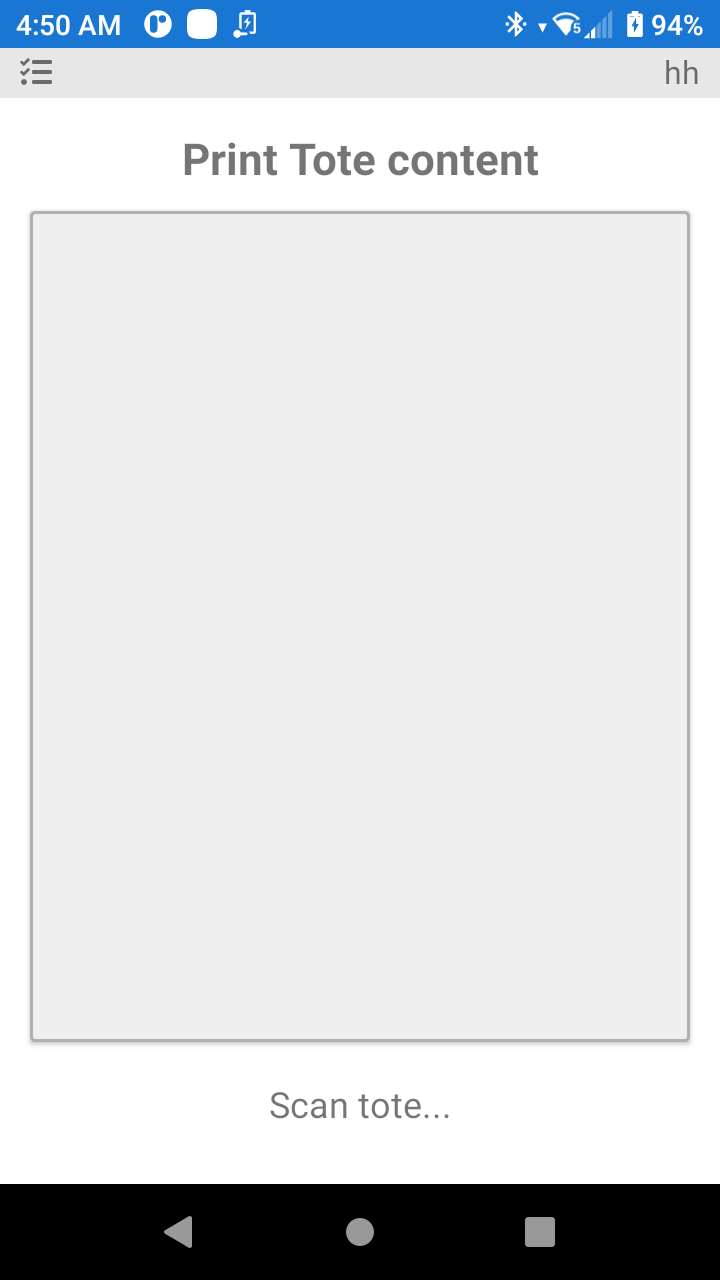
Scan the Carton / Pallet label to print the carton content label.
Was this page helpful?