 P4 Software
/
P4 Warehouse
P4 Software
/
P4 Warehouse
P4 Software
/
P4 Warehouse
P4 Software
/
P4 Warehouse
Fulfillment Setup > Carriers
When entering the Fulfillment setup for Carriers you will see a list like in the Photo below.

Click the New button to add a new Carrier.
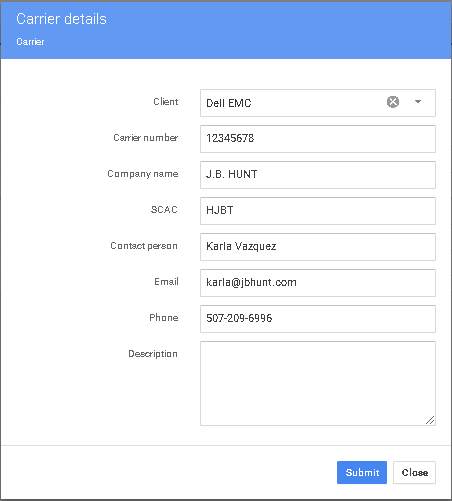
Click Submit to save your settings.
Please be sure to enter the correct SCAC code into the carrier setup screen, this is data is critical to the function of the Bill of Lading.
Was this page helpful?