 P4 Software
/
P4 Warehouse
P4 Software
/
P4 Warehouse
P4 Software
/
P4 Warehouse
P4 Software
/
P4 Warehouse
The Tenant Configuration page features numerus options for entering your own company information for the Warehouse Management System software. There are two tabs for different options: General and Login Screen.
Always click Update to save your data when there is an update button visible.
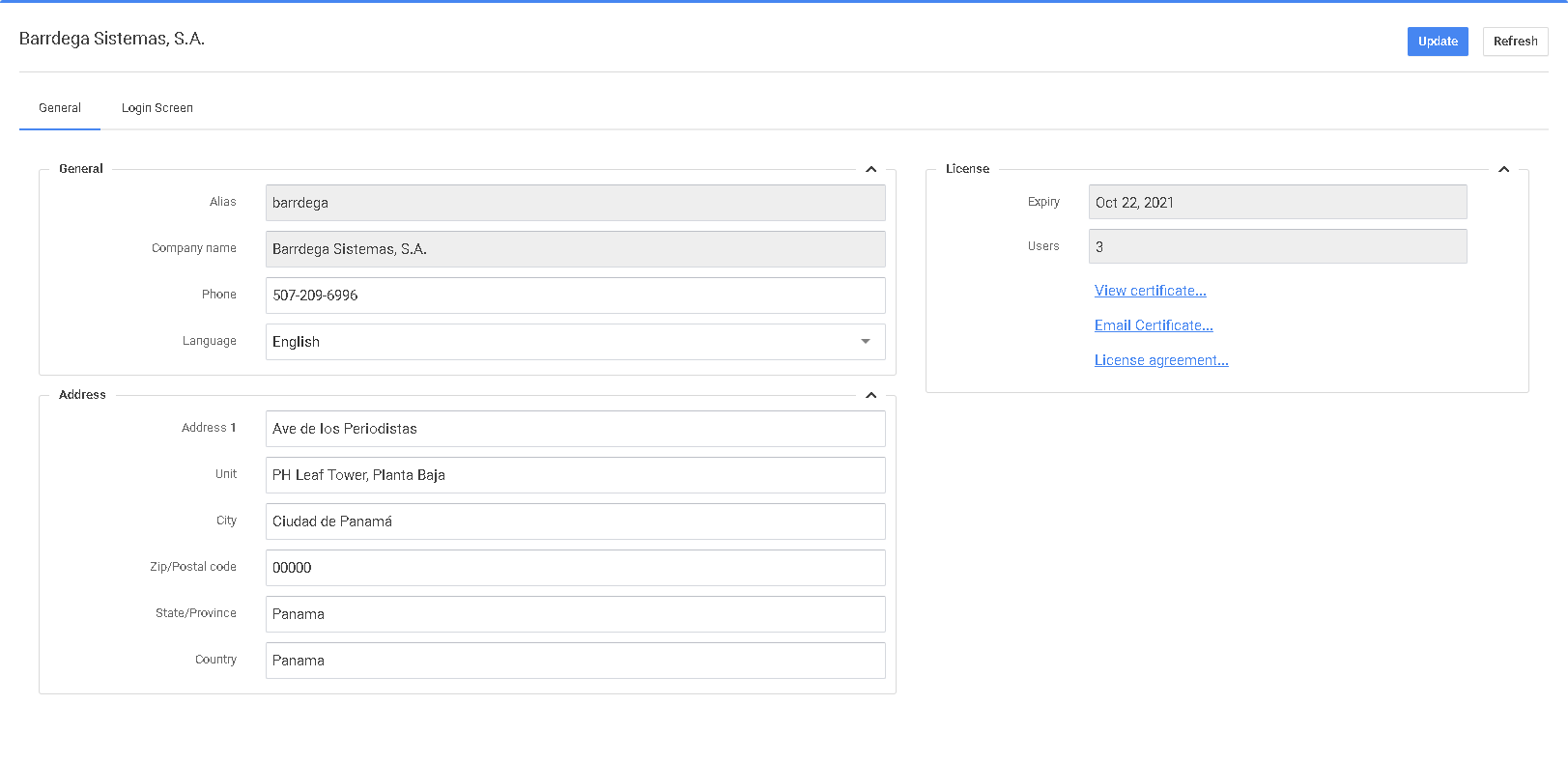
On the right side of this screen, you can see your license count, read the licensing agreement, or Email the Licensing certificate.
The licensing certificate has a QR code that can be scanned to validate the license is valid and not modified.
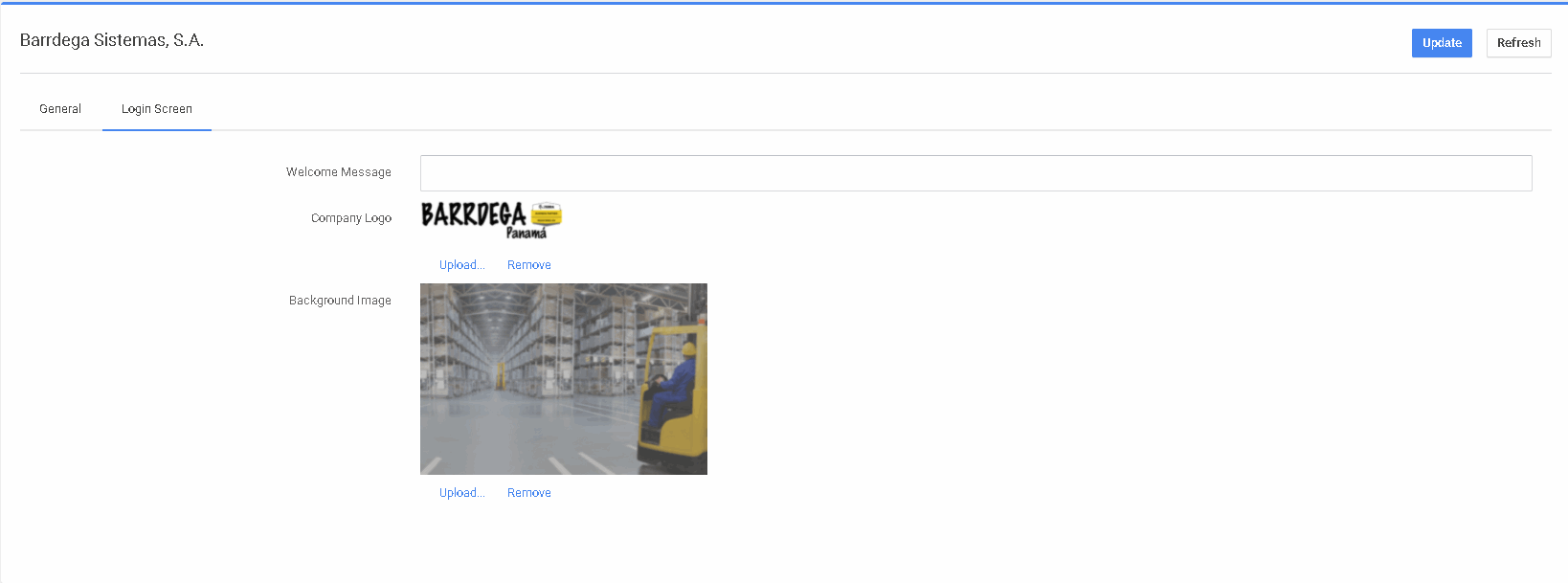
Complete all of the data or your Packslips and Labels will have missing data.
Was this page helpful?