 P4 Software
/
P4 Warehouse
P4 Software
/
P4 Warehouse
P4 Software
/
P4 Warehouse
P4 Software
/
P4 Warehouse
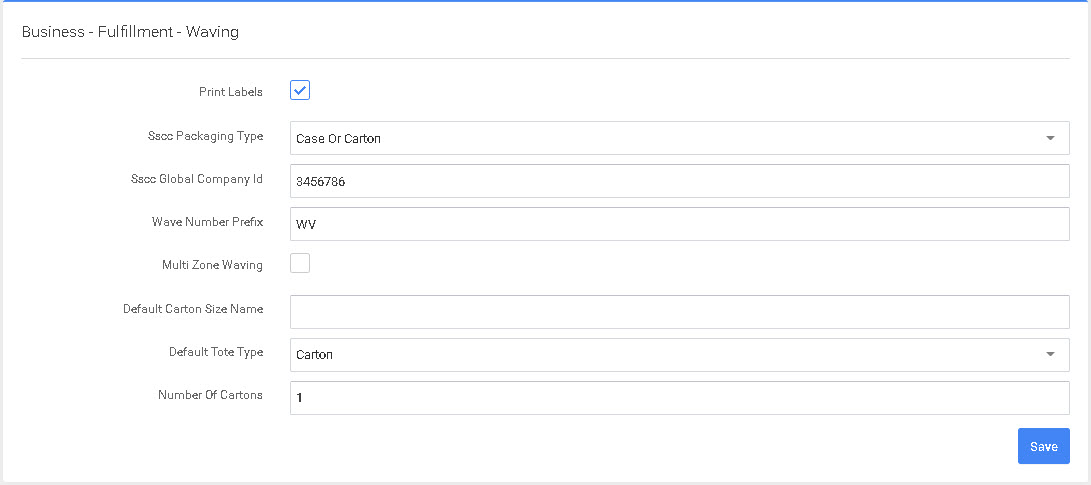
This configuration page features SSCC Packaging Type (options are Case or Carton, Pallet, Intra Company Use, or Undefined), SSCC Global Company ID, Wave Number Prefix (default: WV), Multi Zone Waving (checkbox), Number of Cartons (default: 1) and Number of Copies (default: 1).
After modifying any entry, select the “Save” button to the lower right.
If an order gets Un-Waved, it will go into an Unallocated State (Allocating reserves stock in the Warehouse specifically for your pick ticket. Unallocated means that no Inventory will be reserved for pick orders as part of that wave)
Was this page helpful?