 P4 Software
/
P4 Warehouse
P4 Software
/
P4 Warehouse
P4 Software
/
P4 Warehouse
P4 Software
/
P4 Warehouse
A Cycle Count can be assigned by the web dispatcher to a specific PDT user. In the case a bin is assigned the PDT user will see the assignment in the My Task screen, upon assignment there is also a sound sent to the user to notify them of the pending assignment.
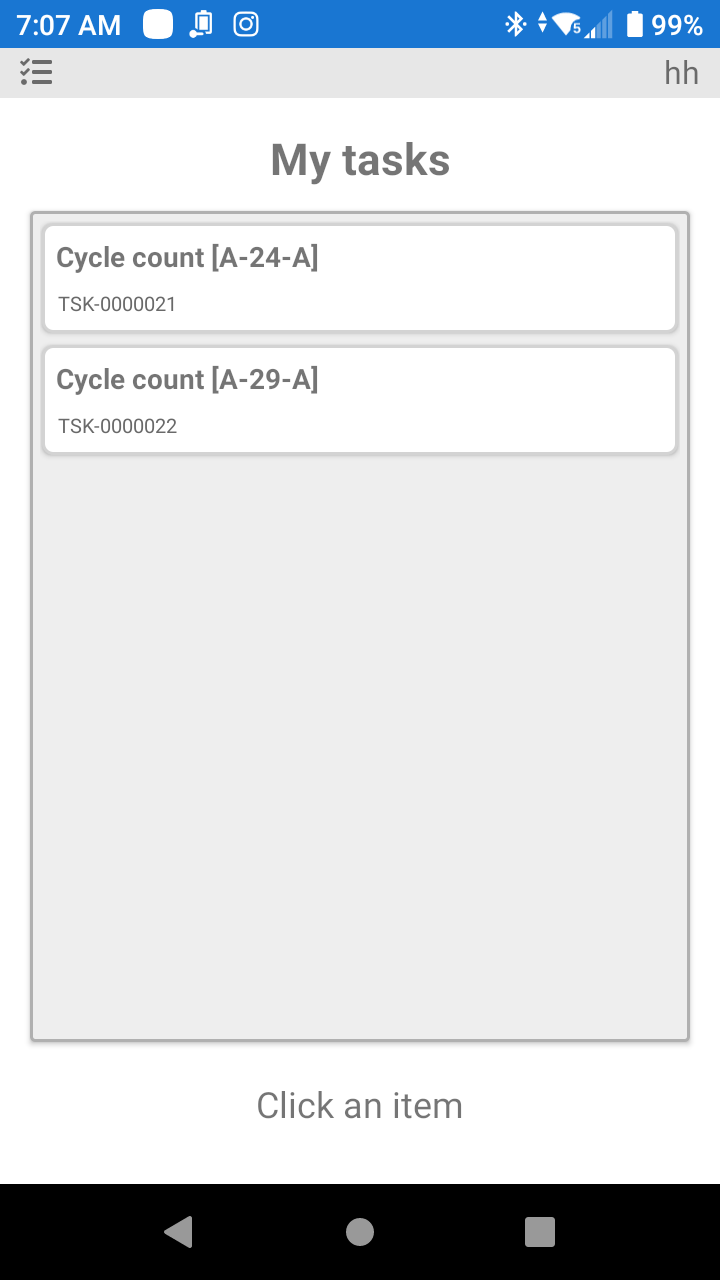
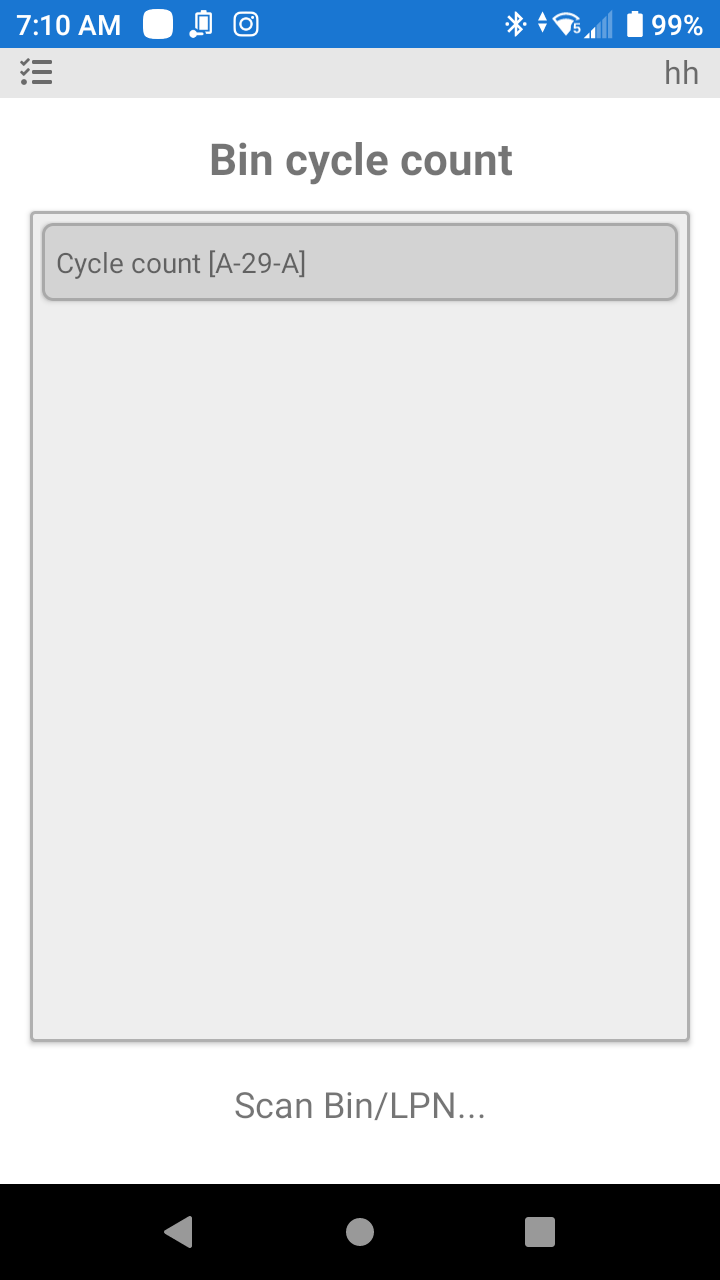
By clicking the assignment, the user will be directed to the Cycle Count screen where the PDT user will see the bin that needs to be counted. The assignment will remain in the PDT users' Task until it is completed. As well there are metrics to show how long the user took to start the Task and to complete the Task.
Was this page helpful?