 P4 Software
/
P4 Warehouse
P4 Software
/
P4 Warehouse
P4 Software
/
P4 Warehouse
P4 Software
/
P4 Warehouse
Customer Setup, this is where you will configure your customers information. Please complete as many details as possible as this data is used in various areas of the P4 Warehouse System.
If you are NOT using multi-Company or 3PL there will be no client names listed. This is by design...
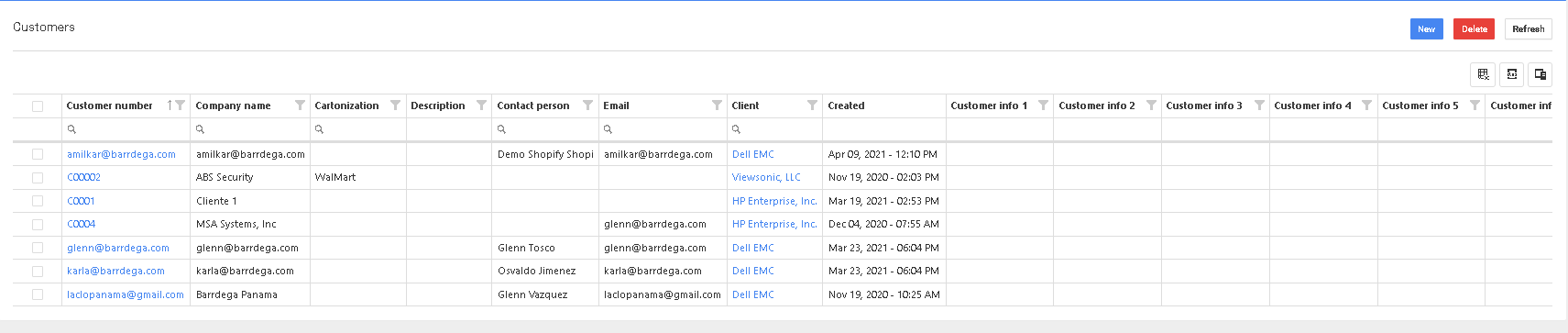
Click the New button to add a new customer or click the blue text in the Customer Number column to edit an existing customer.
Was this page helpful?