 P4 Software
/
P4 Warehouse
P4 Software
/
P4 Warehouse
P4 Software
/
P4 Warehouse
P4 Software
/
P4 Warehouse
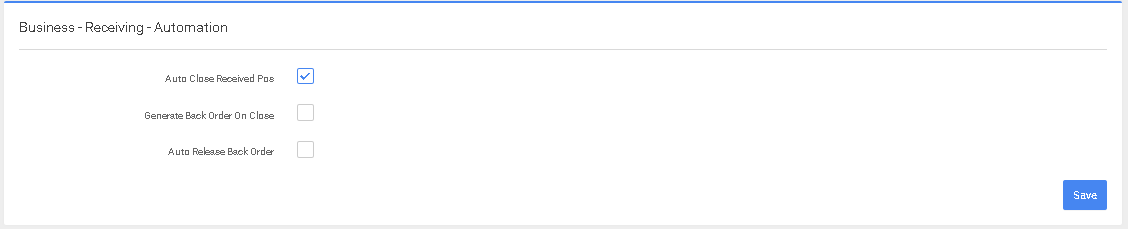
On this screen you will setup the defaults for the behavior of the Receiving process.
Auto Close Received Purchase Orders (POs): this will automatically close and Email the Receiving slip for Purchase Orders that are received 100%.
Purchase Orders under received or over received will not be closed automatically and must be manually closed by the web dispatcher.
Over Receiving is allowed on decimal type Products like pounds, kilograms, meters, feet, liters and gallons. This is due to the fact this type of product often varies in weight and or volume.
Generate Backorders on close, in the event the purchase order was under received and there is a balance on the order then at Closing the backorder will be automatically generated for the balance of the product. This can be repeated various times until the order is received in full. This functionality is often used for blanket Purchase orders where a company orders 12,000 units however only receives 1, 000 a month. If you are connected via an API interface to the companies ERP, each Receiving will be uploaded and reduced from the total outstanding amount.
Auto Release backorder moves the backorder from Draft status to Not Received Status.
Was this page helpful?