 P4 Software
/
P4 Warehouse
P4 Software
/
P4 Warehouse
P4 Software
/
P4 Warehouse
P4 Software
/
P4 Warehouse
The first step in Report Creation is deciding what data you will report, then create the SQL query to pull the data from the database.
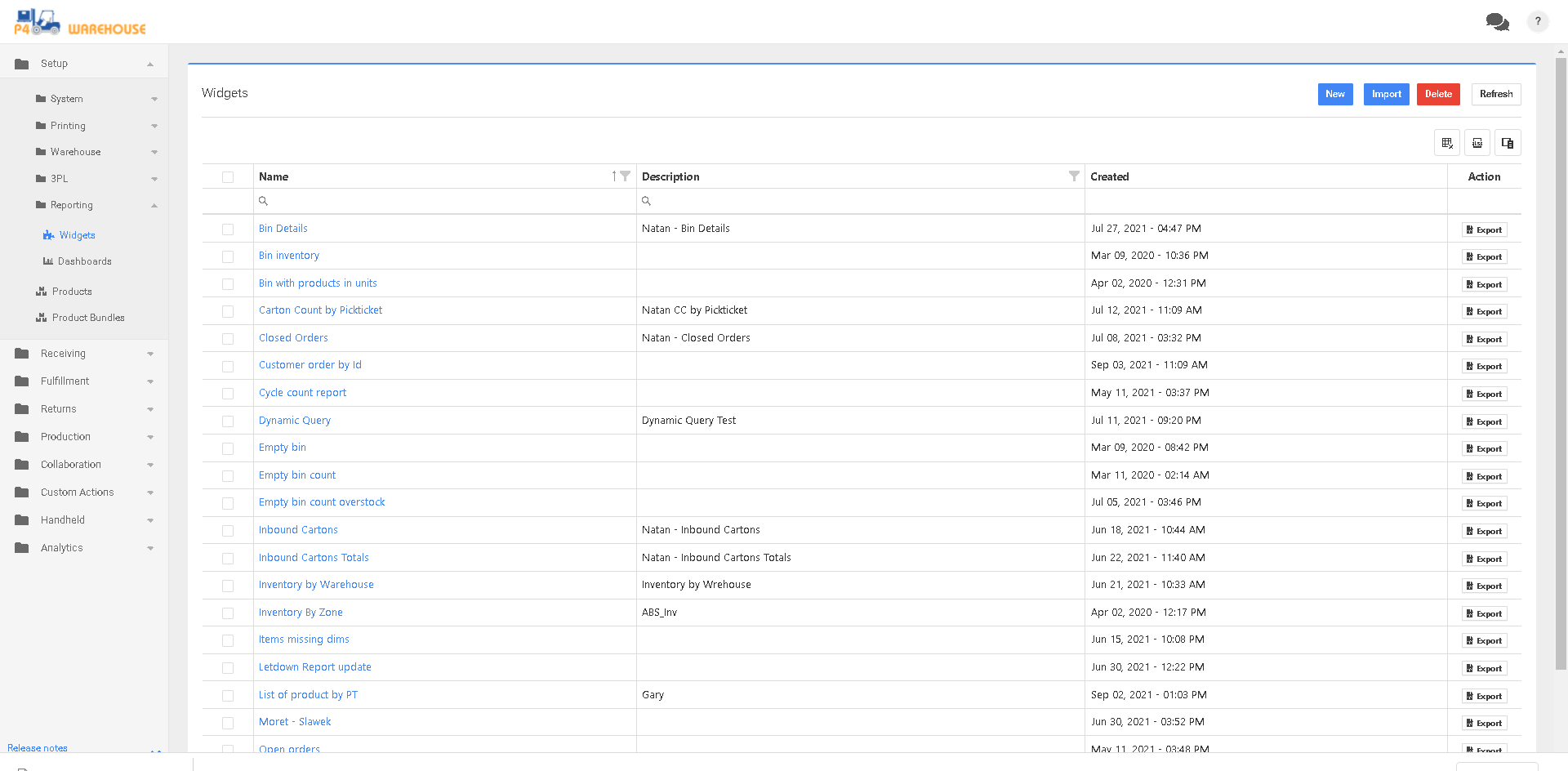
In this screen you can edit an existing report, or you can create a new report.
To create Reports you will need to know TSQL, the best option is to download the database backup to create your SQL statement.
By clicking the name of an existing Widget, you will be able to edit the Reports SQL statement.
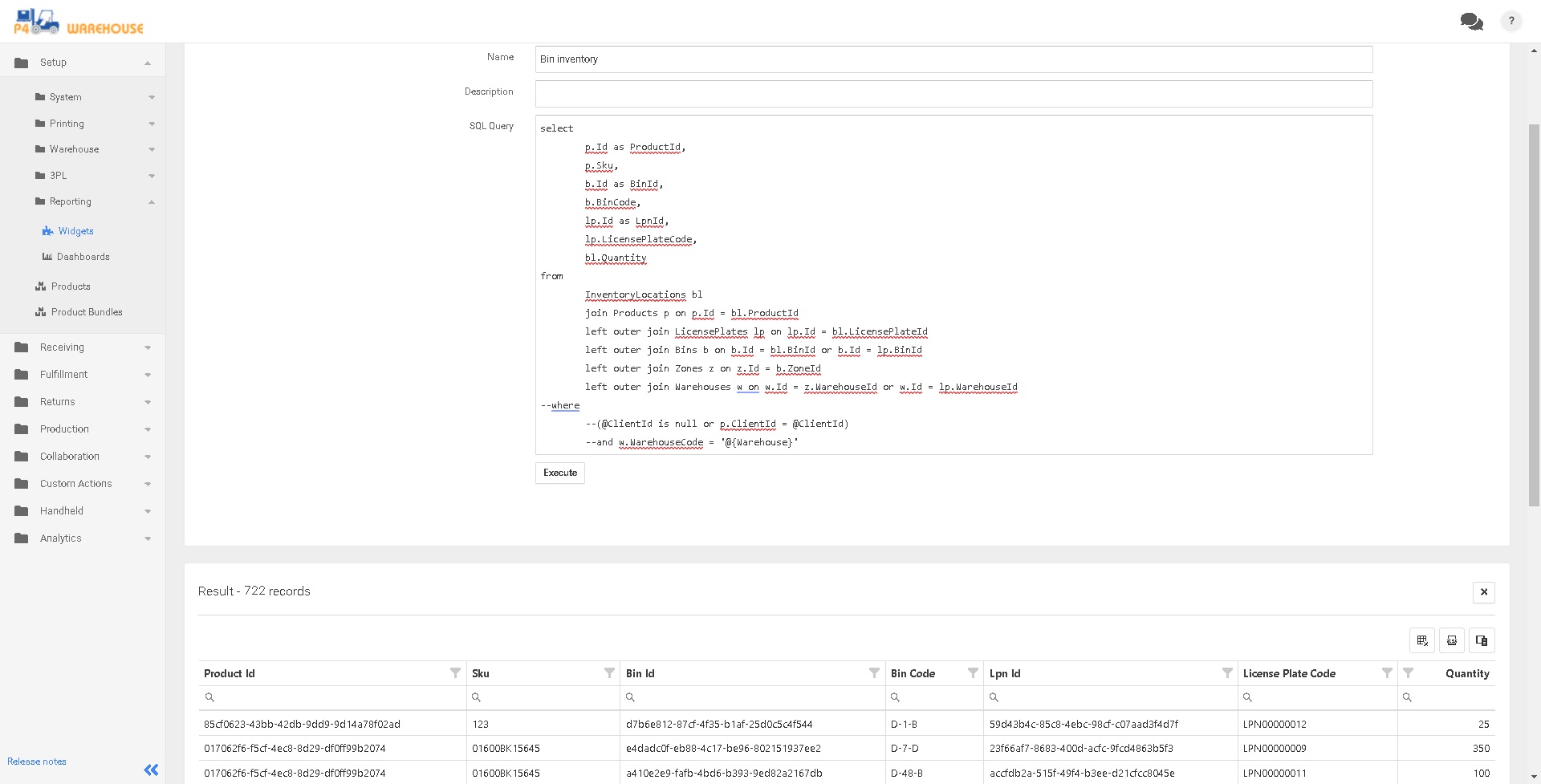
Reports are an in-depth subject; it is recommended you speak with your P4 Warehouse Partner to get more details.
Once you have your SQL Query working you will need to add a grid.
Was this page helpful?