 P4 Software
/
P4 Warehouse
P4 Software
/
P4 Warehouse
P4 Software
/
P4 Warehouse
P4 Software
/
P4 Warehouse
P4 Warehouse has database backups available every 12 hours. The backups are in a Microsoft bacpac file format. Bacpac is easy to import into any Microsoft SQL version 2008 and up.
Microsoft bacpac instructions (click)
Step one is to download your data from P4 Warehouse.
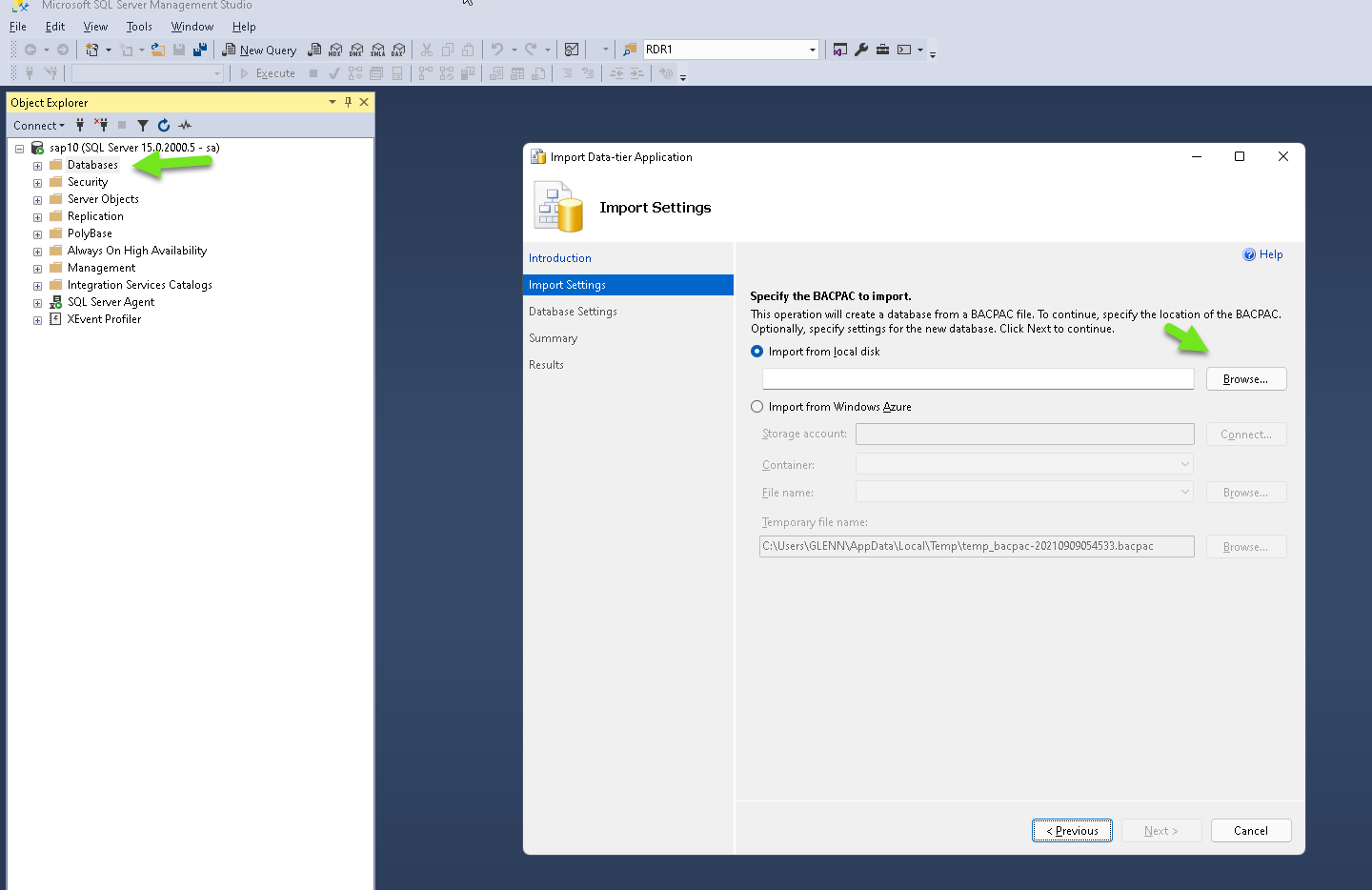
Step 2 is In SQL Manager (SSMS) right click on databases and select Import Data-tier Application
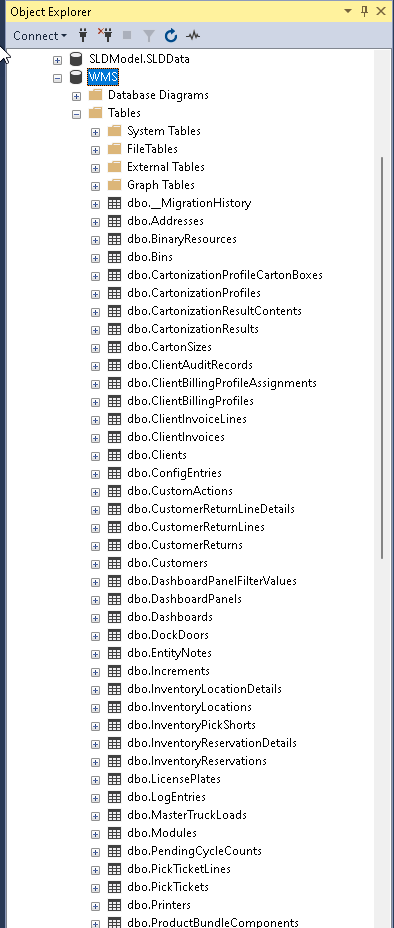
Step 3 select the bacpac file you downloaded, then give your database a name.
Step 4 click Finish, (The process normally will take 1-3 minutes to complete.).
You will find database backups under Setup/System/Database backups
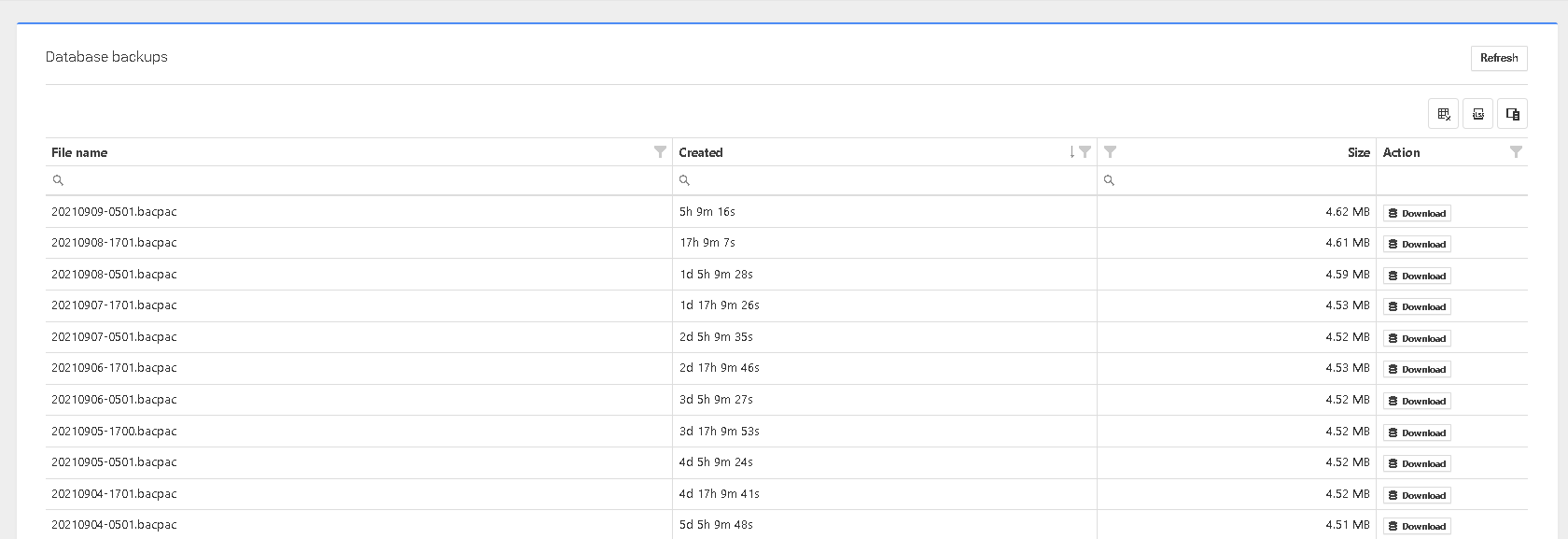
By clicking the download button, you will save the backup to your local computer.
This is a bacpac file that can be restored onto SQL 2008 R2 or newer.
Was this page helpful?