 P4 Software
/
P4 Warehouse
P4 Software
/
P4 Warehouse
P4 Software
/
P4 Warehouse
P4 Software
/
P4 Warehouse
By Labeling your dock doors you can assign specific Purchase Orders and Sales Orders to specific dock door. This will help reduce any errors caused by loading the wrong product to the wrong trailer.
System>Warehouse>Dock Door
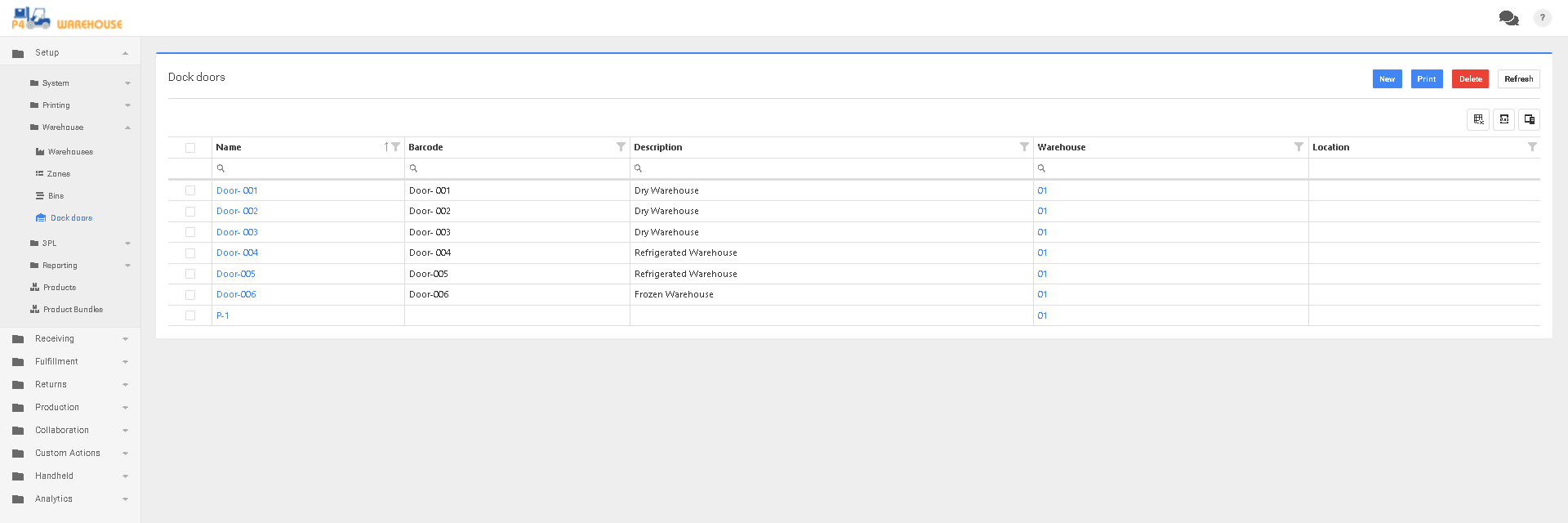
Click new to create a new dock door, then select the box to the left of the name column to print the door Labels.
Be sure to apply these Labels in an area on each door that is easy to scan. Make sure your users understand the labeling system, so they do not confuse the doors.
Was this page helpful?