 P4 Software
/
P4 Warehouse
P4 Software
/
P4 Warehouse
P4 Software
/
P4 Warehouse
P4 Software
/
P4 Warehouse
In this screen you will configure the actual Email that will be sent out to the client, internal employee or the 3PL Provider.
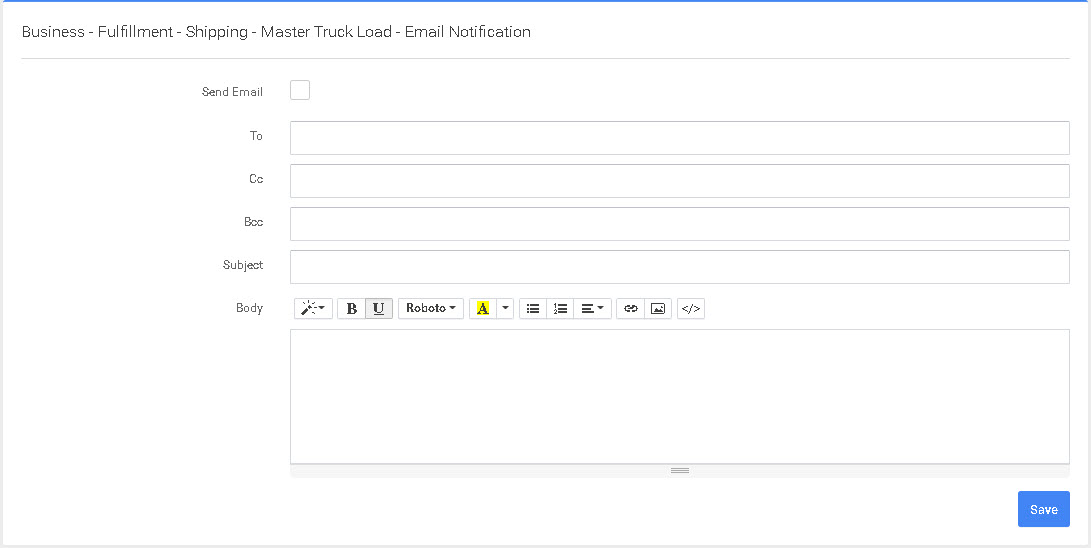
By entering this screen and holding your mouse over the fields you will see there are a number of predefined fields you can include in the Email template.
Was this page helpful?