 P4 Software
/
P4 Warehouse
P4 Software
/
P4 Warehouse
P4 Software
/
P4 Warehouse
P4 Software
/
P4 Warehouse
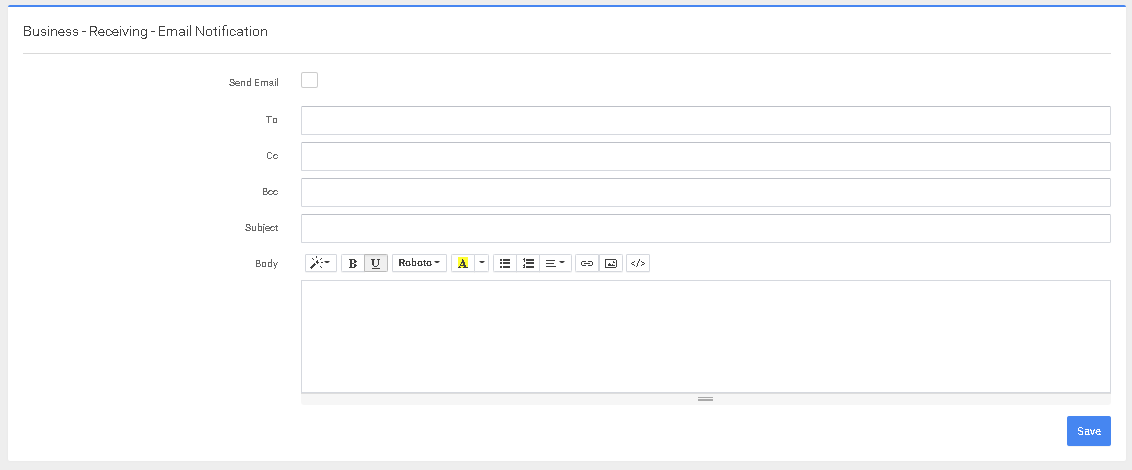
This screen will allow you to automatically send a pdf to recipients of your choice when a Purchase Order is closed.
By holding your mouse over the fields, you will see the variables that are available to use.
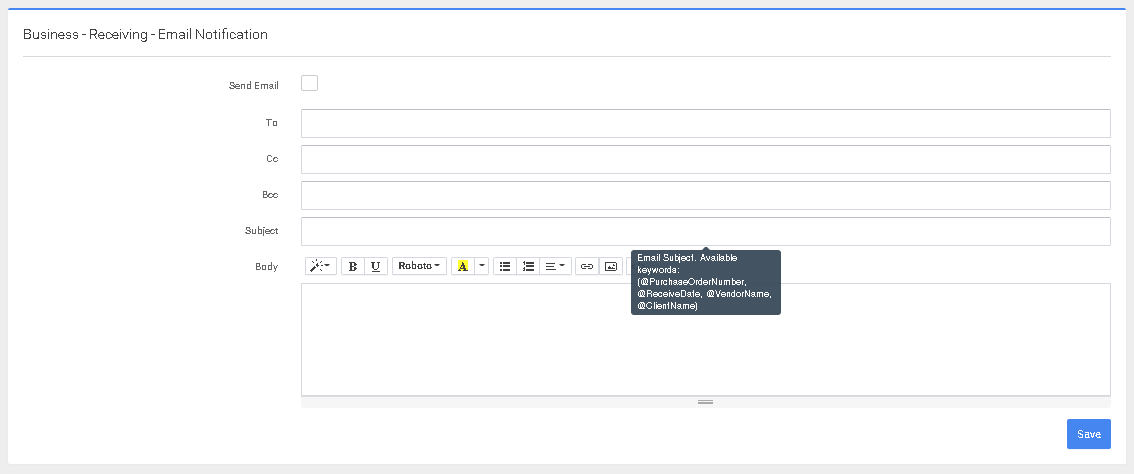
An example of the variable in the To: field are @VendorEmail or @ClientEmail or simply enter the Email address for your Receiving department.
Was this page helpful?