 P4 Software
/
P4 Warehouse
P4 Software
/
P4 Warehouse
P4 Software
/
P4 Warehouse
P4 Software
/
P4 Warehouse
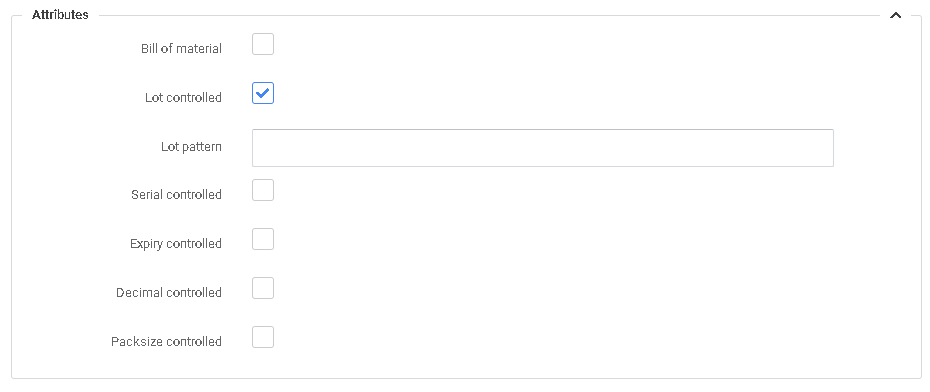
Lot control is a vital component in the traceability of Products in the supply chain. In the edit screen for product select the Lot Controlled box, if required you can enter the Lot Patten. LOT pattern will help prevent errors in the Data Entry of LOTS.
Example of LOT Pattern: Your LOT number for this item is BB-21xxxx, with the x being the month and day of the Production LOT.
The LOT Pattern would be BB-21____ (4 underscores) with the pattern in place the lot entered must always follow this rule.
Attribute settings need to be selected priory to transacting any transactions for this product in the system.
Was this page helpful?