 P4 Software
/
P4 Warehouse
P4 Software
/
P4 Warehouse
P4 Software
/
P4 Warehouse
P4 Software
/
P4 Warehouse
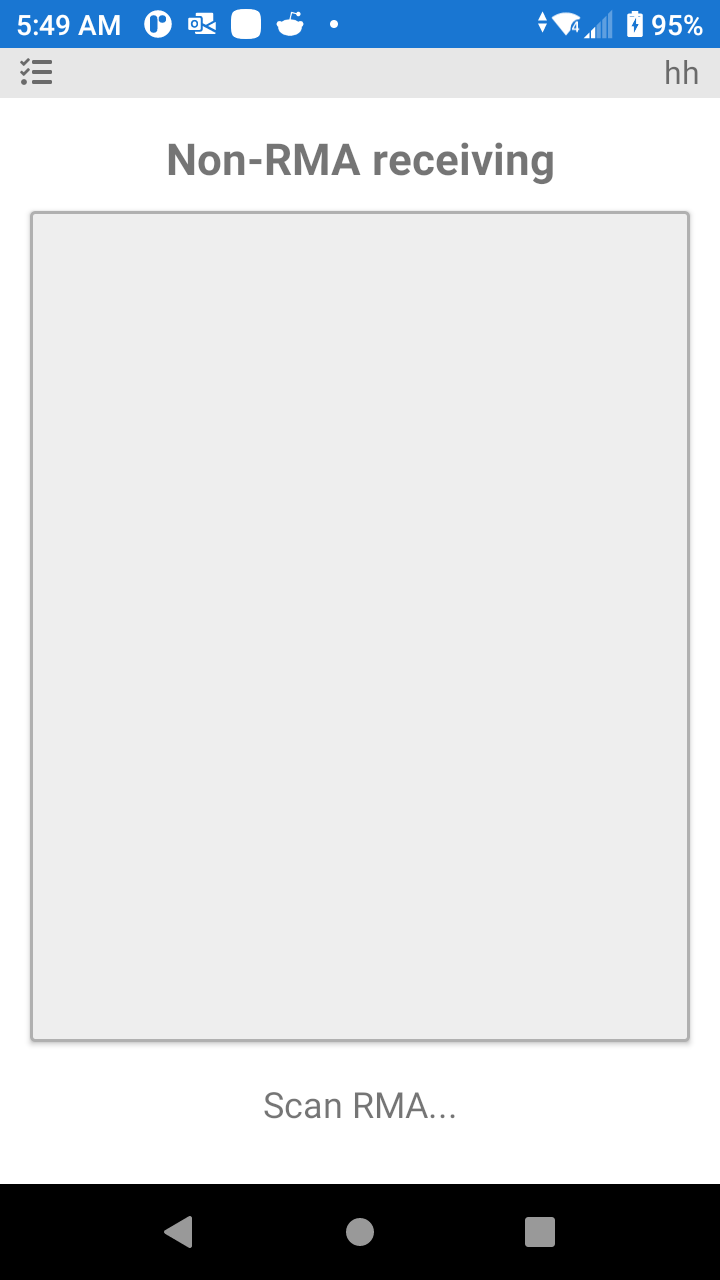
Non RMA Receiving is the process that allows the Receiving of Products that are not on the RMA.
You can receive additional product on an existing RMA, you however cannot receive Products for a client that has no RMA in the system.
Was this page helpful?