 P4 Software
/
P4 Warehouse
P4 Software
/
P4 Warehouse
P4 Software
/
P4 Warehouse
P4 Software
/
P4 Warehouse
Pick List can be used to allow the PDT users to select the next order for Picking, outside of an eCommerce Fulfillment center this option is normally disabled as it is the responsibility of the Web dispatcher to decide what orders get picked.
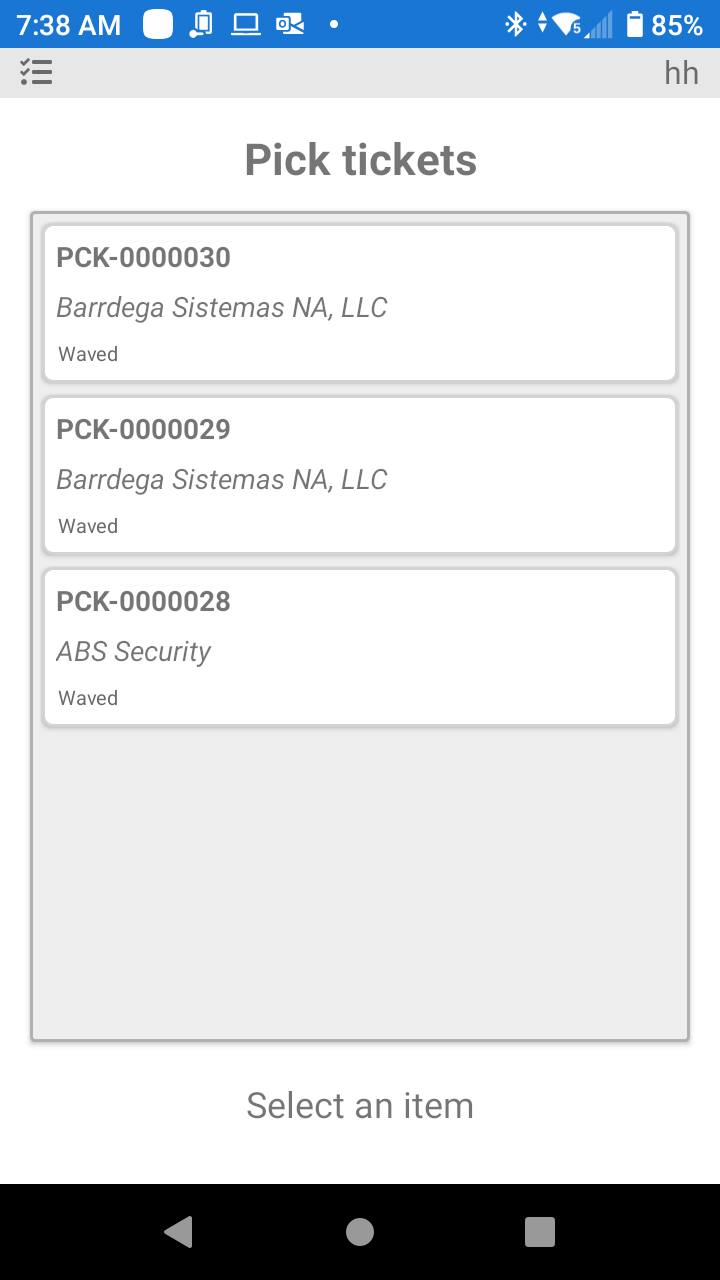
From the screen above the PDT user can select any order to begin the Picking process.
Was this page helpful?