 P4 Software
/
P4 Warehouse
P4 Software
/
P4 Warehouse
P4 Software
/
P4 Warehouse
P4 Software
/
P4 Warehouse
A Pick Ticket is a sales order without pricing, as P4 Warehouse is a Warehouse management System we do not have pricing information. Pricing information is managed in your ERP.
Under Fulfilment select Pick tickets. When the Pick tickets grid opens select "New Pick ticket" from the Data Entry dropdown box.

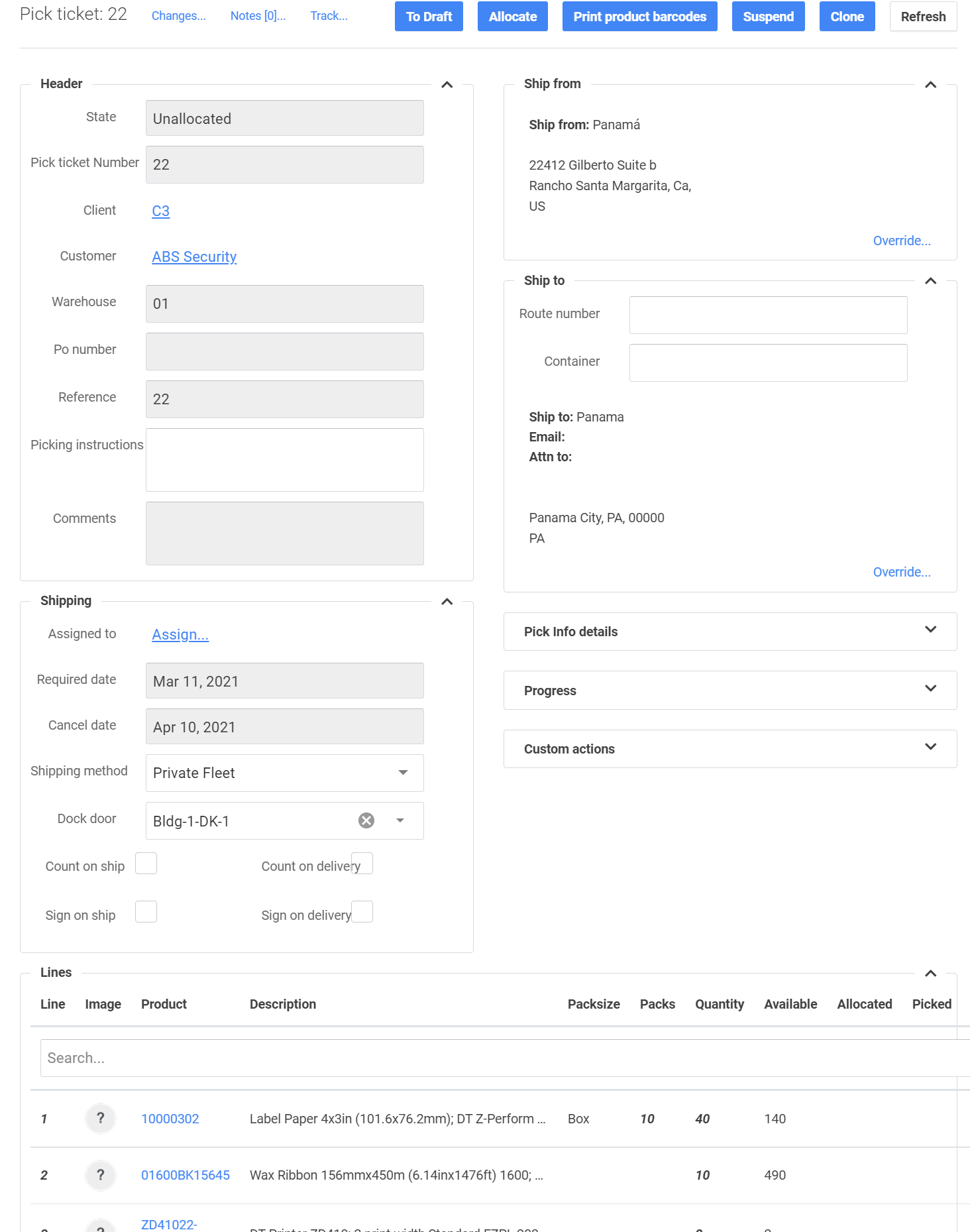
As the Pick Ticket processes through each step, buttons become visible or hidden to eliminate confusion.
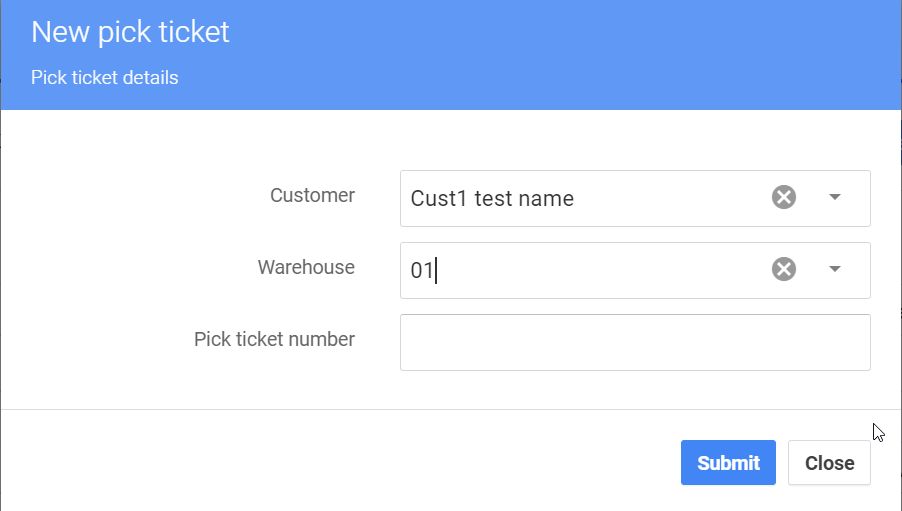
Select the Customer, Warehouse and leave Pick ticket number blank if you wish the system to auto select next in series. Then Submit and Draft Pick ticket will be created.
In the Pick tickets screen you will now see a new Pick ticket. Click on Pick ticket number to review/edit/add notes.
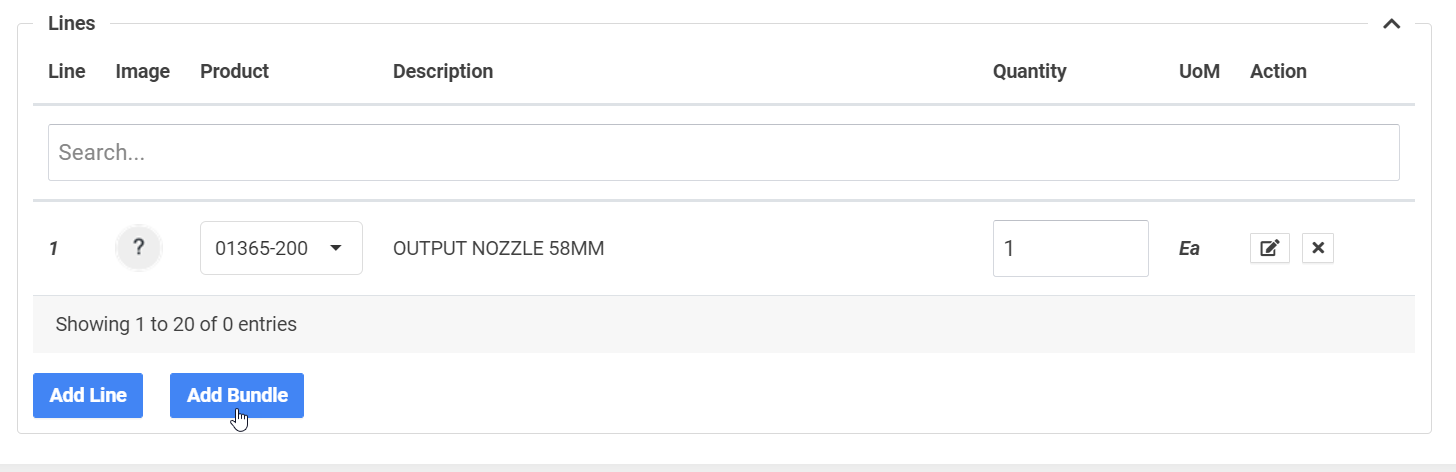
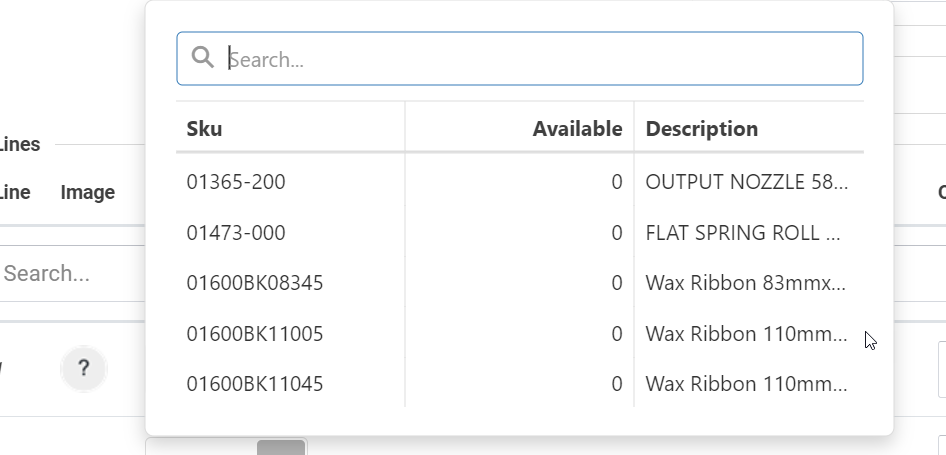
Adding items to Pick ticket:
Once Pick ticket entry is complete user can "Release to floor" or "Allocate" only.
Was this page helpful?