 P4 Software
/
P4 Warehouse
P4 Software
/
P4 Warehouse
P4 Software
/
P4 Warehouse
P4 Software
/
P4 Warehouse
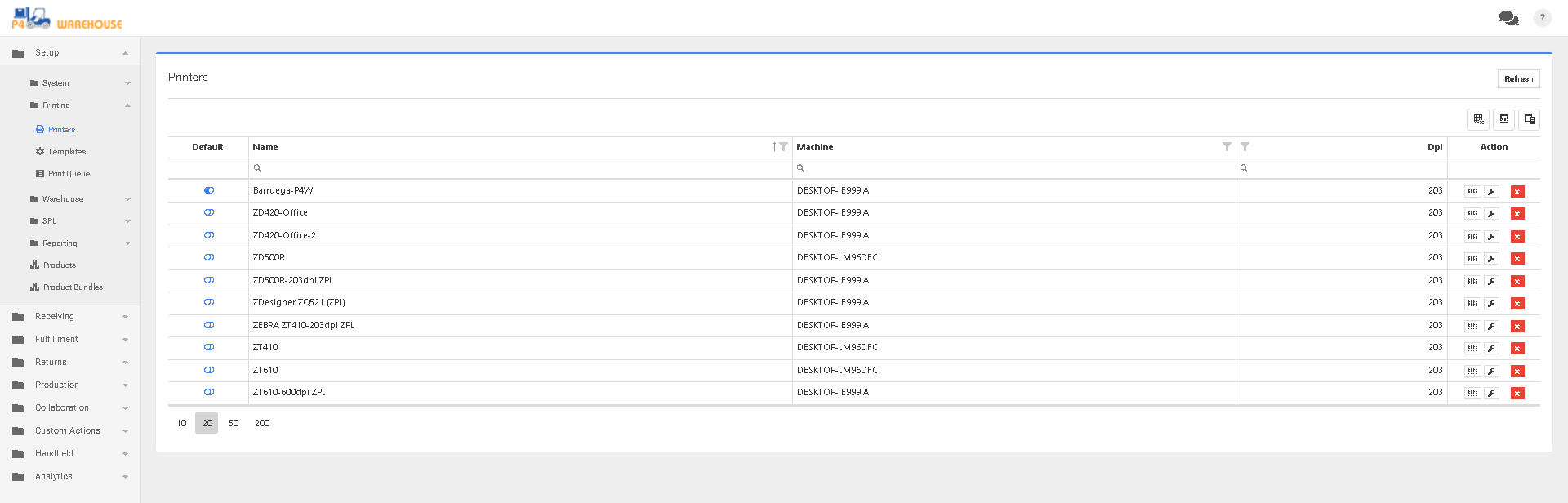
Print Setup is found under System>Printing>Printers
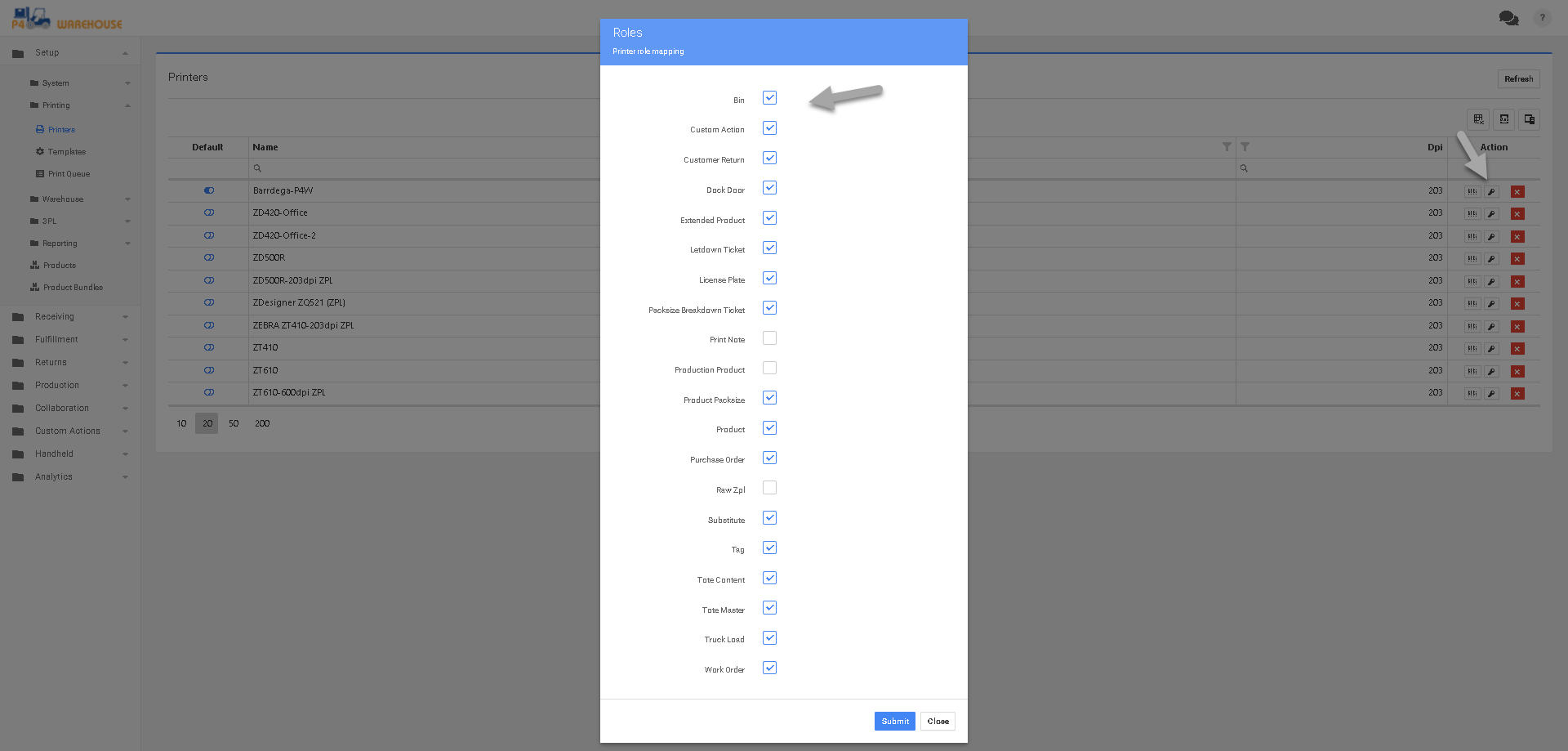
The newly installed Printers will default to 203 DPI, if you have a 300 or 600 DPI this will need to be setup by clicking the left button in the "Action" column.
Review your Zones to be sure the correct printer(s) is setup on each zone
Levels of Printer Priority
Was this page helpful?