 P4 Software
/
P4 Warehouse
P4 Software
/
P4 Warehouse
P4 Software
/
P4 Warehouse
P4 Software
/
P4 Warehouse
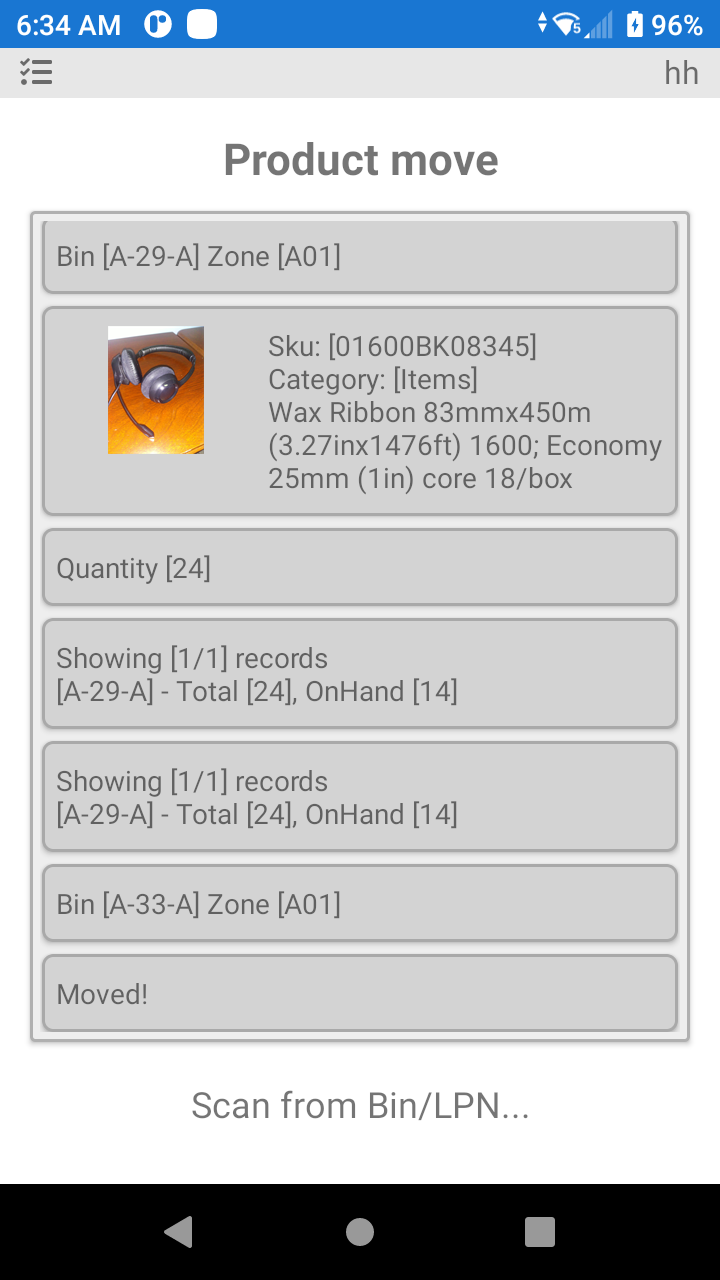
Product Move is the process where a worker moves product from one bin to the other bin.
There are various reasons to move product around the Warehouse, however best practice is to receive the product and not move it until time to pick a sales order, there is less chance of error and less chance of product damage.
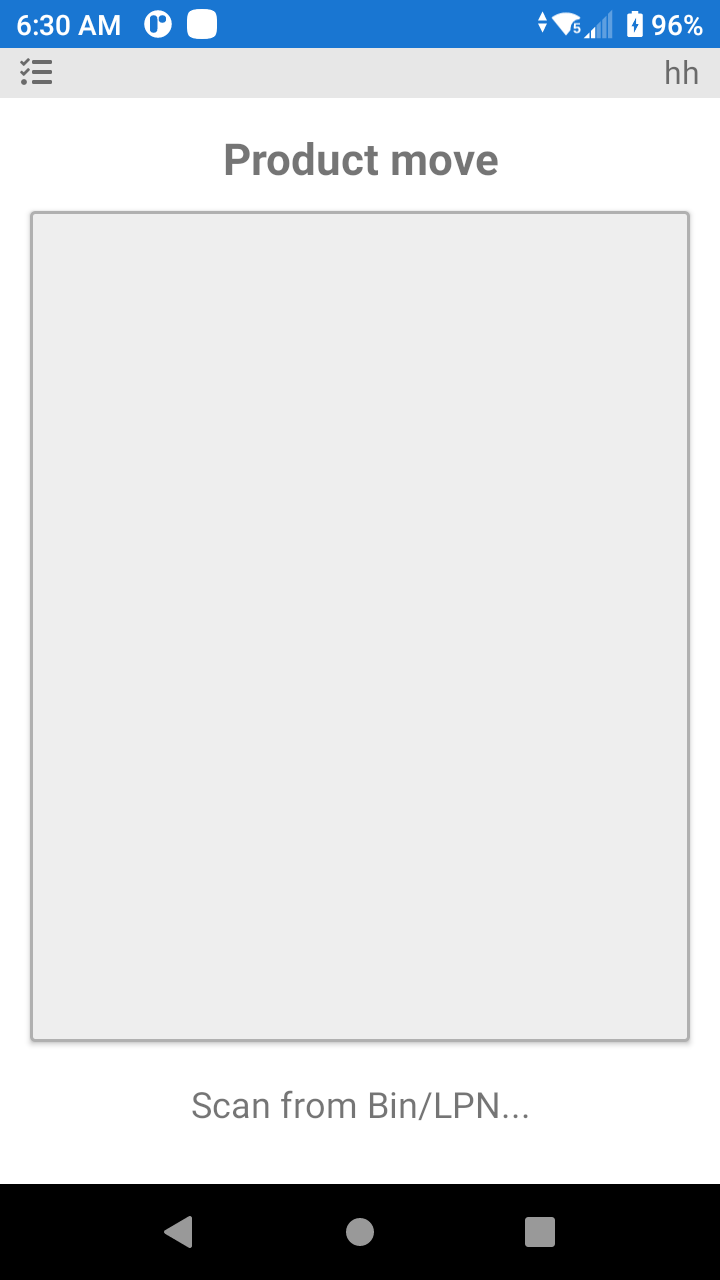
Select Product Move option then scan the first bin where the product is currently assigned.
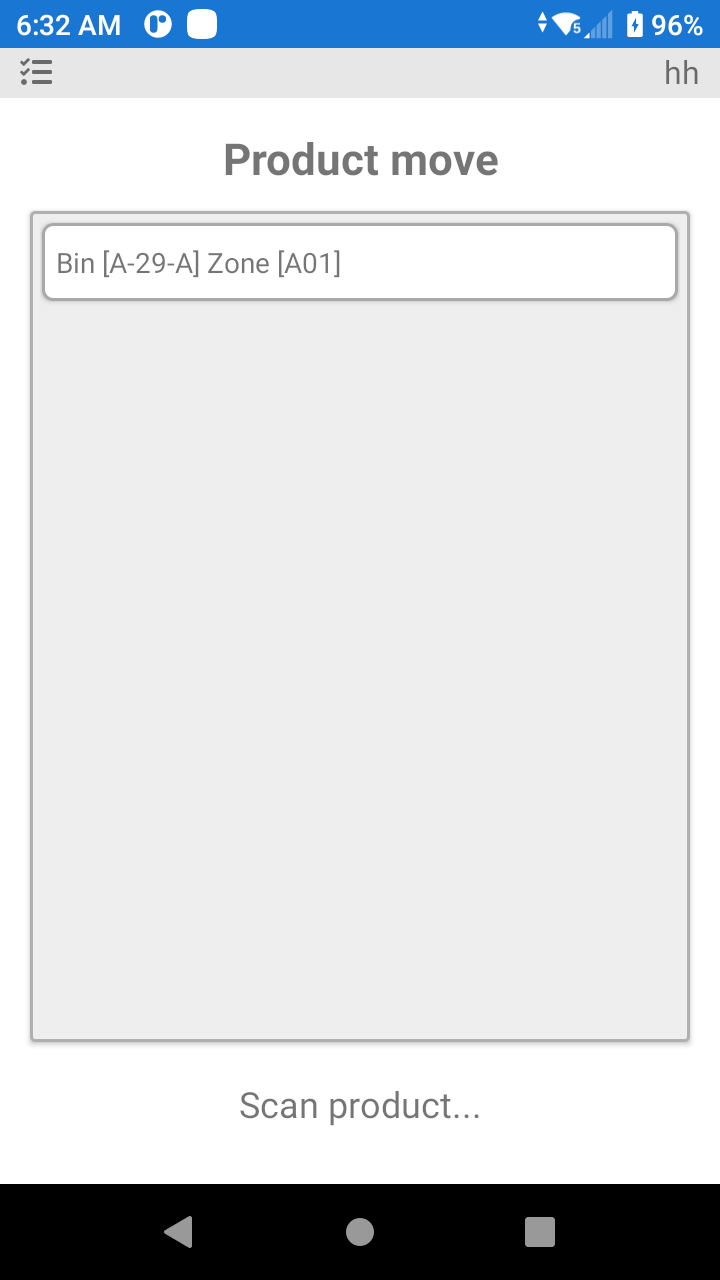
Now scan the product
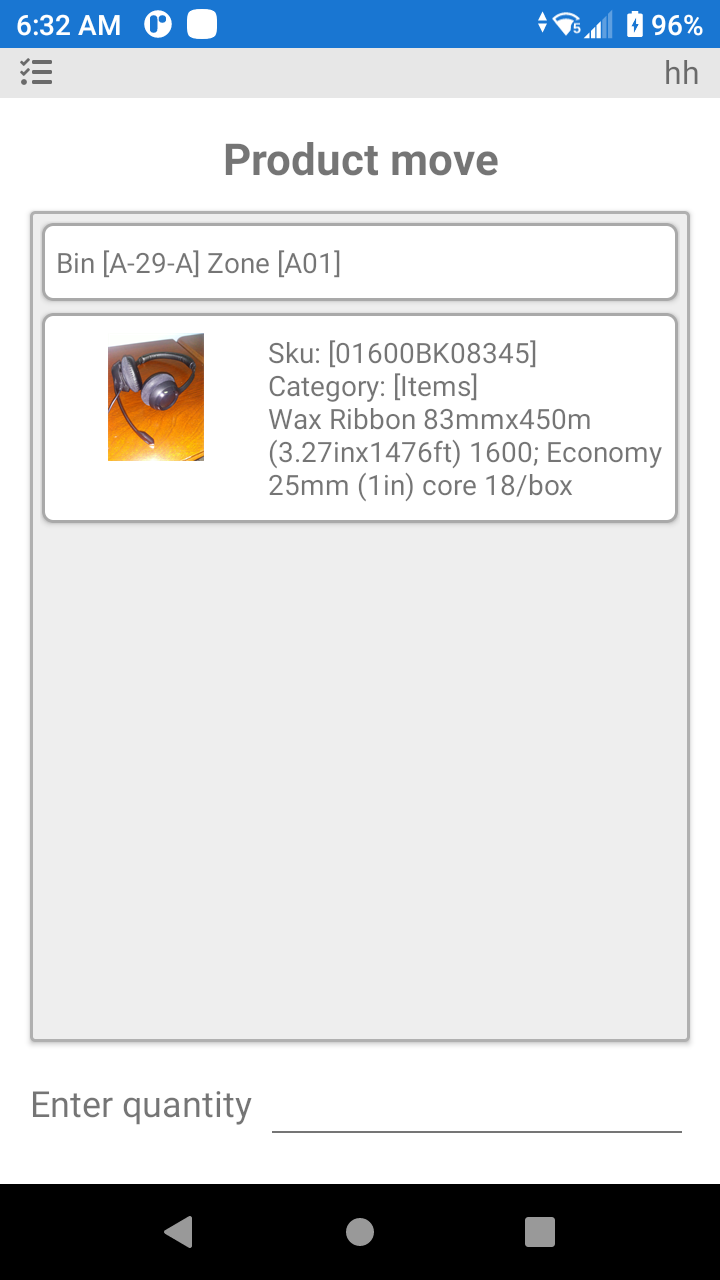
Now enter the quantity you will move
Now scan the bin where you are moving the product
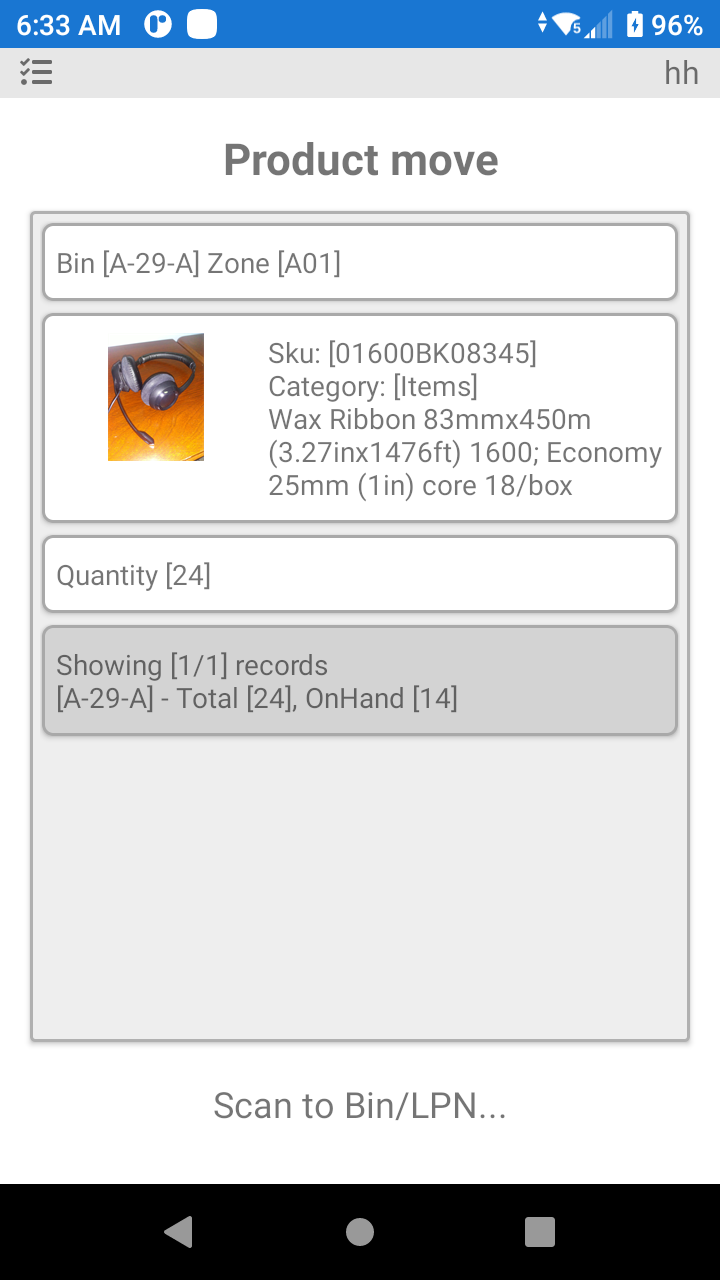
The P4 Warehouse will confirm that the product was moved
Depending on your specific configuration you may or may not be allowed to move product that is allocated to a sales order.
Was this page helpful?