P4 Software P4 Software / P4 Warehouse

Add these docs to Claude

Ask Claude questions about these docs. Claude reads the published pages and links you back to them. Copy this address:

https://docs.p4software.cloud/mcp

In claude.ai or Claude Desktop: open Settings, then Connectors, choose Add custom connector and paste the address.

In Claude Code, run:

claude mcp add --transport http docs https://docs.p4software.cloud/mcp

Releasing

Releasing

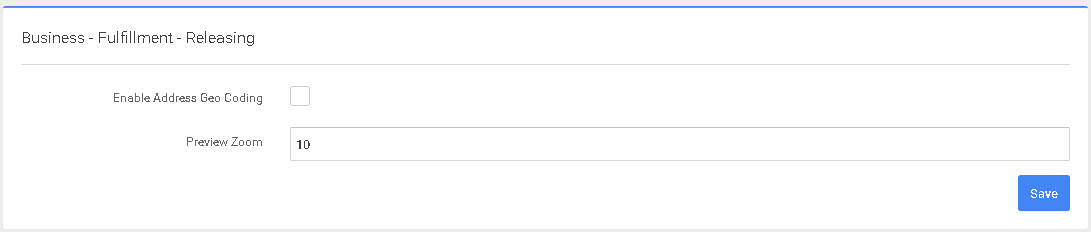
This screen will allow configuring the Releasing settings.

P4 Warehouse Releasing Configuration

  1. Enable Address Geo Coding - Whether an address should be validated and Geo Coded upon releasing to floor - Does not work with TruckLoad consolidation. Note, address may change after geo coding. Note, Additional costs may apply
  2. Preview Zoom - the level in which you can zoom into the address(map).

Was this page helpful?