 P4 Software
/
P4 Warehouse
P4 Software
/
P4 Warehouse
P4 Software
/
P4 Warehouse
P4 Software
/
P4 Warehouse
This configuration page features the option "Invoice Number Prefix" for Third-Party Logistics clients. A typical Invoice Prefix may be “INV-“(which will precede 3PL Client invoice numbers).
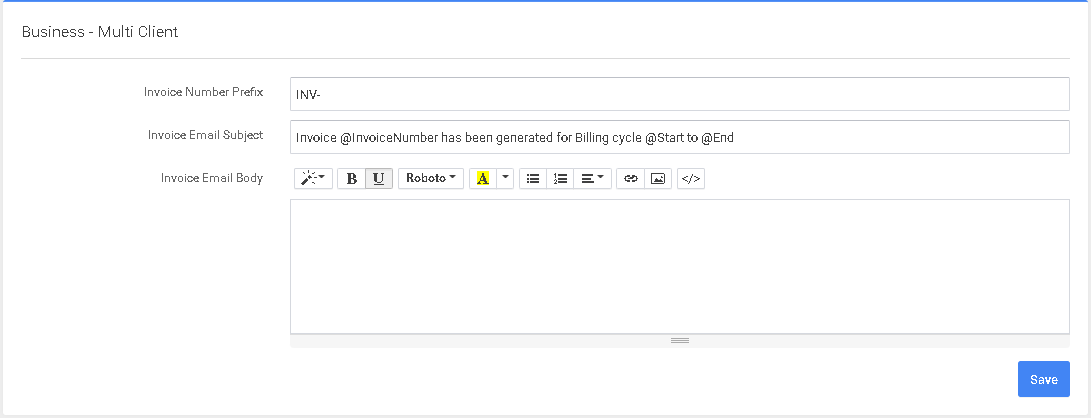
This screen is for configuring the Email that your 3PL client will receive with their monthly invoice!
This screen only functions IF you are using 3PL Invoicing.
Was this page helpful?