 P4 Software
/
P4 Warehouse
P4 Software
/
P4 Warehouse
P4 Software
/
P4 Warehouse
P4 Software
/
P4 Warehouse
Un-Picking can happen for a variety of reasons, the most common is that the pallets did not fit into the trailer. In the event the pallets do not fit, you can simply Un-Pick the pallets and place the Products into a bin.
If you pick several pallets to one pick label, there is no process to un-pick only one pallet. It is CRITICAL each pallet has a pallet label and product is picked correctly to the corresponding pallets label.
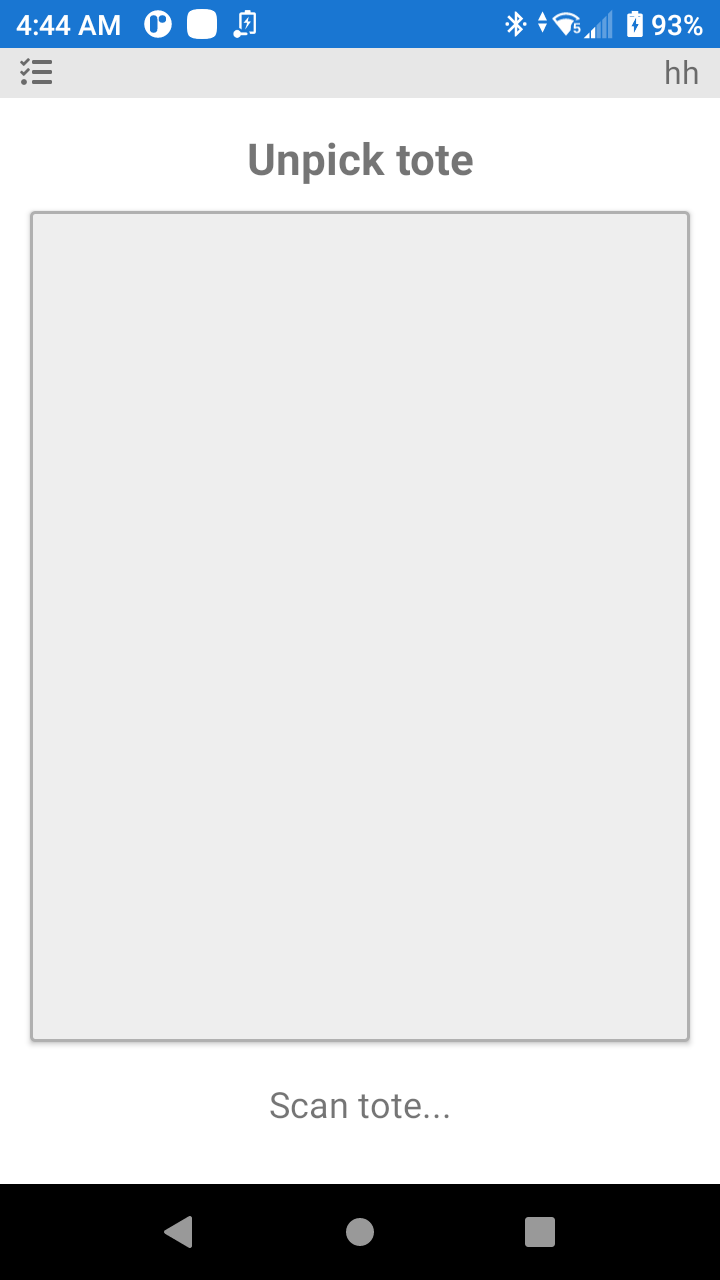
Scan the tote label (carton / pallet) that you want to unpick.
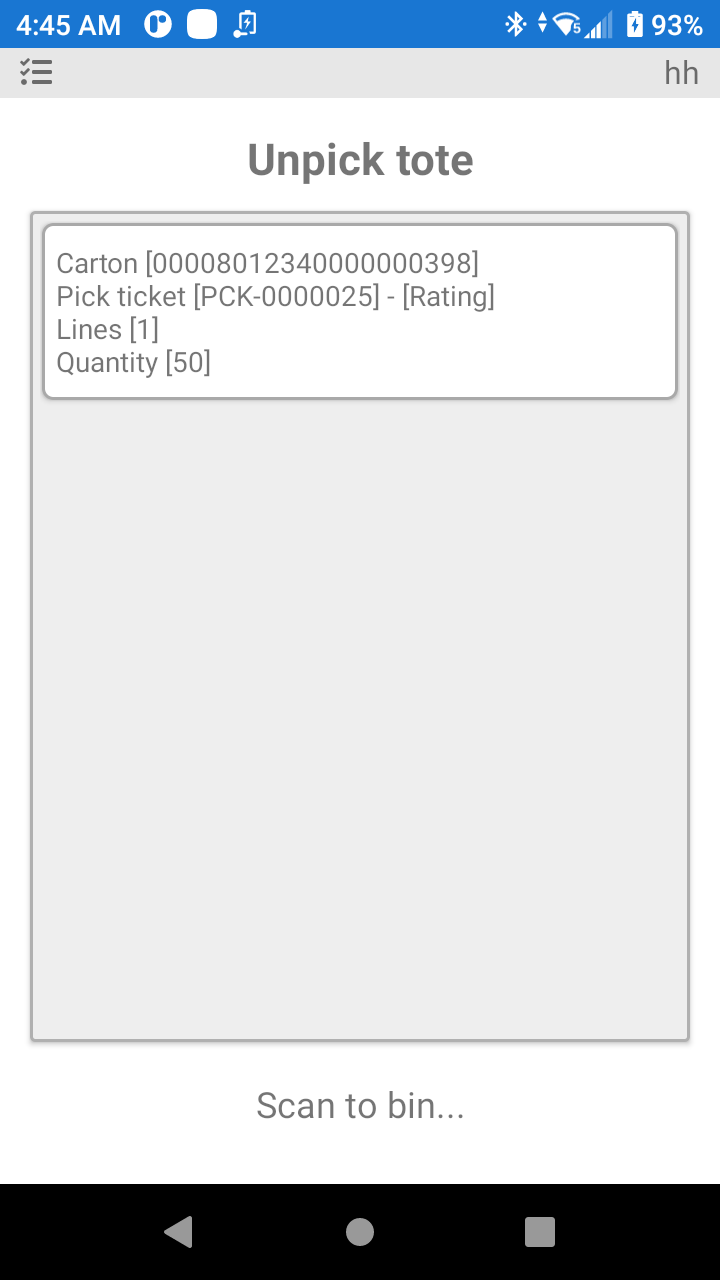
Scan the bin where you will store the Products until a decision is made to what Bins the Products will be returned to.
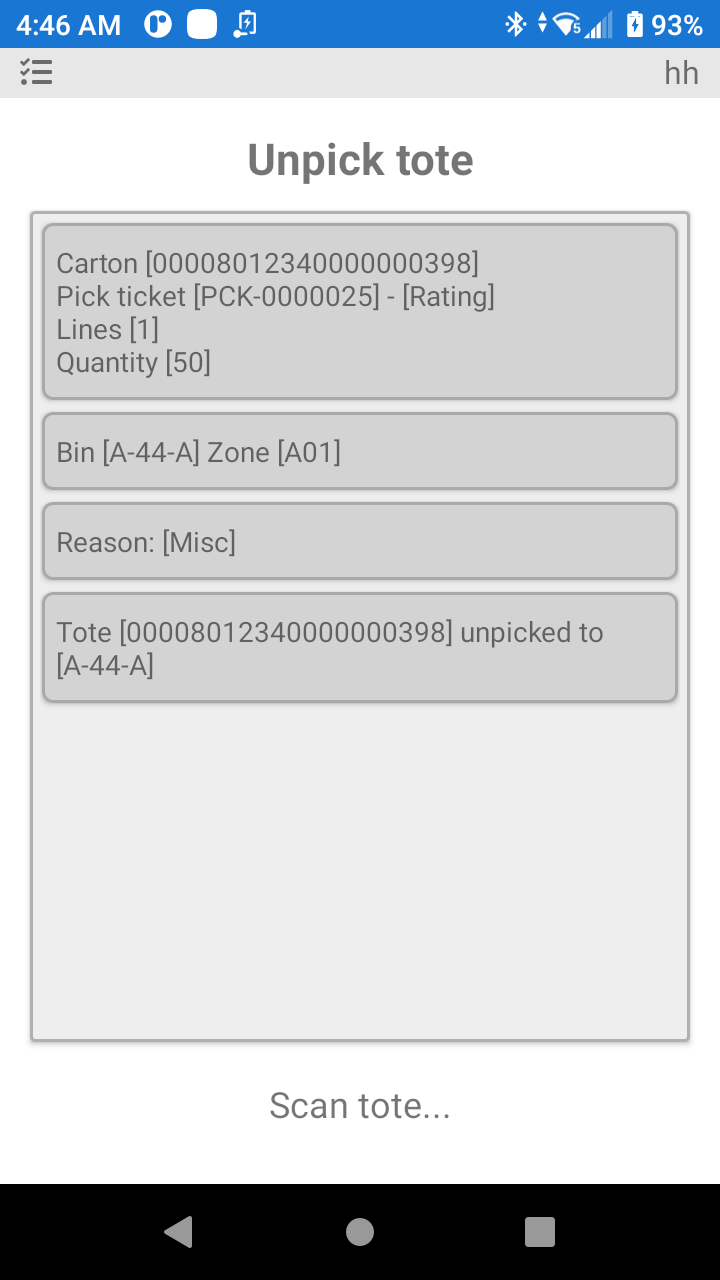
As you can see in the above image the pallet is unpicked and returned to bin A-44-A with a quantity of 50.
Orders cannot be unpicked after they are closed. Be sure of your processes, so you can unpick the product before the order is closed.
Was this page helpful?