 P4 Software
/
P4 Warehouse
P4 Software
/
P4 Warehouse
P4 Software
/
P4 Warehouse
P4 Software
/
P4 Warehouse
Please remember if P4W is integrated to an ERP then the Warehouse codes need to match the ERP.
Setup > System > Warehouse
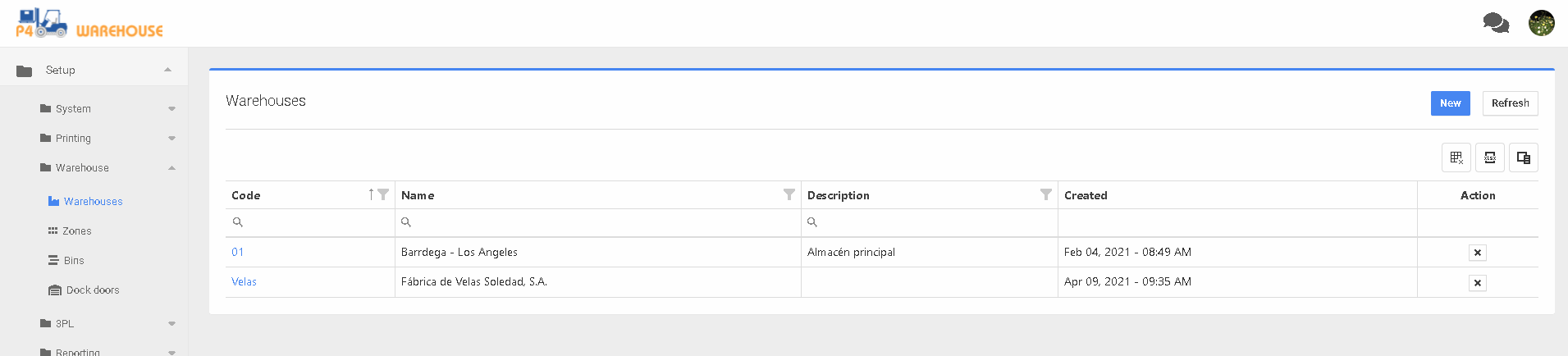
Within the Warehouses screen, Click on the 🆕 button to create a new Warehouse or click the Warehouse code hyperlink to add detailed Warehouse information.
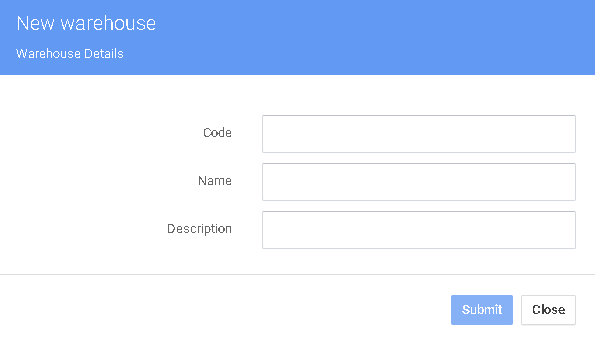
Add a new Warehouse enter the Warehouse code, Warehouse name, and if needed the description.
Was this page helpful?