 P4 Software
/
P4 Warehouse
P4 Software
/
P4 Warehouse
P4 Software
/
P4 Warehouse
P4 Software
/
P4 Warehouse
Please remember if P4Warehouse is integrated to an ERP then the Warehouse codes need to match the ERP. Consult with your P4 Warehouse Partner prior to setting up the Warehouses.
Setup Warehouse
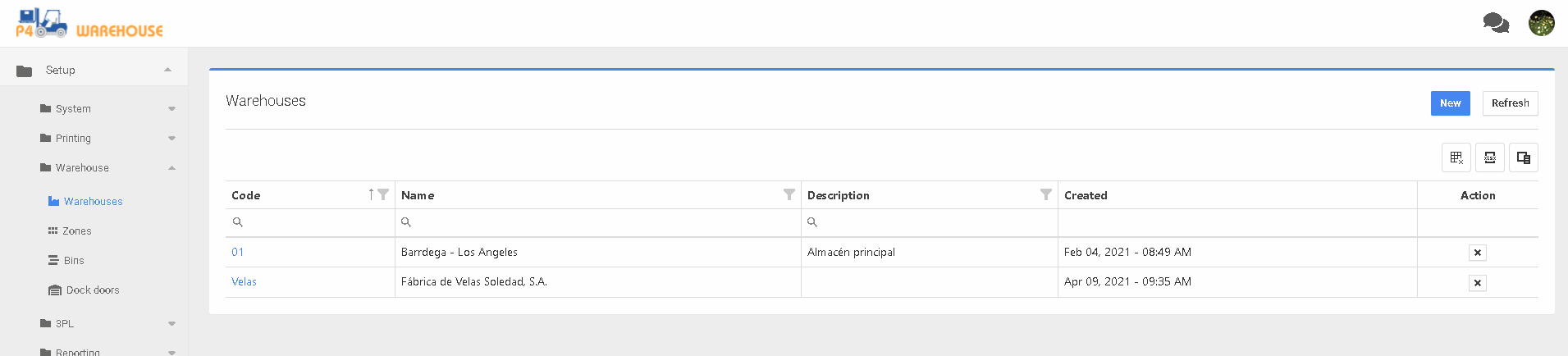
Click on the :new: button to create a new Warehouse, click the link in code to edit an existing Warehouse.
Add a new Warehouse enter the Warehouse code, Warehouse name, and if needed the description.
With the Warehouse create, click the Warehouse code link to add detailed Warehouse information.
Was this page helpful?