Plans and billing
Plans and billing
Applies to: anota, all plans Roles required: Owner or Admin Regulatory references: none
Overview
The Billing page shows your workspace's plan and how much of its monthly allowance you've used, compares the paid plans, and is where you subscribe or change plans. Payments and invoices are handled by Stripe: anota sends you to Stripe's secure pages to pay and to manage your subscription. It's for the workspace Owner and Admins. In the page's own words: "Check your plan, your usage, and upgrade whenever you need to."
The examples use Café Aurora's workspace on the free Starter plan.
Key concepts
- Current plan: the plan the workspace is on. Every new workspace starts on Starter, the free plan. Starter has no card of its own on the page; the cards show the paid plans: Bronze, Silver and Gold.
- Monthly / Annual: the billing cycle. It changes the prices on the cards and the price you subscribe at. The plans' limits are the same in both.
- Checkout: Stripe's payment page, where you enter your card to subscribe. It's hosted by Stripe, outside anota.
- Manage billing: opens Stripe's billing portal, where a workspace that has subscribed manages its subscription. Also outside anota.
- Active subscription: any subscription that isn't canceled, and isn't a checkout that was abandoned or never completed (for example a card check that failed). While you have one, you change plans through Manage billing, not from the cards.
Task 1 — Check your plan and your usage
Prerequisites
- The Owner or Admin role. The Billing link only appears in the top menu for them.
Step-by-step
In the top menu, click Billing.
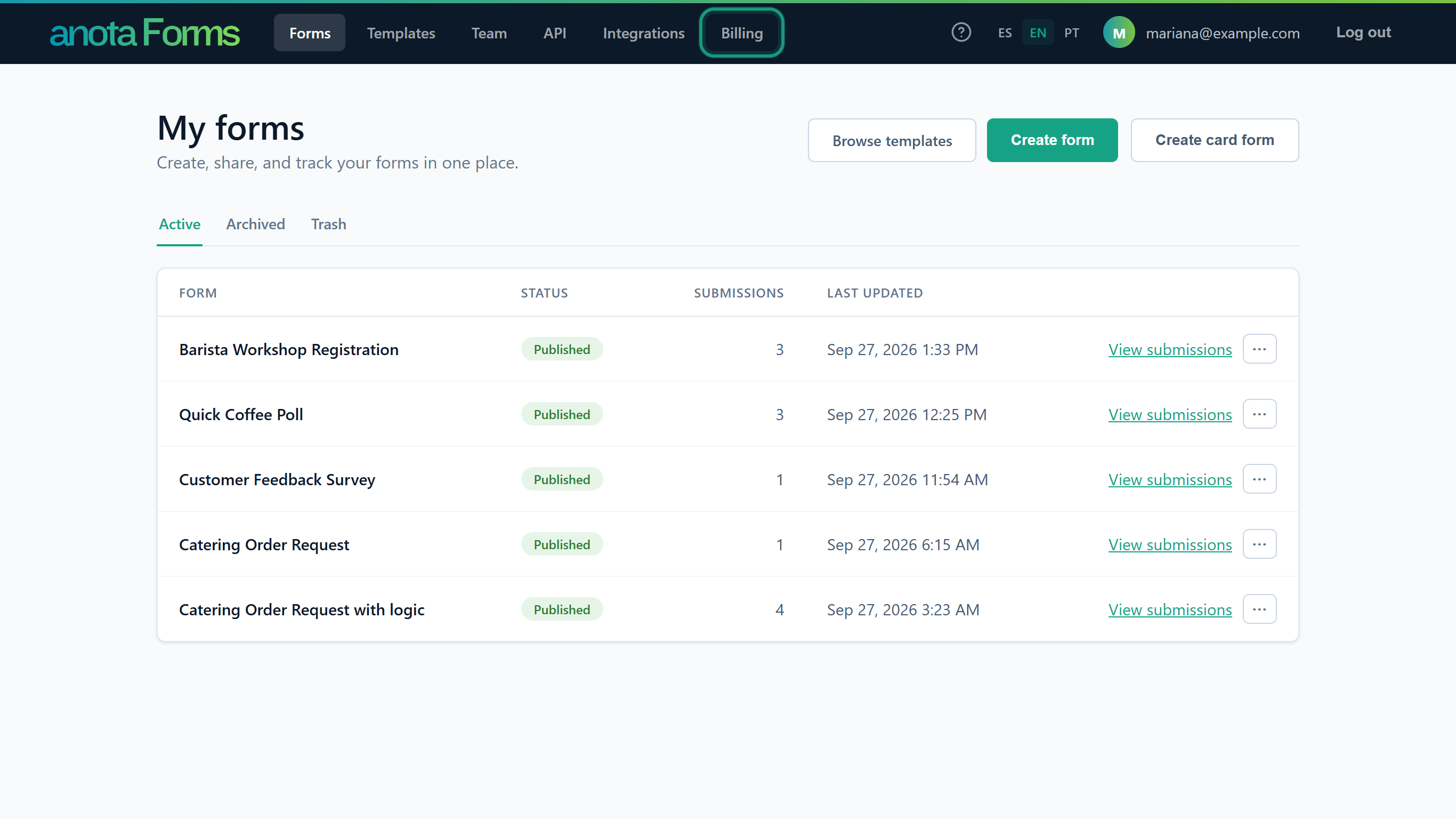 Editors and Viewers don't see this link.
The Current plan card shows the plan's name and its status. On the free plan the status reads Free plan.
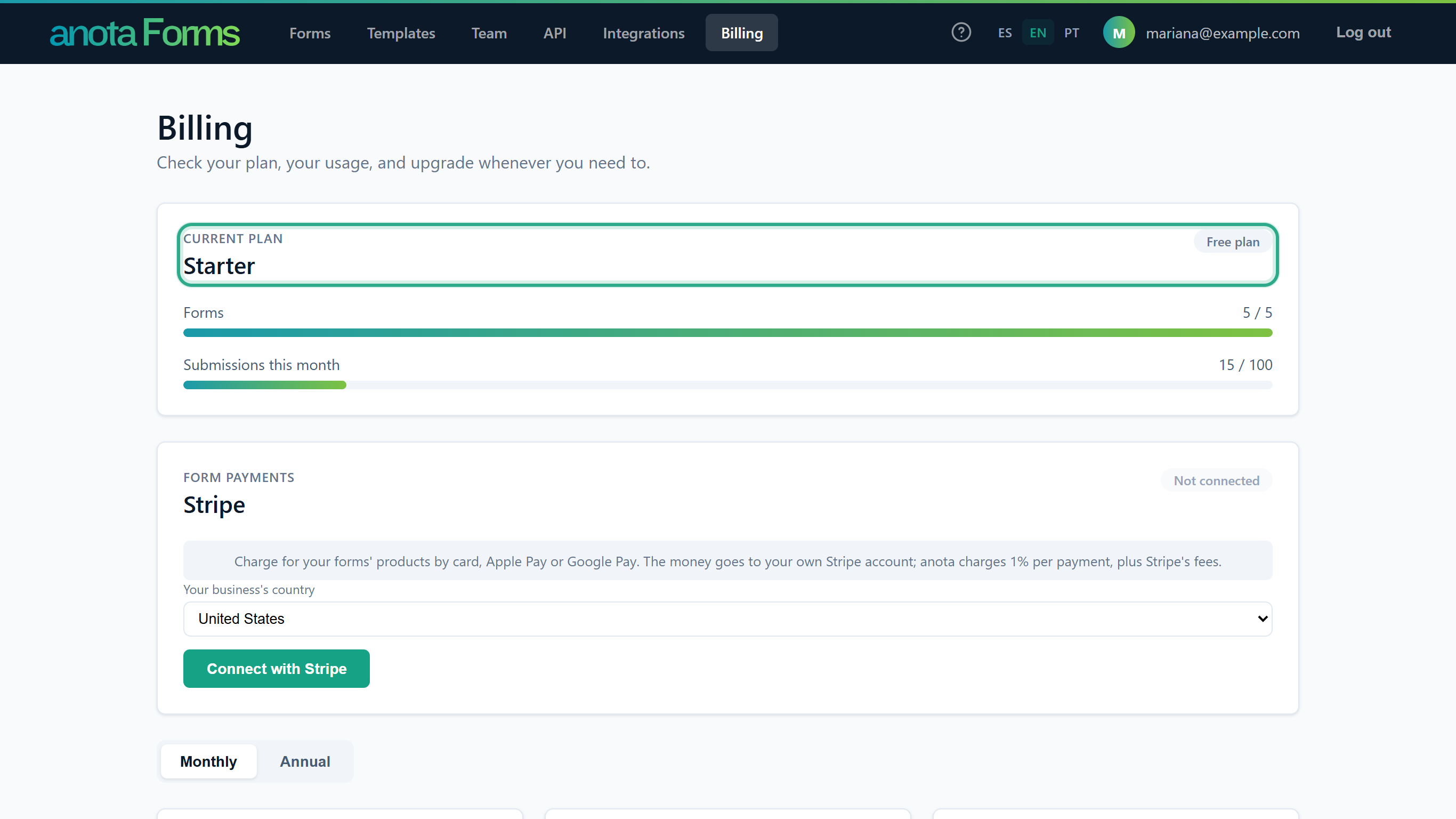 Café Aurora is on Starter, the free plan.
Below it, two bars show this month's usage against the plan's limits: Forms and Submissions this month, each as used / allowed.
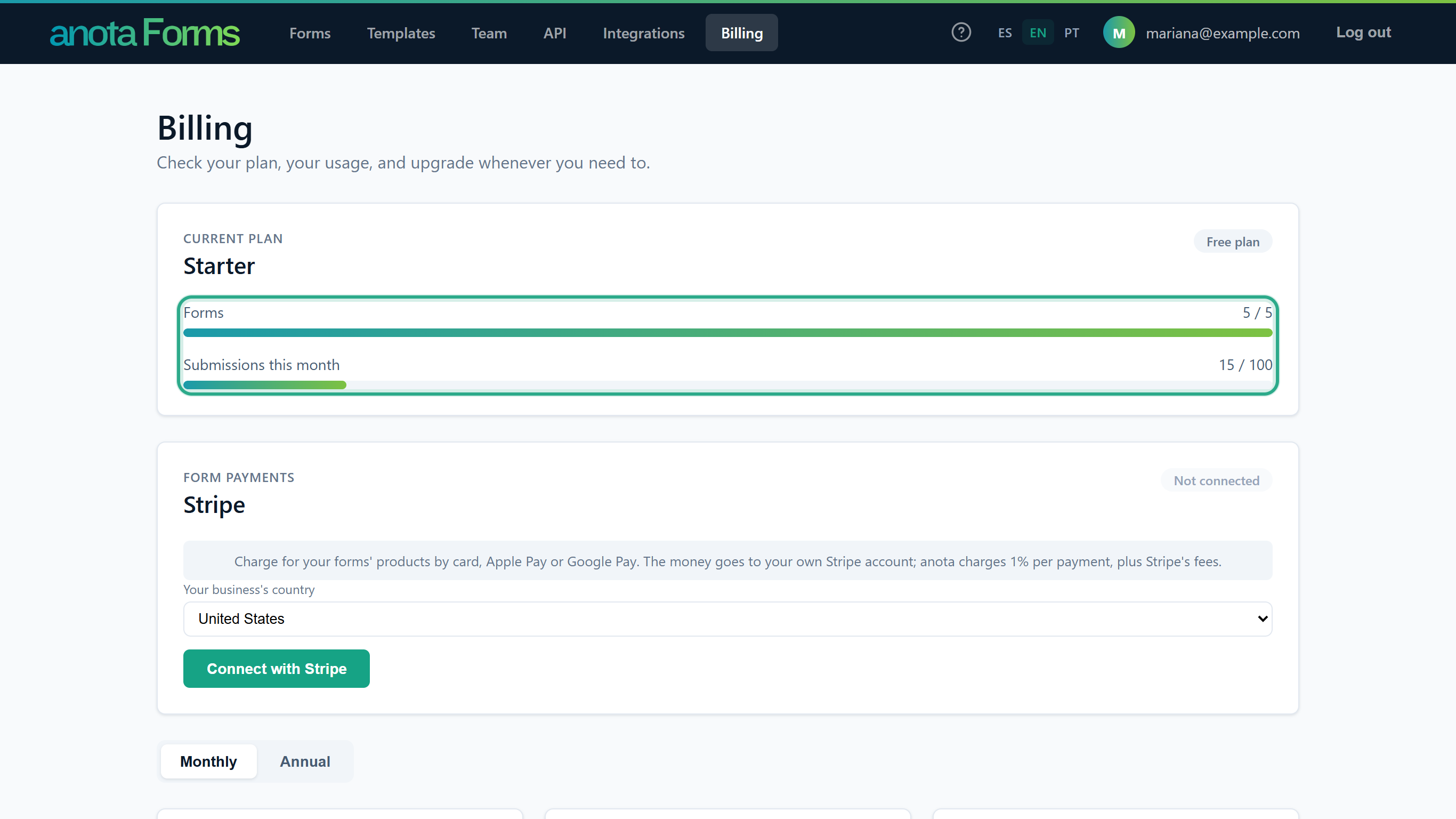 Café Aurora uses all 5 of its forms and 15 of its 100 submissions this month.
Result
You know which plan you're on and how close you are to its limits. Forms counts active and draft forms: archived forms and forms in the trash don't count. Submissions this month counts every response received in the current calendar month, across all forms. The status can read:
| Status | Meaning |
|---|---|
| Free plan | No subscription: the workspace is on Starter. |
| Active | The subscription is paid and running. |
| Payment overdue | Stripe couldn't collect the last payment. Fix the card through Manage billing. |
| Canceled | The subscription has ended. |
| Pending | Any other state reported by Stripe, for example while a first payment is still being confirmed. |
Task 2 — Compare the plans
Step-by-step
To see yearly prices, click Annual above the plan cards. Each card then shows the price for a whole year. Click Monthly to go back.
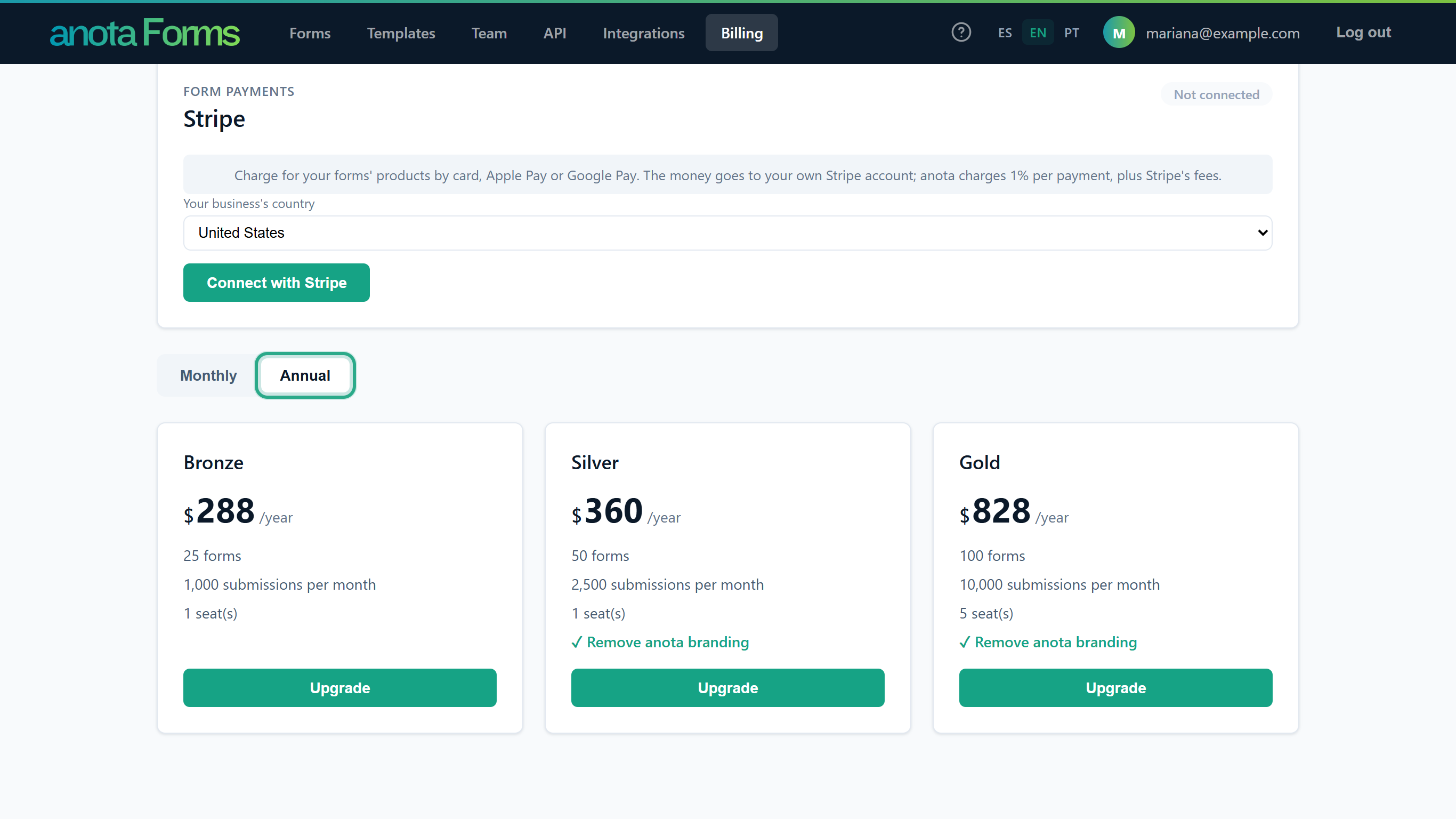 Paying yearly costs less than twelve monthly payments.
Compare the cards. Each lists its forms, its submissions per month and its seats (members). Silver and Gold also list ✓ Remove anota branding.
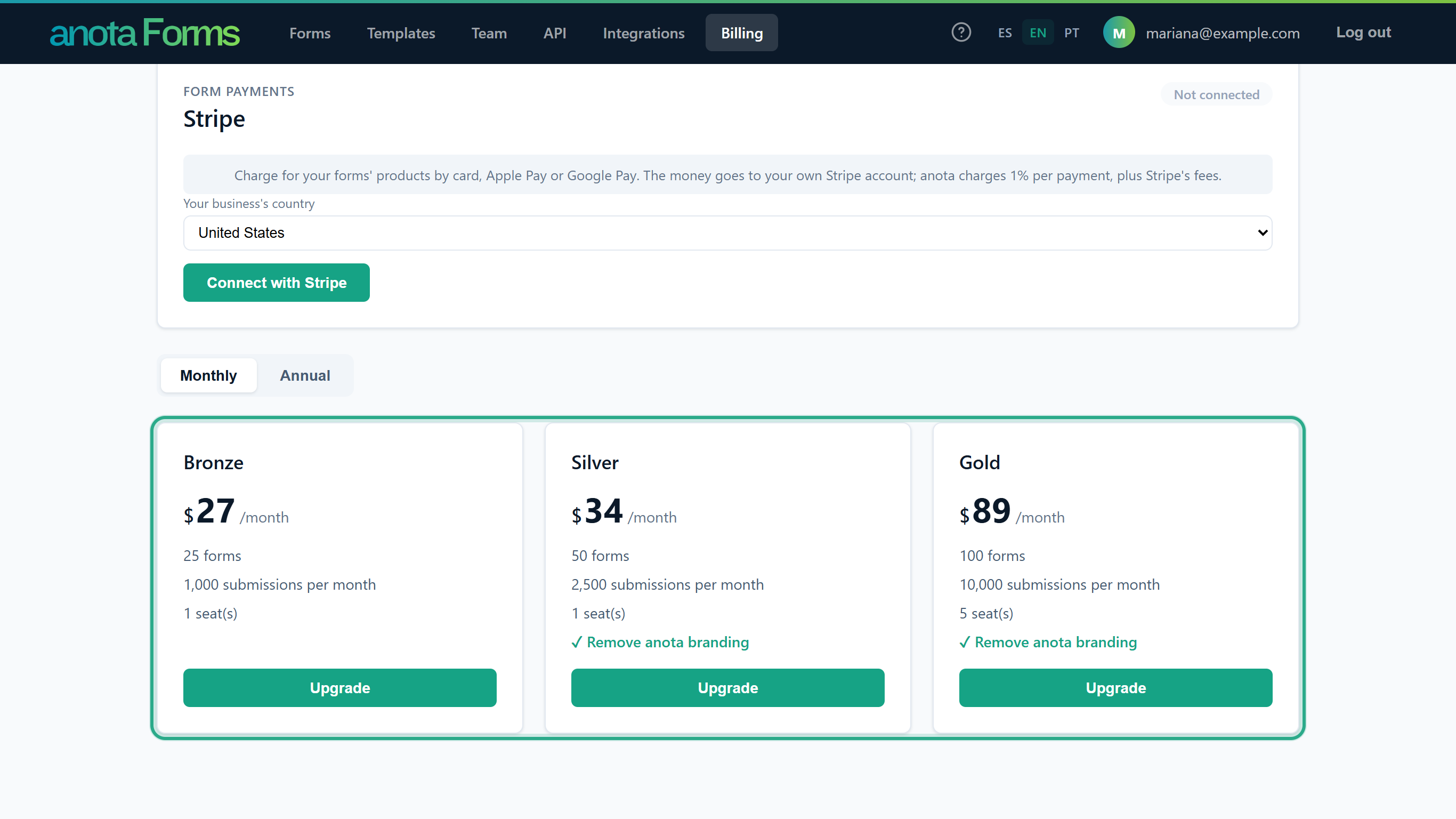 Bronze, Silver and Gold, monthly.
Result
The plans side by side:
| Starter | Bronze | Silver | Gold | |
|---|---|---|---|---|
| Price, monthly | Free | $27/month | $34/month | $89/month |
| Price, annual | Free | $288/year | $360/year | $828/year |
| Forms | 5 | 25 | 50 | 100 |
| Submissions per month | 100 | 1,000 | 2,500 | 10,000 |
| Seats (members, including pending invitations) | 1 | 1 | 1 | 5 |
| "Powered by anota" footer | Shown | Shown | Removed | Removed |
Each plan also has limits that aren't listed on the cards:
| Limit | Starter | Bronze | Silver | Gold |
|---|---|---|---|---|
| Responses stored per form | 500 | 10,000 | 25,000 | 100,000 |
| File storage for uploads to your forms (whole workspace) | 100 MB | 1 GB | 10 GB | 100 GB |
| Paid orders per month (forms that charge with Stripe) | 10 | 100 | 250 | 1,000 |
For what the branding removal changes, see Company and branding.
Task 3 — Upgrade to a paid plan
Prerequisites
- No active subscription: the workspace is on Starter, its last subscription was canceled, or its last checkout was never completed. With an active subscription, the other plans' cards read "Change plans from Manage billing" instead of showing a button (Task 4).
Step-by-step
Choose Monthly or Annual, then click Upgrade on the plan you want. (On a plan below your current one the button reads Change.) While anota prepares the payment, the button reads Redirecting….
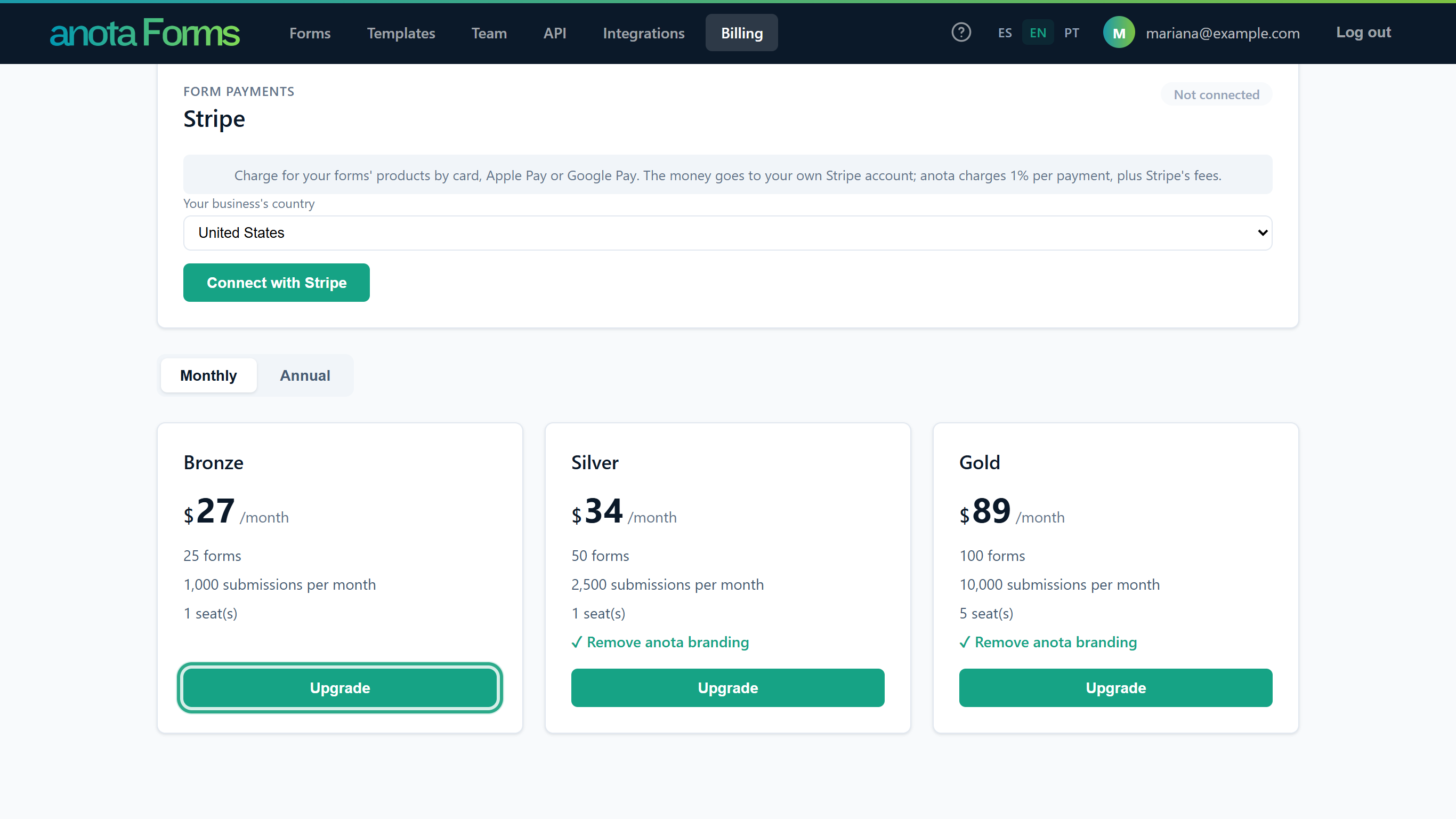 The cycle you picked with Monthly / Annual is the one you subscribe to.
Result
Stripe's Checkout page opens, outside anota. Enter your card details there and confirm. Stripe then brings you back to Billing:
- After paying, you see All set! Your plan will update in a few seconds. Within seconds the new plan appears under Current plan, its card shows a greyed-out Current plan button, and the new limits apply.
- If you leave Checkout without paying, you see Payment canceled. and nothing changes.
After the first subscription, a Manage billing button appears at the top right of the page.
Task 4 — Change plans, update your card or cancel (Manage billing)
Prerequisites
- The workspace has subscribed at least once. Until then there's no Manage billing button.
Step-by-step
- On Billing, click Manage billing at the top right. The button reads Opening… while Stripe's billing portal loads.
- The portal opens outside anota, on Stripe. Manage your subscription there: the options it offers (such as changing plans, updating your card, invoices or cancelling) are the ones set up in Stripe for anota. When you're done, use the portal's link back: it returns you to Billing.
Result
Changes made in the portal reach anota as soon as Stripe confirms them: the Current plan card shows the new plan and status. anota doesn't list invoices on its own pages: they're kept by Stripe.
Form payments card
Where form payments are available, the Owner also sees a Form payments card here to connect the workspace's own Stripe account (Connect with Stripe); see Products, orders and Stripe payments.
What happens when you reach a limit
The bars on Billing don't block anything themselves. Each limit applies where you use it:
| Limit | Where it applies | What you see |
|---|---|---|
| Forms | Creating, cloning or restoring a form, on Forms or Templates. | "Your plan allows up to 5 forms. Archive or delete a form to create another." with an Upgrade my plan → link. |
| Submissions per month | A visitor submits one of your public forms. | The visitor sees "This form has reached its submission limit and can't accept new responses right now." |
| Responses stored per form | A visitor submits a form that already stores its plan's maximum. | The same message. Deleting responses frees room. |
| Paid orders per month | A visitor submits a form that charges with Stripe. | The same message. |
| File storage | A visitor attaches a file in a file upload field. | "Can't attach: the account that owns this form has reached its storage limit." |
| Seats | Inviting someone on Team. | The invitation form is disabled with a message about your plan's seats. |
Upgrading raises every limit at once. For forms and seats you can also free room: archive or trash forms, or remove members.
Roles and permissions
| Role | See Billing | Upgrade, change plans, Manage billing | Form payments card |
|---|---|---|---|
| Owner | Yes | Yes | Yes |
| Admin | Yes | Yes | No |
| Editor, Viewer | No: no Billing link, and opening the page shows "You don't have permission to view this page." | No | No |
Troubleshooting
| Symptom | Likely cause | Resolution |
|---|---|---|
| There's no Manage billing button | The workspace has never subscribed. | Subscribe with Upgrade first (Task 3). |
| The plan cards show "Change plans from Manage billing" and no button | The workspace has an active subscription. | Use Manage billing (Task 4). |
| "You already have an active subscription. Manage your plan from Billing." | A subscription was already active when you clicked Upgrade. | Use Manage billing. |
| "Payments aren't configured yet. Check back soon." | The plan and cycle you chose can't be bought right now. | Try the other cycle or try later; contact support if it persists. |
| "We couldn't open the billing portal." | The workspace has no subscription with Stripe yet. | Subscribe first. |
| "Something went wrong. Please try again." | Stripe couldn't be reached. | Try again in a moment. |
| I paid but still see my old plan | Stripe's confirmation takes a few seconds. | Reload Billing after a few seconds. |
| Status shows Payment overdue | Stripe couldn't charge your card. | Update your card through Manage billing. |
| I don't see Billing in the menu | Your role is Editor or Viewer. | Ask the workspace Owner or an Admin. |
Related features
Was this page helpful?