 P4 Software
/
logisticaHQ Client Portal
P4 Software
/
logisticaHQ Client Portal
P4 Software
/
logisticaHQ Client Portal
P4 Software
/
logisticaHQ Client Portal
This section shows what your warehouse stores for you. It has one list, Inventory, and three reports: Inventory detail, Bulk Inventory and Expiry. Read this page to learn which one to open for your question and what the key words mean. It is for the people at your company who sign in to the portal.
All four pages are in one menu group named Reports:
The group is closed when you sign in. Click Reports to open it. It opens by itself when you are on one of these pages (or on a product, LPN or bin page). On a phone the menu is one row of links and every entry is listed, so there is no group to open. For more on the menu, see Finding your way around.
The Reports group in the left menu, open.
Your warehouse turns on access for each user. Two separate switches control this section, and neither one includes the other:
| Page | Access switch your warehouse must turn on |
| Inventory, and the product, LPN and bin pages you open from it | View Inventory |
| Inventory detail, Bulk Inventory and Expiry | View reports |
You may see only part of the group. With only View Inventory, the Reports group lists just Inventory. With only View reports, it lists the three reports. With neither, the group does not appear. If you open a page you have no access to, you see "You don't have access to this section." Ask your warehouse to turn on the switch you need. The switches are explained in View only and Administer access.
| Your question | Open this page | What it shows |
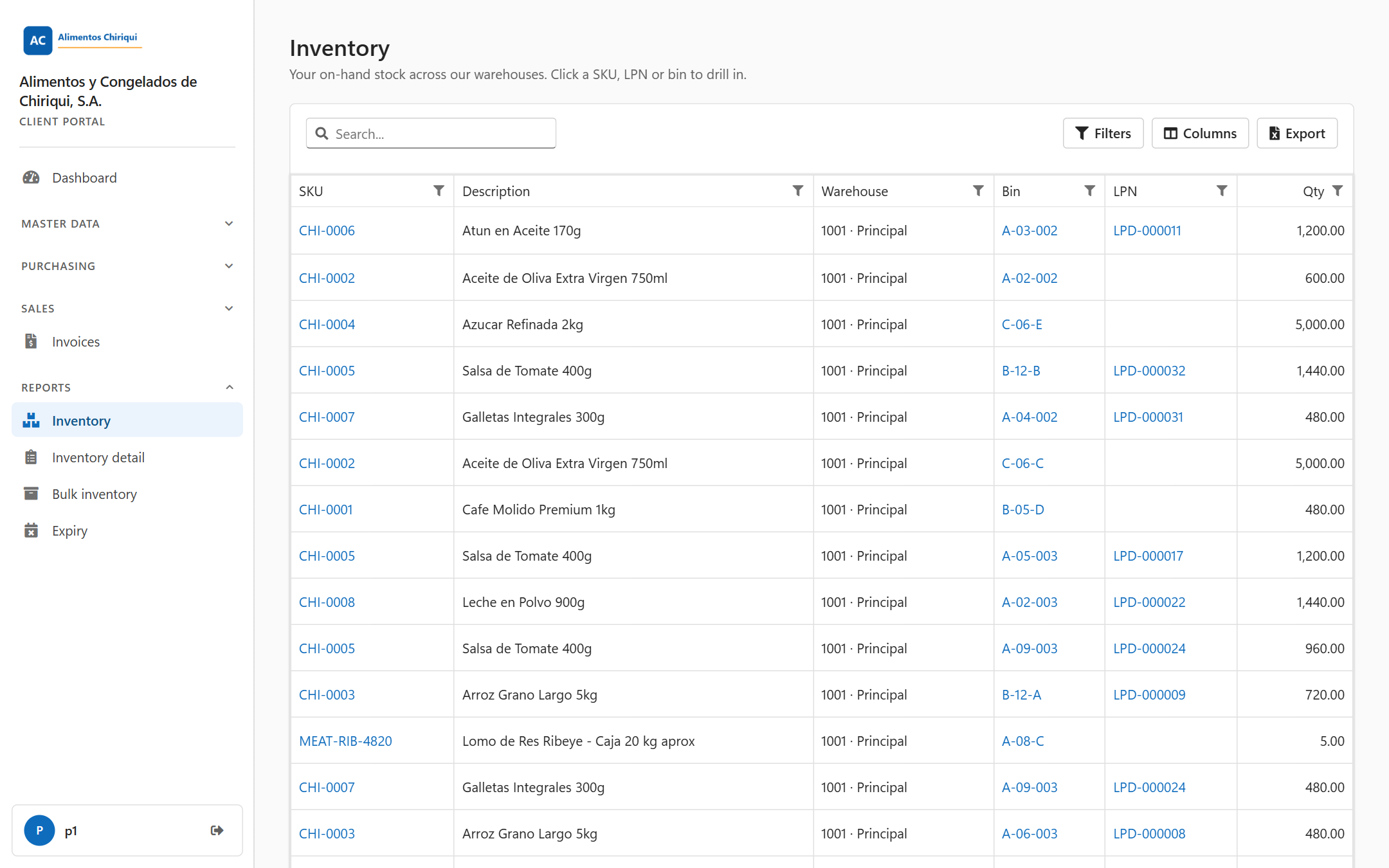
| What do I have, and where? | Inventory | One row for each product in each bin or on each LPN, with the quantity on hand. Click a SKU, a bin or an LPN to see its details (Product, LPN and bin details). |
| Which lots, serial numbers and expiry dates do I have? | Inventory detail report | Every stock line, split by lot, serial number and expiry date, for stock in bins and on LPNs. |
| What is on each pallet or box? | Bulk inventory report | Only stock that sits on LPNs, listed by LPN, split by lot, serial number and expiry date. |
| What is about to expire? | Expiry report | Only stock that carries an expiry date, with a status, the days left, three summary tiles and a chart. |
These words appear on every page of this section. The Glossary has the full list.
| Word | What it means here |
| On hand | The quantity of a product that the warehouse holds for you right now. The portal shows on-hand quantities only. It does not show allocated or available quantities in this section. |
| LPN | License plate number: the label code on a pallet, carton or other container. Stock "on an LPN" is stored on that labelled container. |
| Bin | A storage location in the warehouse, such as a shelf or a floor position. Every bin has a code. |
| Lot | A batch of a product made or received together, identified by a lot number. |
| Serial | A serial number that identifies one single unit. |
| Expiry | The date after which a product should no longer be used or shipped. |
| Warehouse | Shown as the warehouse code, a dot, then its name, for example 1001 · Main warehouse. If a warehouse has no separate name, only the code is shown. The code can appear alone for a moment while the names load. |
Was this page helpful?