 P4 Software
/
logisticaHQ Client Portal
P4 Software
/
logisticaHQ Client Portal
P4 Software
/
logisticaHQ Client Portal
P4 Software
/
logisticaHQ Client Portal
This section is where you tell your warehouse what goods are on their way, and follow them until the warehouse has received everything. It is for client users of the logisticaHQ Client Portal who buy goods from Vendors and send them to the warehouse.
A purchase order tells the warehouse what goods are coming in from your vendor, so it can receive them. You list the Products and the quantities you expect, the vendor and the warehouse that will receive them. When the goods arrive, the warehouse receives them against the purchase order, and the stock then appears in your Inventory.
Your warehouse turns on access for each person, on the Portal access card of their user. Two switches control purchase orders:
| What you want to do | Switch your warehouse must turn on |
| See the open and closed lists of purchase orders and open one to read it | View purchase orders (in the View only box) |
| Create a purchase order, and change one that has not been received yet | Create purchase orders (in the Administer box). It also lets you view purchase orders. |
If you open a page you do not have access to, you see You don't have access to this section. Ask your warehouse to turn on the switch you need. See View only and Administer access.
Order statuses explains every status.
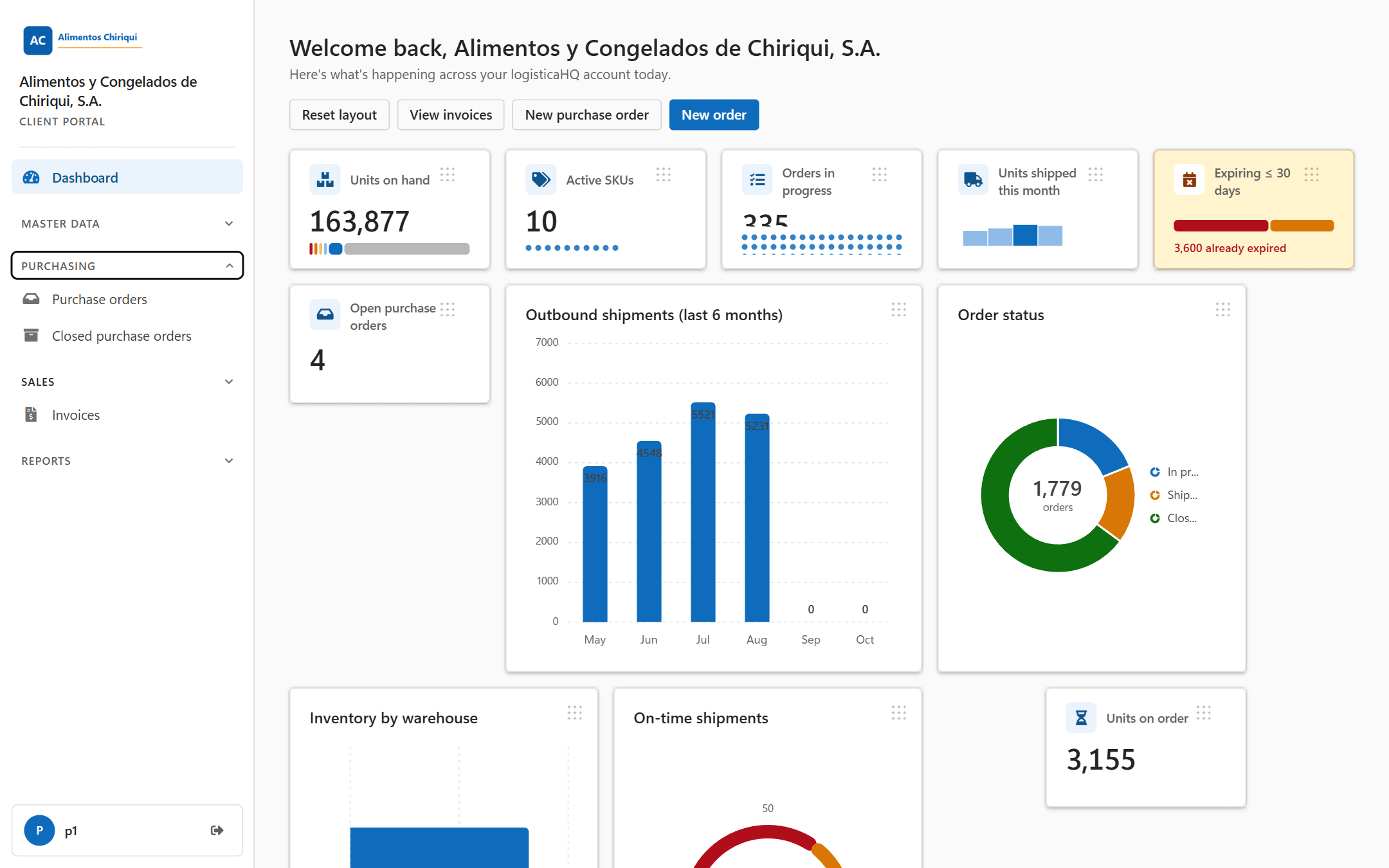
The Purchasing group in the left menu.
Was this page helpful?