 P4 Software
/
logisticaHQ Client Portal
P4 Software
/
logisticaHQ Client Portal
P4 Software
/
logisticaHQ Client Portal
P4 Software
/
logisticaHQ Client Portal
This section is where you ask your warehouse to ship your goods and follow each order until it leaves. It is for client users of the logisticaHQ Client Portal who need to see, place or change sales orders.
A sales order asks the warehouse to ship your goods to your customer. You say which Products and how many, where they go and when you need them. The warehouse then picks, packs and ships them from your stock. In the portal you can see every step of that journey, from Draft to Closed.
Your warehouse turns on access for each person, on the Portal access card of their user. Two switches control sales orders:
| What you want to do | Switch your warehouse must turn on |
| See the open and closed lists of sales orders and open an order to read it | View orders & shipments (in the View only box) |
| Place a new order, and change an order that can still be changed (while it is Draft or Unallocated) | Place outbound orders (in the Administer box). It also lets you view orders, so you do not need the other switch as well. |
If you open a page you do not have access to, you see You don't have access to this section. Ask your warehouse to turn on the switch you need. See View only and Administer access for how the two boxes work.
The status is set by the warehouse's work, not by you. Order statuses explains every status.
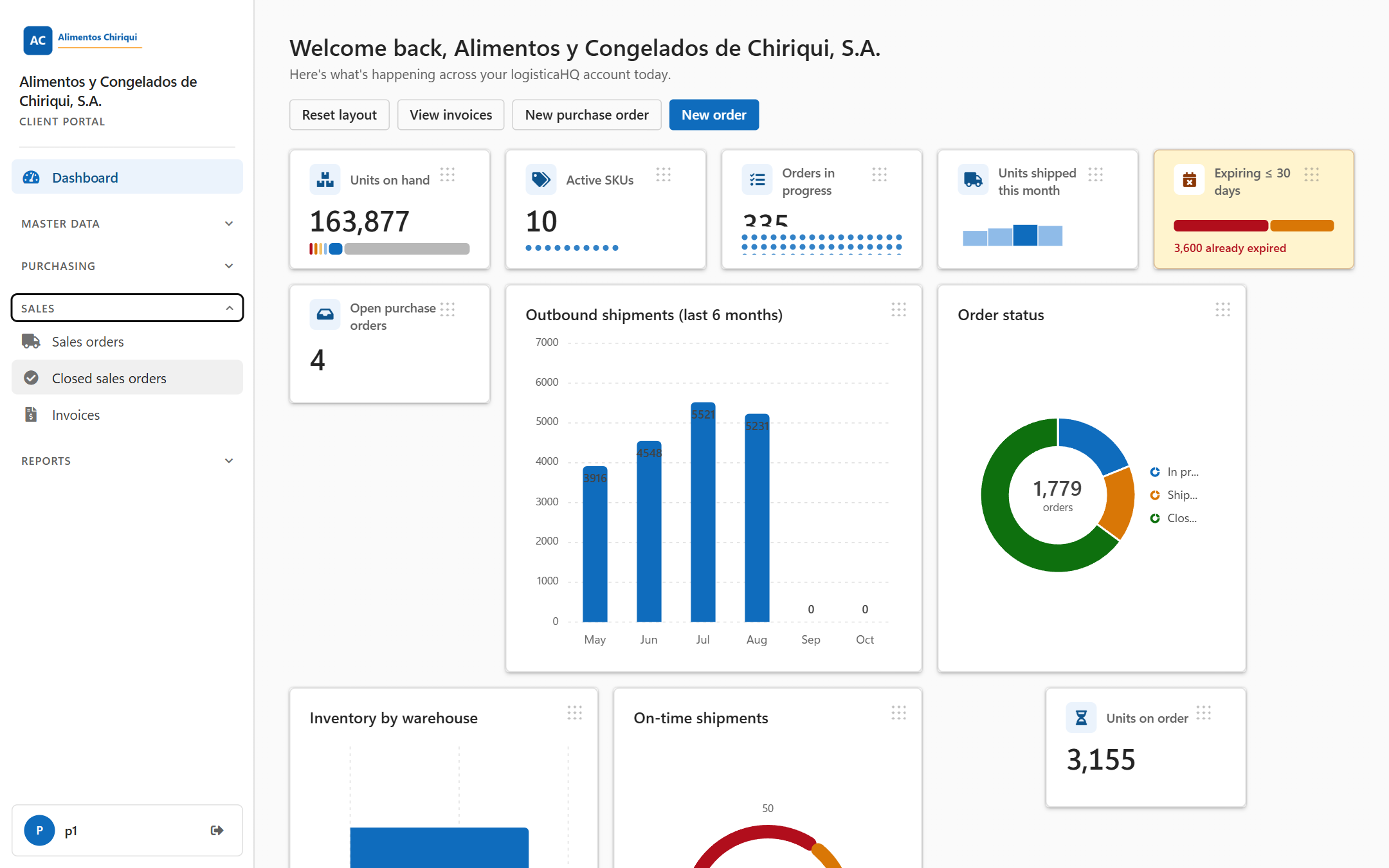
The Sales group in the left menu.
Was this page helpful?