 P4 Software
/
logisticaHQ-en
P4 Software
/
logisticaHQ-en
P4 Software
/
logisticaHQ-en
P4 Software
/
logisticaHQ-en
Substitute Convert is a unique function in LogisticaHQ. This function is designed to allow the clean conversion from one SKU to a different SKU.
For this process we will use the example of Turkeys. Many stores buy then sell turkeys by weight either pounds or kilos. However, other stores like Costco buy then sell turkeys as units. In the LogisticaHQ you would create two SKU's one for decimal (weight) and one for units, in both SKU's you would enter the word turkey in the substitute group. Then with a PDT (android device) you would enter the process named Substitute Conversion.
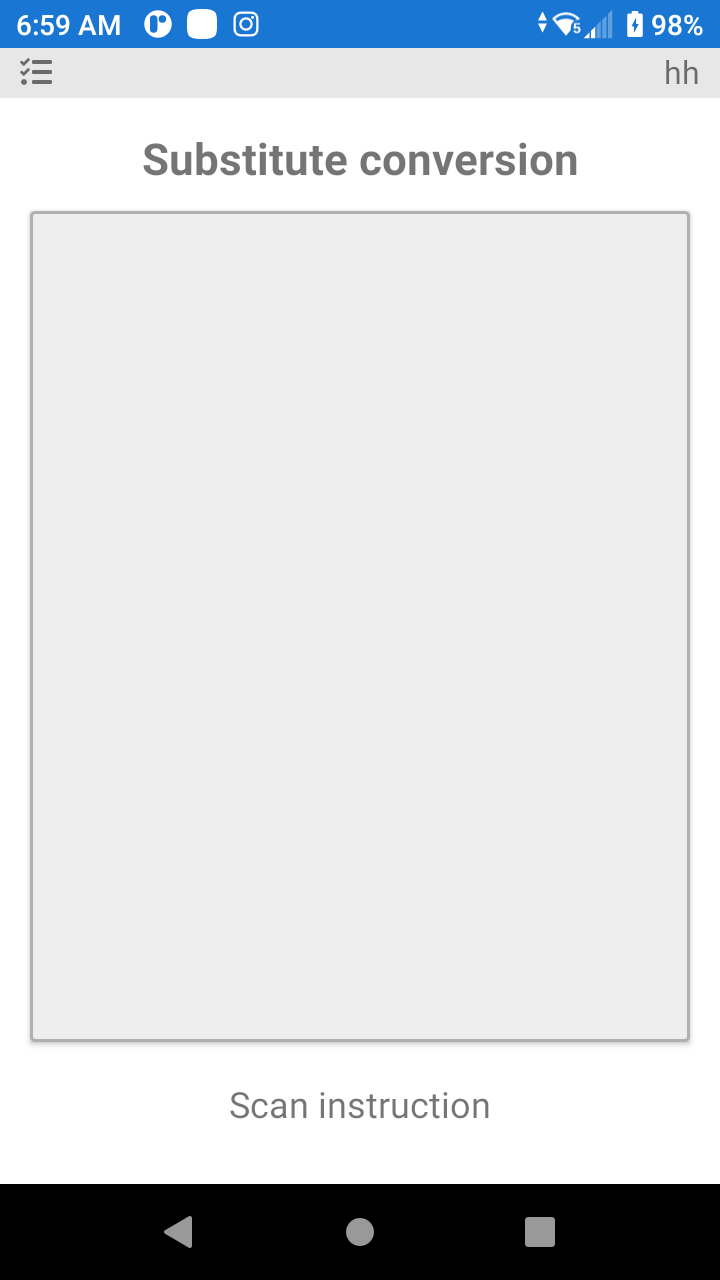
Here you will scan a label to process the substitute request.
Example: The user is requested to convert 500 turkeys to pounds, this will create approximately thirty-eight turkeys. Once the conversion is completed the individual turkeys will be available to sell.
In the LogisticaHQ System this will reflect as a product conversion, depending on your ERP this most likely will reflect as a negative / positive adjustment.
Was this page helpful?