 P4 Software
/
logisticaHQ-en
P4 Software
/
logisticaHQ-en
P4 Software
/
logisticaHQ-en
P4 Software
/
logisticaHQ-en
RMA List will display a list of RMA orders waiting to be received.
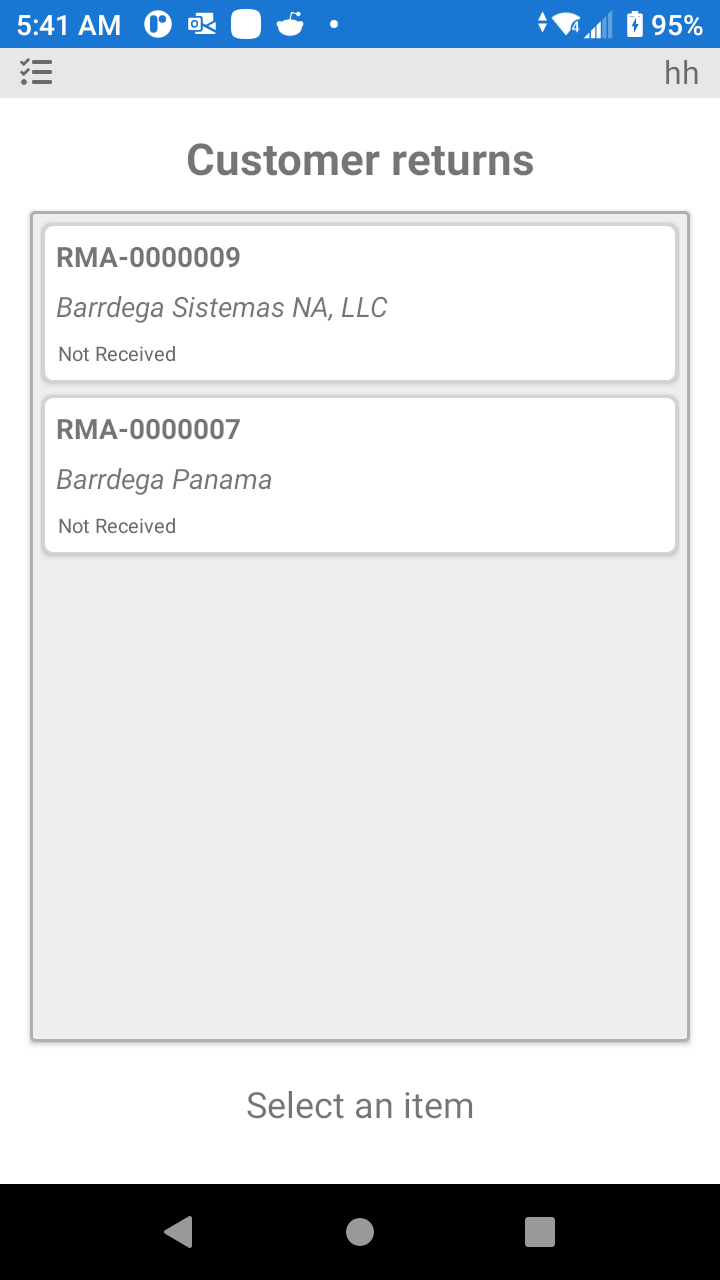
When the RMA arrives at the dock, the receiver must be presented with the RMA number. The PDT user will select the RMA from the list and process the RMA to be sure it is in compliance with the expected order.
Was this page helpful?