 P4 Software
/
logisticaHQ-en
P4 Software
/
logisticaHQ-en
P4 Software
/
logisticaHQ-en
P4 Software
/
logisticaHQ-en
The Ship Process will allow the PDT user to Ship the pallet or boxes.
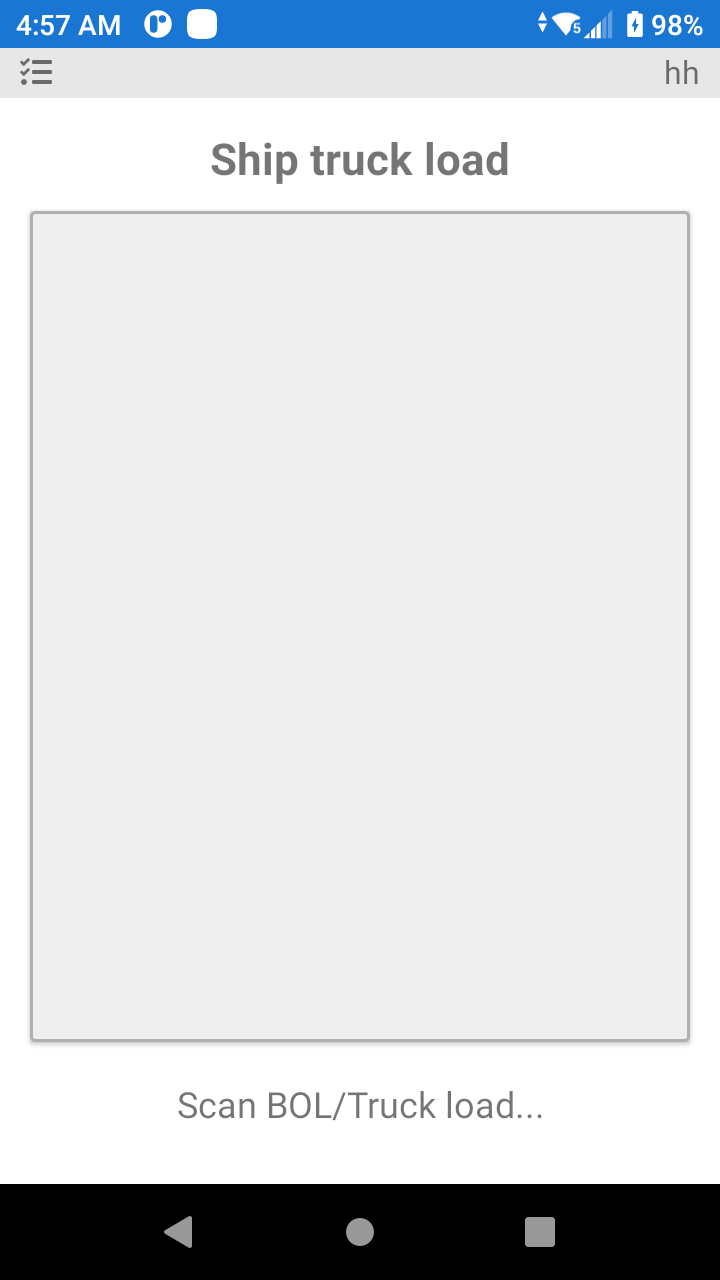
Start the process by scanning the pallet label
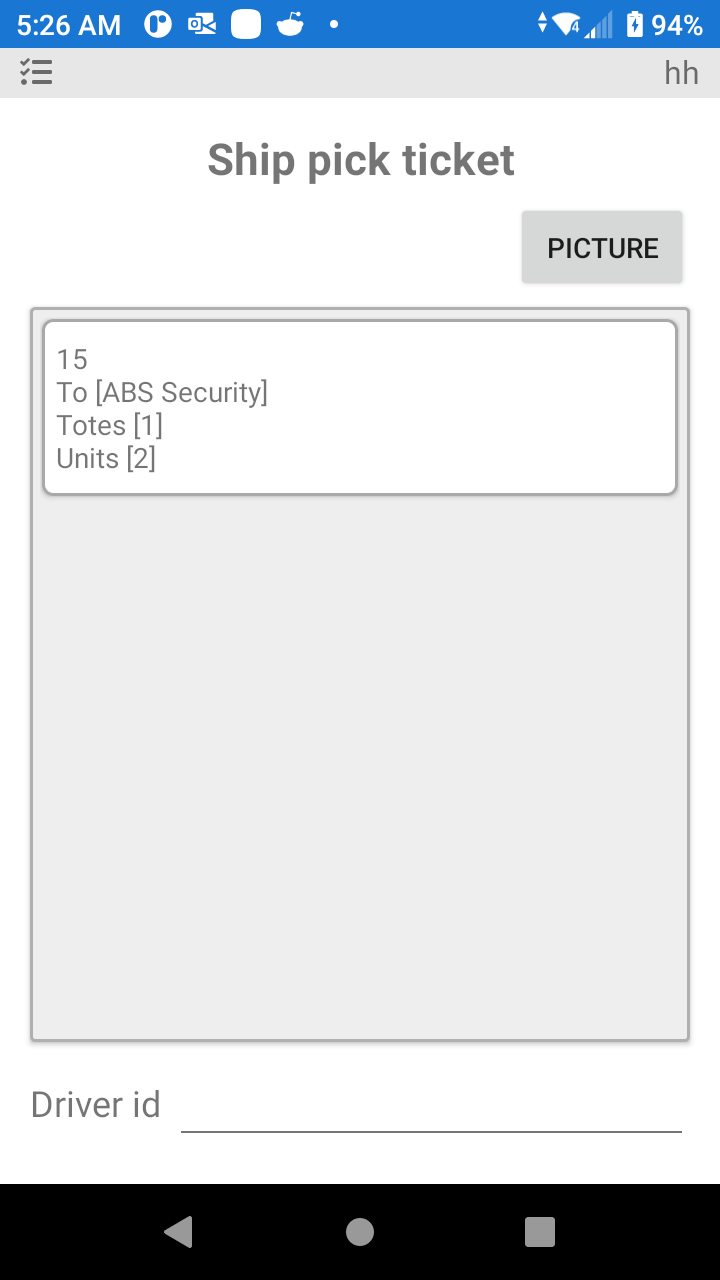
Once the Tote label is scanned there is an option to take photos of the shipment. Also, the user is presented with a series of fields to complete, once the data is entered the order will be moved to Shipped status, then to Closed status depending on the Automation configurations in your software.
Was this page helpful?