 P4 Software
/
logisticaHQ-en
P4 Software
/
logisticaHQ-en
P4 Software
/
logisticaHQ-en
P4 Software
/
logisticaHQ-en
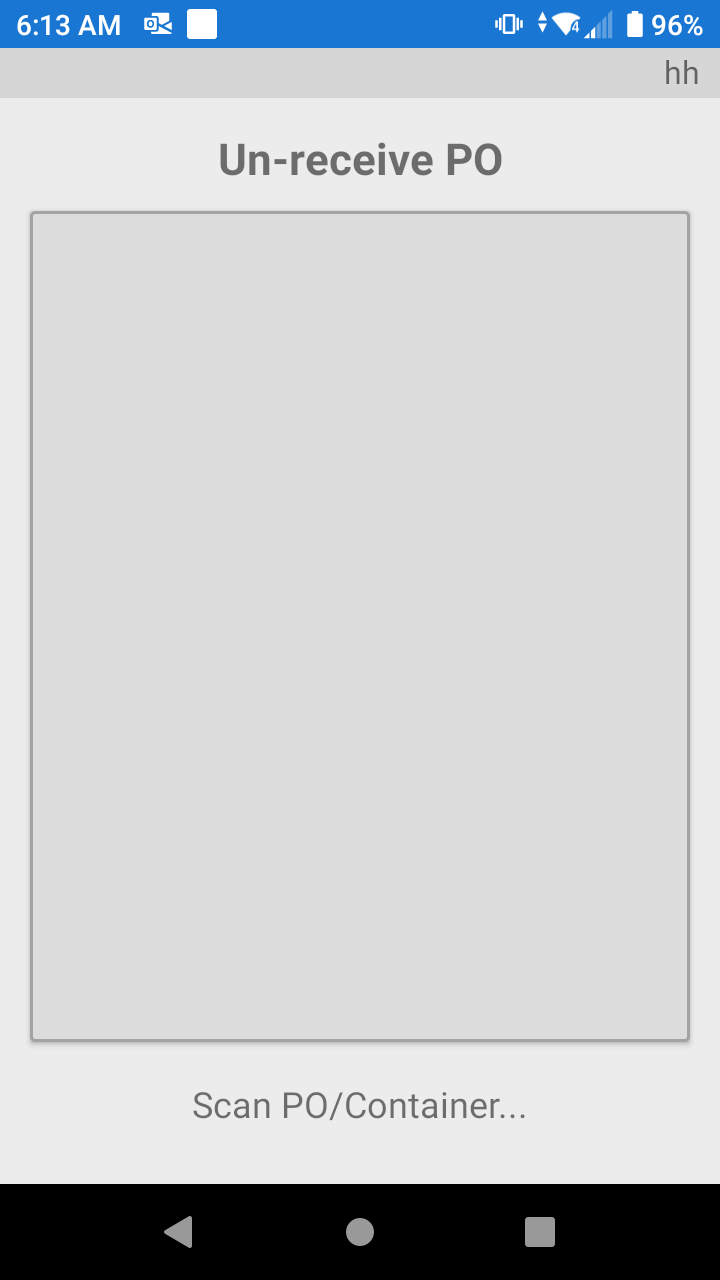
In the event a product is received incorrectly, and the Purchase Order has not been closed there is the possibility to un-receive the product(s).
Remember the Receiving process is absolutely, the most important process in a Warehouse. Bad Receiving practices will cause many delays in other Warehouse processes.
Was this page helpful?