 P4 Software
/
logisticaHQ-en
P4 Software
/
logisticaHQ-en
P4 Software
/
logisticaHQ-en
P4 Software
/
logisticaHQ-en
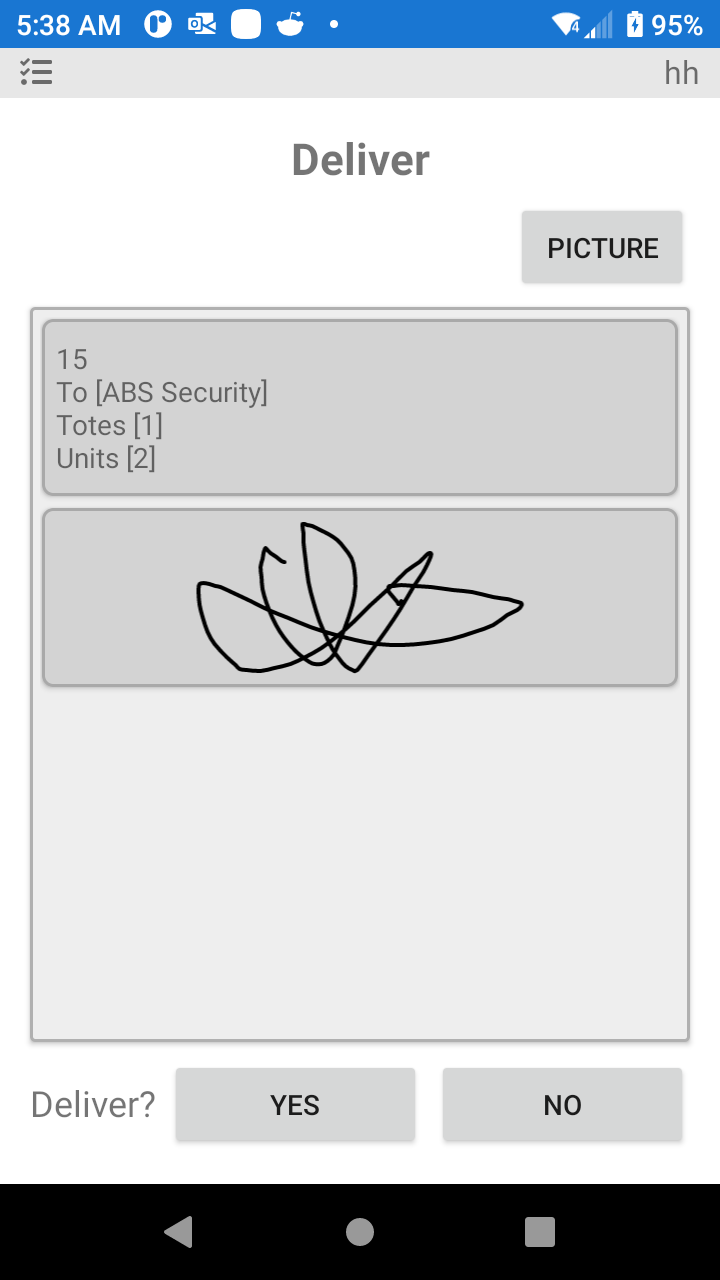
In the event of a company using their own Delivery vehicles, the order can be managed to the final Delivery point, if required at this point a signature and Photo can be captured.
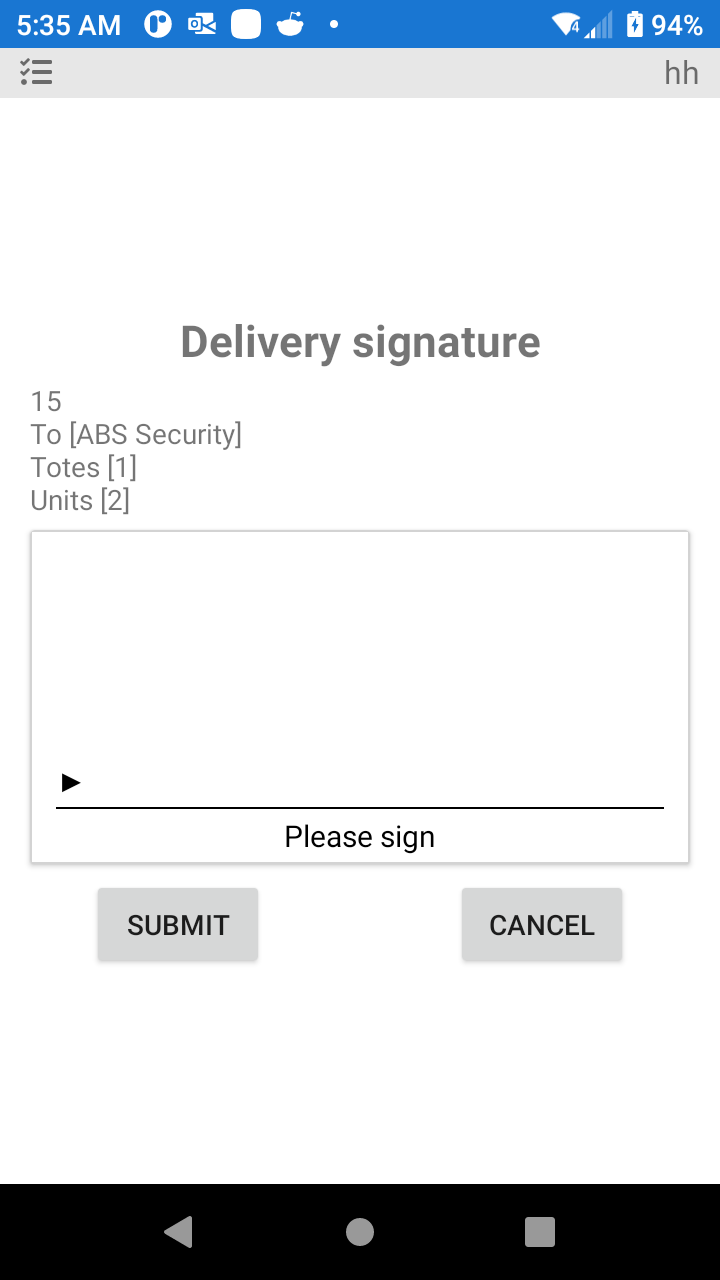
After the signature is captured, there will be an option for a Photo to be captured.
Was this page helpful?