
P4 Software P4 Software / logisticaHQ-en

Add these docs to Claude

Ask Claude questions about these docs. Claude reads the published pages and links you back to them. Copy this address:

https://docs.p4software.cloud/mcp

In claude.ai or Claude Desktop: open Settings, then Connectors, choose Add custom connector and paste the address.

In Claude Code, run:

claude mcp add --transport http docs https://docs.p4software.cloud/mcp

Truck load tote to dock

Tote to Dock

The Tote to Dock process allows the user to move a pallet from a Staging bin to the dock door for Shipping.
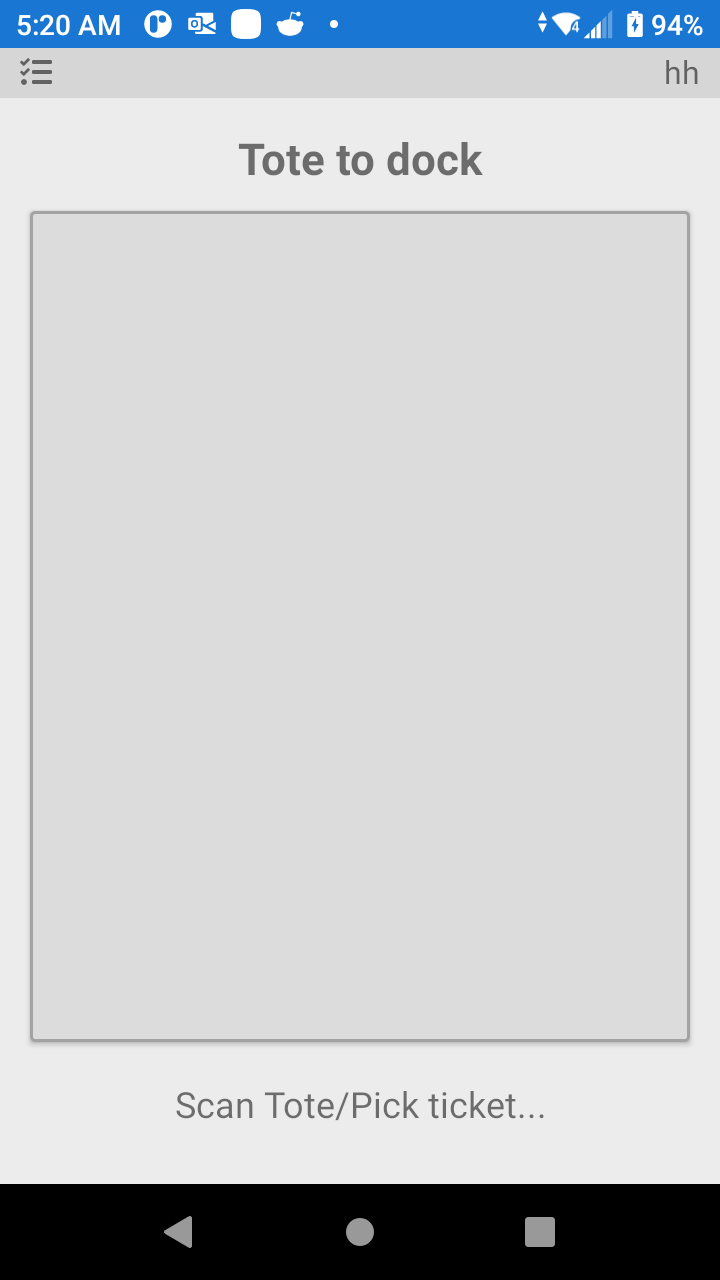
LogisticaHQ Stagged Pallet to Dock Door

First scan the pallet label then scan the dock door label.

Was this page helpful?