 P4 Software
/
logisticaHQ-en
P4 Software
/
logisticaHQ-en
P4 Software
/
logisticaHQ-en
P4 Software
/
logisticaHQ-en
The Tote to Dock process allows the user to move a pallet from a Staging bin to the dock door for Shipping.
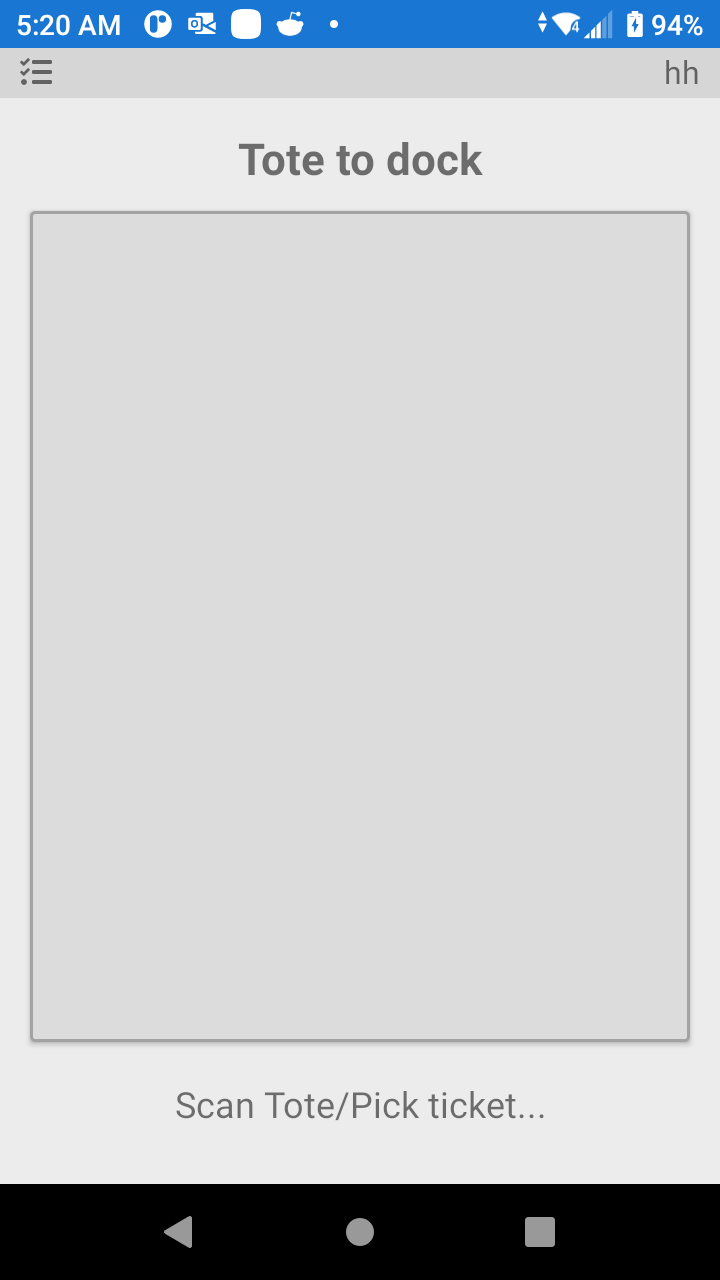
First scan the pallet label then scan the dock door label.
After Picking a pallet that requires Staging, use the Tote to Stage function to move the completed pallet to a Staging bin to be shipped on a future date.
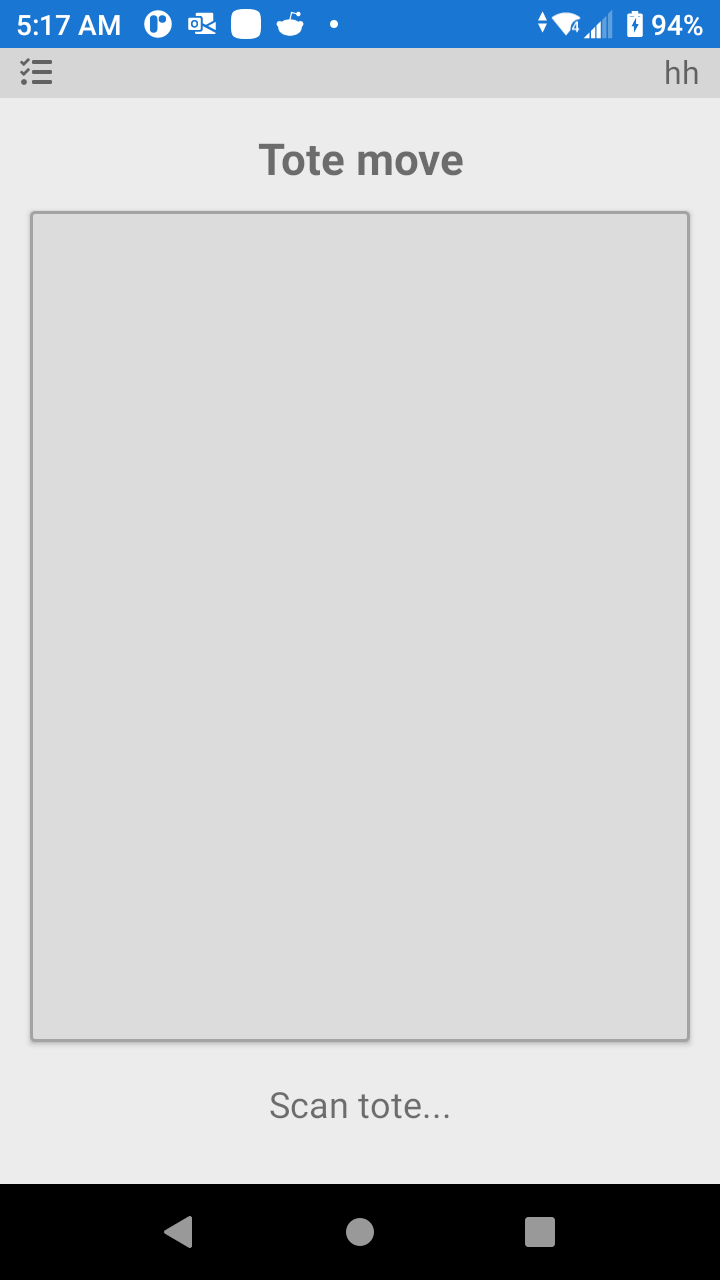
Scan the Tote Label (Pallet Label) and the scan the Staging bin label.
Was this page helpful?