
P4 Software P4 Software / logisticaHQ-en

Add these docs to Claude

Ask Claude questions about these docs. Claude reads the published pages and links you back to them. Copy this address:

https://docs.p4software.cloud/mcp

In claude.ai or Claude Desktop: open Settings, then Connectors, choose Add custom connector and paste the address.

In Claude Code, run:

claude mcp add --transport http docs https://docs.p4software.cloud/mcp

Adjust in

Adjust in

In this process you can adjust Inventory into the system.
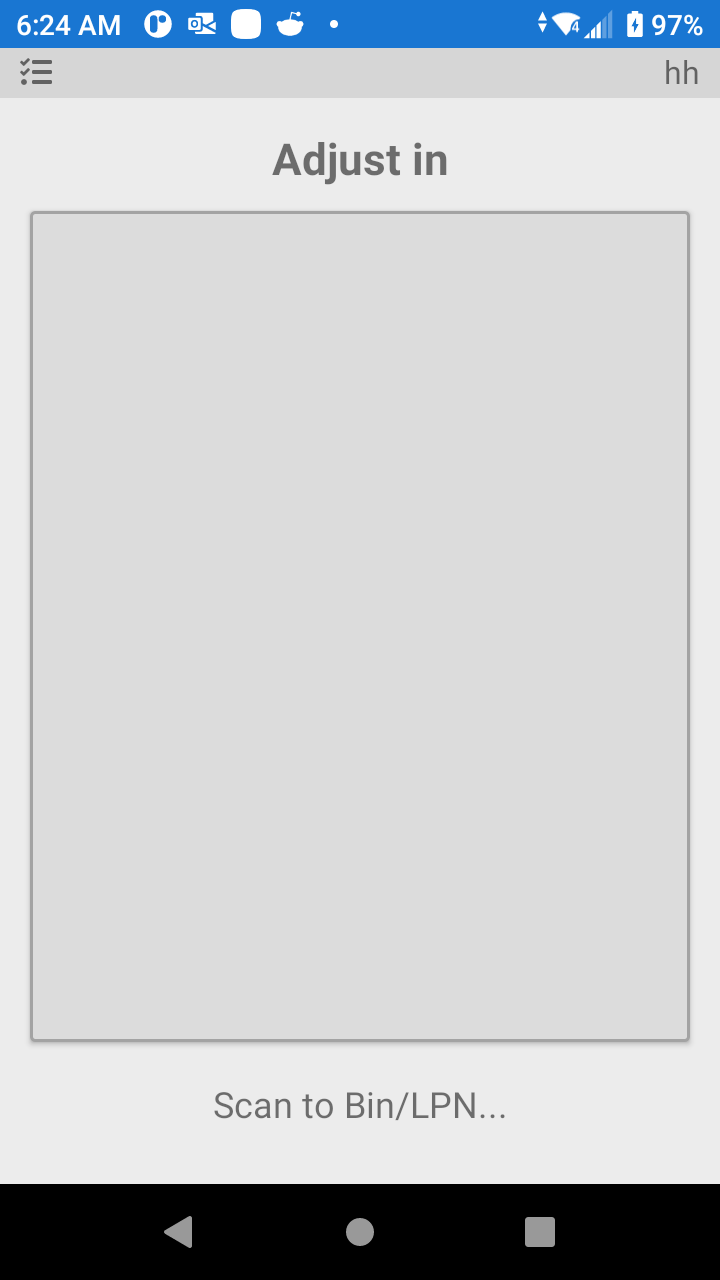
LogisticaHQ Positive Adjustment

In the screen above scan the bin location or LPN, then you will be prompted to scan the Product Barcode, then you will be prompted to enter the quantity of the adjustment.

Was this page helpful?