 P4 Software
/
logisticaHQ-en
P4 Software
/
logisticaHQ-en
P4 Software
/
logisticaHQ-en
P4 Software
/
logisticaHQ-en
Bill of Materials in LogisticaHQ is for the area of Production withing the WMS
After creating a new Product select the attribute "Bill of Materials" You will see a new option below the attributes area to add the sub-components to the Bill of Materials.
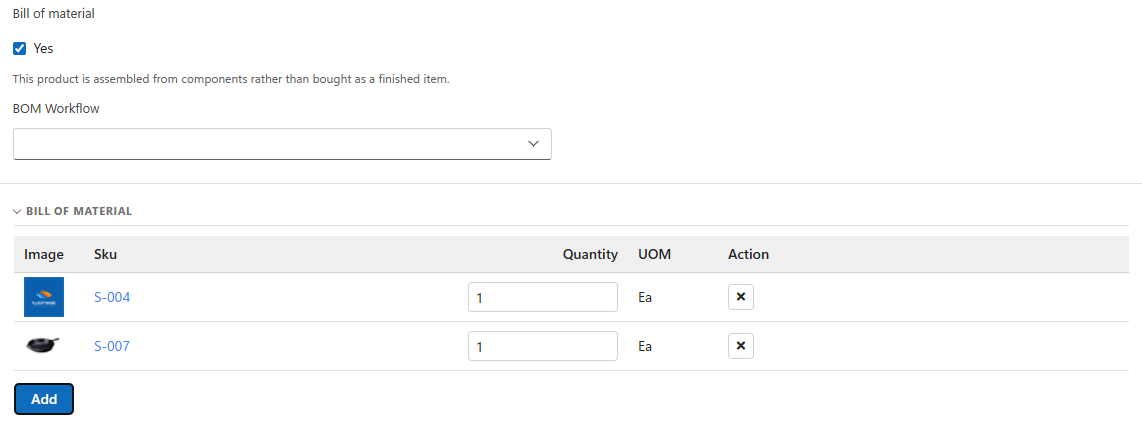
After adding the sub-components click the update button in the top right corner to save your changes.
Production is the process of converting raw goods into a new SKU.
LogisticaHQ includes Product Bundle for non-Production groups of Products.
Example:
A dining room set that includes a table base, tabletop and four chairs is a Product Bundle
Example: Making bread from raw goods is Production.
Was this page helpful?